What is image-to-video AI? How it works, what it's good at and how to start
By Peter Huang, AI video technology · Updated · 4 min read
the short version
Image-to-video AI takes one still photo and generates a short video that starts from it: the person or product stays, and the model adds motion, camera movement and sometimes a new scene. You upload a photo, describe what should happen, and get a three to ten second clip in a few minutes. It's best at natural, simple motion and short social clips.
AI Photo Restyle
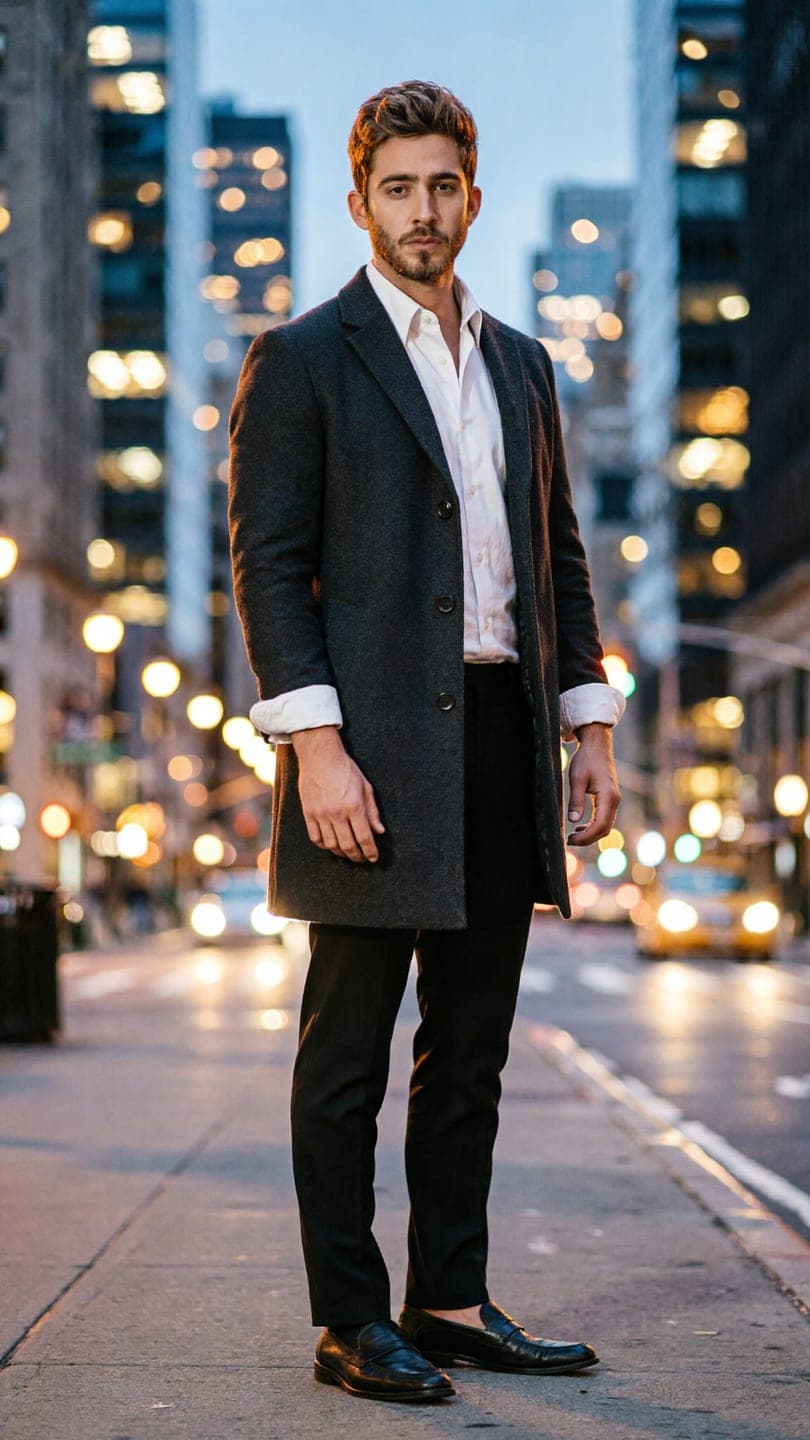 City full-length
1 Pick a look · optional
We put you into this example and keep everything else the same.
Failed renders refund credits
What does image-to-video actually do?
An image-to-video model treats your photo as the first frame of a film and imagines what happens next. It keeps what's in the picture, such as a face, an outfit, a product or a landscape, and generates new frames where things move: hair blows, waves roll, a person turns and smiles, the camera pushes in. The result is a short clip, usually three to ten seconds, sometimes longer on specialist models.
It's different from a photo filter, which changes how one frame looks, and from text-to-video, which invents everything from a description. Image-to-video starts from something real you already have.
How does it work, in plain terms?
The model has learned from huge amounts of video how things move: how fabric falls, how people walk, how light shifts as a camera moves. When you give it a photo and a short description, it predicts a sequence of frames that starts with your photo and follows the motion you described, keeping the details consistent from frame to frame. A short prompt like "she turns toward the camera and laughs, slow push in" guides what happens.
- Input: one photo, plus an optional description of the motion.
- Output: a short video clip, vertical or wide.
- Time: usually one to three minutes.
- Cost: a few cents to a couple of dollars a clip, depending on length and quality.
Try this look on your own photo.
Make it with my photoWhat is it good at, and where does it struggle?
- Good: natural motion like walking, turning, hair and fabric moving, water, clouds, candles.
- Good: slow, cinematic camera moves.
- Good: products rotating or being revealed.
- Harder: fast, complicated action like flips and fight scenes.
- Harder: hands doing detailed things, and text that must stay readable.
- Harder: keeping several people's faces accurate during big moves.
What can I make with it?
Most people use it for social posts: a selfie that turns into a short clip, a travel photo where the waves move, a product photo that spins, an old family photo that smiles. Ready-made trend looks go one step further: they rebuild a whole scene, like a snow globe or a night crosswalk, with you in it, then animate it. See how to animate a photo for a full walkthrough and image-to-video prompts for wording that works.
What photo gives the best result?
A sharp, well-lit photo with the subject clearly visible. For people: face toward the camera, eyes visible, nothing covering the face. For products: the whole product in frame, label readable, plain background. Low-resolution, blurry or heavily filtered photos give the model less to work with. Our guide to the best photos for AI video has examples.
What do the common settings mean?
Most image-to-video tools show a few options before you generate. Length is how many seconds the clip runs; five is the usual default, and longer clips cost more. Resolution is the sharpness, from 480p for quick tests to 1080p for the cleanest result. Aspect ratio is the shape: 9:16 is vertical for phones, 16:9 is wide for YouTube and TVs. The model is the engine that makes the video; faster, cheaper ones suit testing ideas, and higher-quality ones suit the final version. Some tools also let you pick a camera move or a style.
- Length: 5 seconds is enough for most social posts.
- Resolution: test low, finish high.
- Aspect ratio: 9:16 for TikTok and Reels, 16:9 for YouTube.
- Model: cheap for ideas, premium for the keeper.
How can I try image-to-video?
Upload a photo in AI Video or on the make a photo move page and describe the motion. On Dromana a 5-second clip on Dromana uses 70 credits; new accounts get 70 free credits with no card, enough for one clip, plus 35 more each day they visit. Failed jobs refund automatically. Our best AI photo-to-video tools ranking compares other options.
Questions people ask
Can AI make a video from one photo?
Yes. Image-to-video AI turns a single clear photo into a short clip in a few minutes; one well-lit photo of your face is enough, no set of photos needed.
What is image-to-video AI?
AI that turns one still photo into a short video, keeping what's in the photo and adding motion.
How is it different from text-to-video?
Image-to-video starts from your photo; text-to-video invents everything from a description.
How long are image-to-video clips?
Usually three to ten seconds; some models make longer clips.
What is image-to-video good at?
Natural motion, slow camera moves, hair, fabric, water and product reveals.
What does it struggle with?
Fast complex action, detailed hand movements and readable text.
Can I try it for free?
Dromana gives 70 free credits on sign-up, enough for one 5-second clip.
Effects from this guide

Keep reading
 How to make a photo move: 4 ways, ranked4 min read
 40 image-to-video prompts that actually work4 min read
 The 10 best AI image-to-video and photo-to-video tools in 2026, by what you want to make6 min read
 AI elf dance videos: turn your photo into a dancing Christmas elf4 min read
 Viral AI video effects explained: bullet time, rides, snow globes and more6 min read
Ready to make yours?
Add one photo and get the look from this guide.