Winter photoshoot ideas: 25 snowy, cozy and city looks
By Sophia Miller, Fashion and aesthetics editor · Updated · 4 min read
the short version
Winter photos work best with one bold color against snow or grey streets, like a red puffer, a camel coat or a bright beanie. Shoot snow on an overcast day or in the hour after sunrise, add a little exposure so the snow stays white instead of grey, and bring motion with falling snowflakes, breath in the cold air or a scarf in the wind. Indoors, lean into warm lamps and knitwear.
AI Photo to Video
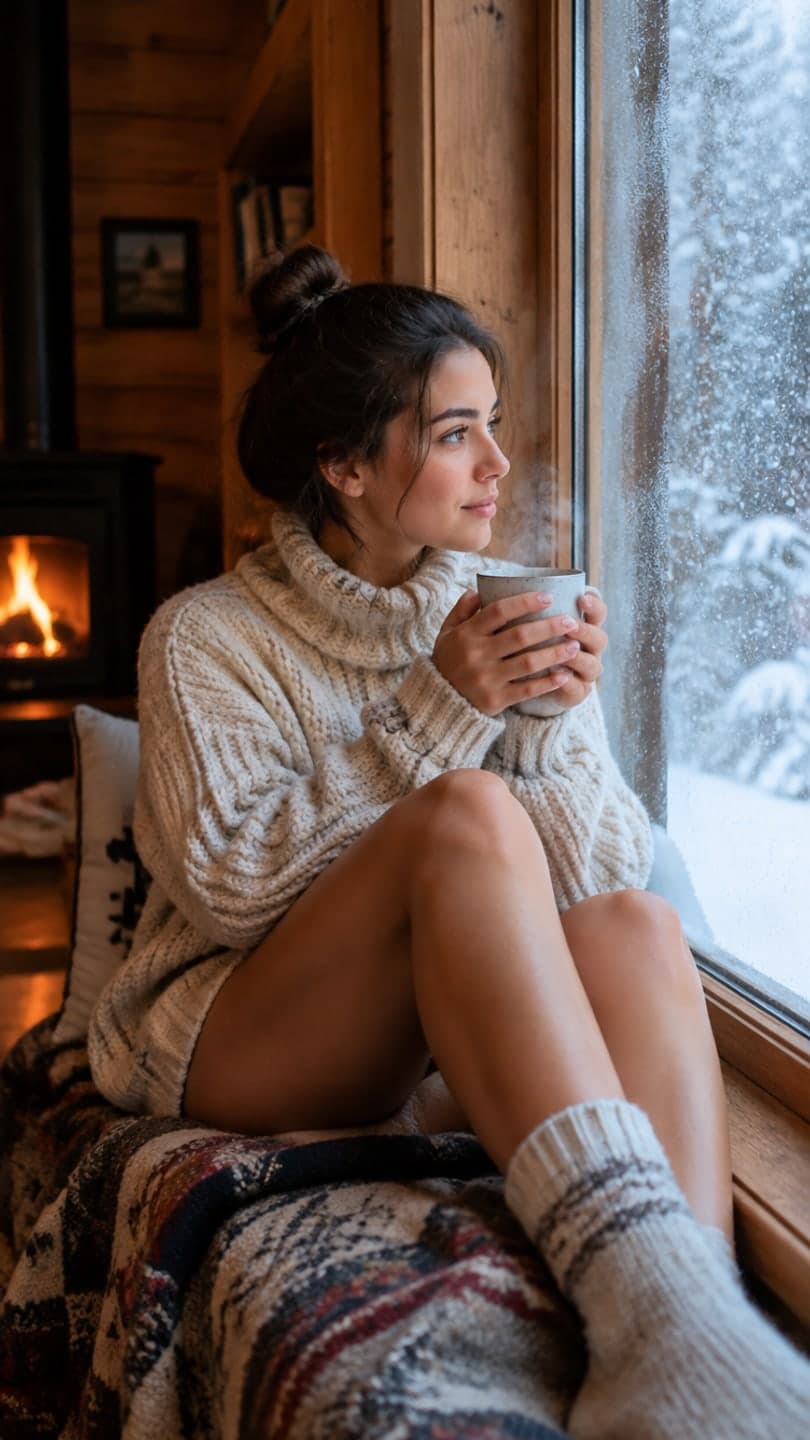 Cozy cabin
1 Pick a look · optional
We put you into this example — everything else stays as it is — then it moves like the example, at no extra cost.
Failed renders refund credits
Wear one color that pops
Snow and winter streets are mostly white and grey, which makes them the perfect backdrop for one strong color. Plan the outfit around that single accent.
Ready-made winter looks if you want the finished clip from one selfie: cozy cabin (snow outside, fire inside), holiday ice rink, après-ski on a sunny chalet terrace and the Christmas market stroll.
- A red, cobalt or emerald puffer against white snow.
- A camel or chocolate coat on grey city streets.
- A bright knit beanie or scarf with an otherwise neutral outfit.
- All cream or all white for a soft, snowy editorial look.
- Black long coat at night with lit shop windows behind you.
Snow day ideas
- Catching snowflakes on your tongue, shot from slightly below.
- Lying in fresh snow and making a snow angel, photographed from above.
- Walking through a snowy park path with trees on both sides.
- Throwing a handful of snow toward the camera, in burst mode.
- Breath fogging in cold air, side-lit by low sun.
- Sledding or a snowball fight, candid and blurry on purpose.
No snow where you live? A photo from any cold day can be restyled into a snowy forest in AI Image, the same look as the example at the top of this page.
Try this look on your own photo.
Make it with my photoCamera settings for snow
Phones see a bright white scene and try to make it middle grey, so snow comes out dull and faces too dark. A few small changes fix it.
Step 1
Tap on your face
This sets focus and exposure on you instead of the snow.
Step 2
Raise exposure slightly
Drag the sun icon up a little until the snow looks white, not grey.
Step 3
Shoot in soft light
Overcast days and the hour after sunrise avoid harsh glare and squinting.
Step 4
Keep the phone warm
Cold drains batteries fast; keep it in an inside pocket between shots.
Cozy indoor winter shoots
Some of the best winter photos are taken inside looking out. Turn the overhead light off and let warm lamps and the window do the work.
- A window seat with a blanket, a hot drink and snow outside.
- Chunky knitwear and wool socks by a fireplace or a heater.
- Steam rising from a mug, held in both hands, shot close.
- Fogged window with a drawn heart or initials.
- Reading in bed with fairy lights along the headboard.
For the holiday version with trees and lights, see our Christmas photoshoot ideas.
City nights in winter
Winter evenings start early, which gives you more blue hour and more lit windows. A long coat and wet pavement do most of the work.
- Walking under string lights on a shopping street.
- Standing in a shop doorway with warm light behind you.
- Reflections on wet pavement after rain or melted snow.
- Headphones, a long coat and city lights, shot from across the street.
For the film-still grade, try the cinematic photo filter on a selfie, or read our cinematic photo tips.
Make snow fall in your photo
A winter still becomes a story opener when the snow actually falls. Pick a photo with some sky or dark background around you and send it to AI Video.
Step 1
Describe the snow
Try "snow falls gently, she looks up and smiles, breath fogs in the cold air, slow push-in".
Step 2
Keep the motion small
Small movements look real; big turns or walks can blur your face.
Step 3
Add music and post
Clips come back silent, so add a song before posting it as the first slide.
Questions people ask
What are good winter photoshoot ideas?
Snow angels, catching snowflakes, a snowy park path, breath in cold air, a cozy window seat with a hot drink, and city nights with lit shop windows all photograph well.
What should I wear for a winter photoshoot?
One bold color against snow or grey streets, like a red puffer or camel coat, or an all-cream outfit for a soft snowy look. Add a scarf or beanie for movement and texture.
How do I take good photos in the snow?
Tap your face to set exposure, raise exposure slightly so the snow stays white, and shoot on an overcast day or soon after sunrise to avoid glare.
How do I capture falling snow in a photo?
Shoot against a dark background like trees or a coat, use burst mode, and stand where the snow is lit from the side.
Can I add snow to a photo?
Yes. Restyle the photo in AI Image with a snowy setting, or animate it in AI Video with a prompt like snow falls gently around me. Each image uses 10 credits, and new accounts get 70 free credits.
Effects from this guide
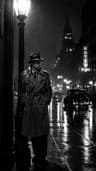 Cinematic photo filterGive travel and city photos a film-still grade: wet neon streets, blue-hour skylines, golden sunrise flare. Same place, same framing, far more mood.
 Make a photo moveUpload one photo, get a 5-second video in a minute or two: a smile, a head turn, wind in the trees, waves rolling in. Works on portraits and landscapes, free to try.
Keep reading
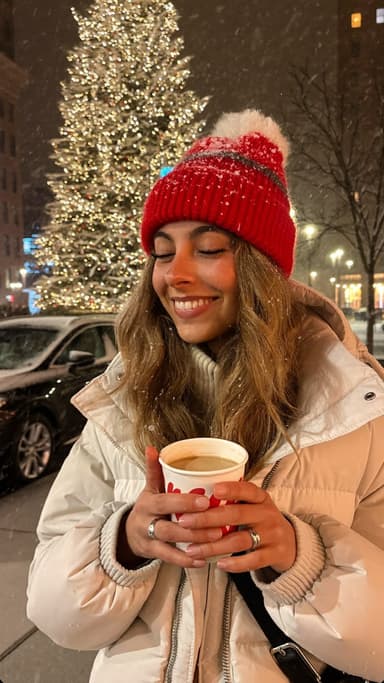 Christmas photoshoot ideas: 30 cozy, glam and funny looks5 min read
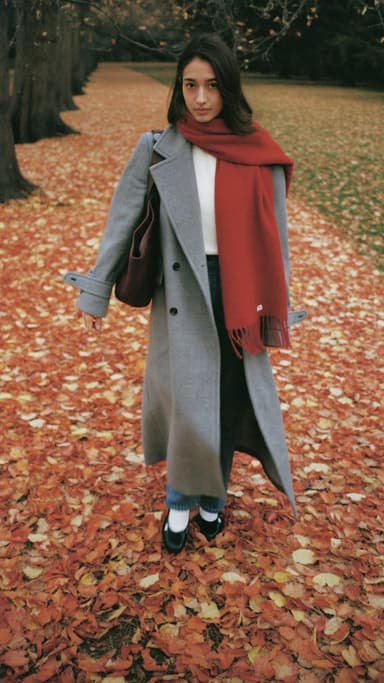 Fall photoshoot ideas: 25 autumn looks for leaves, layers and golden hour5 min read
 New Year's Eve photo ideas: 25 shots for the party, the countdown and after4 min read
 Christmas TikTok trends 2026: snow globes, tacky lights, matching PJs and more7 min read
 Mob wife aesthetic photos: fur, gold and red-lip glamour4 min read
Ready to make yours?
Add one photo and get the look from this guide.