Post it
Halloween photoshoot ideas: 30 looks from cute to creepy
By the Dromana team · Updated · 4 min read
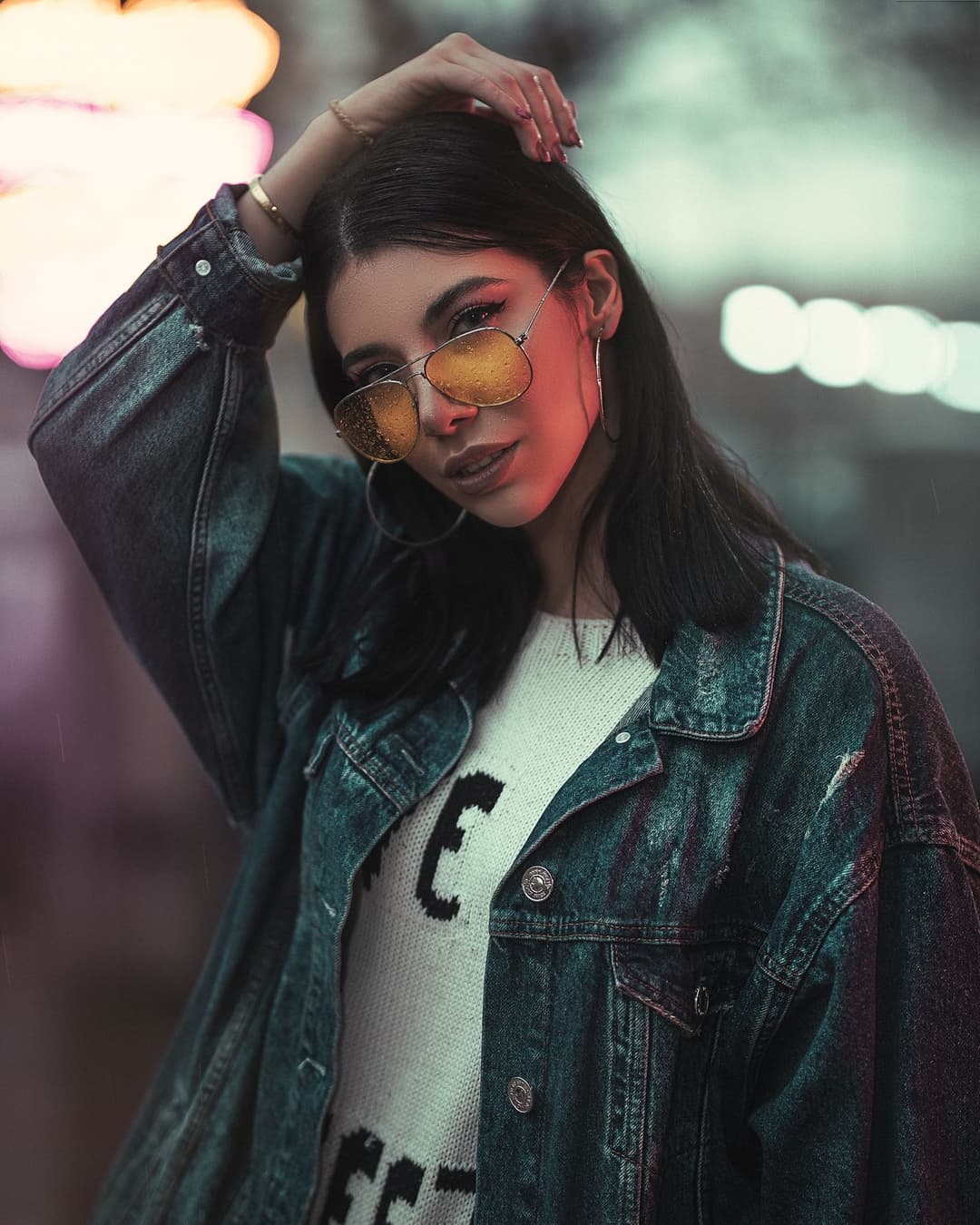
Night-out flash
Made with Dromana. Tap to start from this look.
The short version
The best Halloween photos pick one mood (cute, retro, glam or genuinely creepy), light it on purpose with flash, colored LEDs or a single lamp from below, and keep props to two or three. Shoot a mix of solo, group and detail shots, grade the colors darker and warmer, then animate one photo with fog or flickering light for your story.
Pick your Halloween mood first
Halloween content ranges from pumpkin-patch cute to full horror movie, and mixing moods is what makes photos look messy. Decide on one before you buy a single prop:
- Cute and cozy: pumpkins, knitwear, fairy lights, a cat-ear headband.
- Retro Halloween: 80s slasher-movie poster energy or a 2000s flash party.
- Dark glam: black lace, red lips, candles and dramatic shadows.
- Creepy for real: fog, a single harsh light, blank stares, empty hallways.
- Funny: low-effort costumes, cardboard signs and deadpan faces.
Spooky lighting you can do at home
Lighting does more for a Halloween photo than the costume. You don't need studio gear; your phone, a lamp and a few cheap LEDs are enough.
- Light from below: hold a phone torch or small lamp under your chin for the classic campfire-story face.
- Colored LEDs: orange for warm, green or purple for eerie. Put the color on one side of your face only.
- Direct flash in a dark room: harsh, glossy and very party-photo, perfect for group shots.
- Candlelight: use LED candles near faces and costumes, and add a dim lamp so the photo isn't just grain.
- Backlight through fog or steam: a light behind you in a steamy bathroom makes a silhouette look haunted.
Try it on your own photo. Browse free, sign in when you generate.
Make a spooky clipSolo Halloween photo ideas
- Mirror selfie with the flash on and your costume half in shadow.
- Holding a carved pumpkin up next to your face, both lit from inside.
- Sitting on the stairs in the dark, one lamp at the top.
- Close-up of dramatic makeup: fake lashes, glitter tears, a bit of fake blood.
- Window shot at night with a green light outside.
- Wrapped in a sheet like a classic ghost, sunglasses on, deadpan.
- Lying in a bed of fallen leaves, shot from above.
- Candle held at chest height, looking just past the camera.
Friend group and couple ideas
- Everyone in matching sheet ghosts lined up on the sofa.
- A decades group costume: one person per era, from 70s disco to 2000s pop star.
- Horror-movie poster pose: everyone looking in a different direction, one person screaming.
- Pumpkin carving chaos from above, hands and tools everywhere.
- Couple as matching vampires at a candlelit table.
- Flash party photo mid-dance with fake cobwebs in the background.
- Walking away down a dark street, one person looking back.
For outfit-heavy group costumes, the flash-and-dark-room setup from our birthday photoshoot ideas works just as well in October.
Give it a retro twist
Halloween and nostalgia go together. An 80s horror poster look, all neon and hairspray, pairs perfectly with the 80s photo filter. A 2000s costume party snapped on a flash camera pairs with the Y2K photo filter. Restyle one costume photo into both eras and post them side by side.
Editing a spooky photo
- Lower exposure a touch and pull the highlights down.
- Cool the shadows toward green or blue, keep skin and pumpkins warm.
- Add grain; clean digital sharpness isn't scary.
- A light vignette pulls focus to the face.
- For night street shots, see our tips on making photos look cinematic.
No costume yet? Try it on a selfie
If you can't decide what to be, restyle a selfie before you buy anything. Upload a waist-up photo to AI Image and describe the costume, makeup and setting, like "vampire costume, black velvet collar, dark red lips, candlelit hallway, dramatic shadows". Our guide to Halloween costume ideas you can try on a selfie has dozens of prompts to start from.
Make a Halloween clip
Step 1
Pick your moodiest photo
Dark background, one clear light on your face, nothing important cut off.
Step 2
Open AI Video
Upload it to AI Video for a 5-second vertical clip.
Step 3
Describe spooky motion
Try "candle flickers, fog drifts past, slowly turns to camera" or "flash pops, laughs, cobwebs sway". More ideas in our image-to-video prompts.
Step 4
Add sound and post
Clips are silent, so add a spooky sound or a trending audio in your editor.
Use it as the first slide of your Halloween photo dump, where a photo that suddenly moves gets people to stop and swipe.
Caption ideas
- "boo, basically"
- "spooky season, but make it glam"
- "no tricks, only treats"
- "ghosted, literally"
- "this is my costume, not my mood"
FAQ
How do I take spooky Halloween photos at home?
Turn off overhead lights, use one light from below or the side, add colored LEDs or direct flash, keep props to two or three and add grain when editing.
What are easy Halloween photoshoot ideas?
Sheet ghosts on the sofa, a flash mirror selfie in costume, pumpkin-lit portraits, candlelit close-ups and a horror-poster group shot all work with things you already have.
What lighting makes photos look scary?
Light from below, a single harsh source, green or purple color casts and deep shadows. Avoid bright, even ceiling light.
Can I make a Halloween video from a photo?
Yes. Animate a Halloween photo into a 5-second clip with prompts like flickering candles, drifting fog or a slow turn to the camera.
Can I try a Halloween costume on a selfie?
Yes. Upload a selfie to AI Image and describe the costume, makeup and setting. Each image uses 20 credits, and you get 50 free credits a day when you sign in.
Effects from this guide
 80s photo filterStep into the 1980s: neon light, polka dots, big shades and leather. Turn one selfie into a retro 80s portrait that keeps your face.
 Y2K photo filterTurn a selfie into an early-2000s flash photo: glossy skin, tracksuits, butterfly clips and candy color. Same face, new era. Free to try every day.
Keep reading
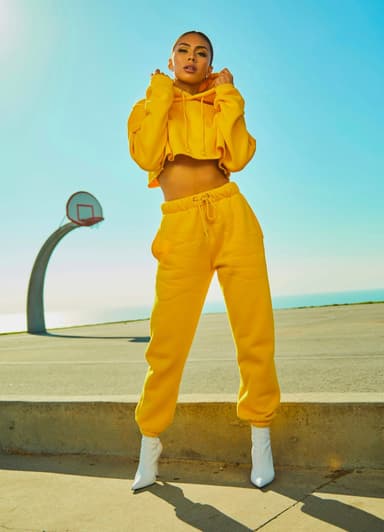
Your camera roll, but make it move
Pick a look, drop a photo, get a clip or a restyle. Sign in only when you press Generate.
Make a spooky clip