How to colorize black-and-white photos with AI so they look real
By Daniel Hughes, Safety, rights and family memories · Updated · 4 min read
the short version
To colorize a black-and-white photo with AI, upload a clean scan to a colorizer, ask for natural, period-true colors and realistic skin tones, and add any details relatives remember, like eye or dress colors. Check that faces haven't changed, keep the black-and-white original, and label the color version as colorized when you share it as family history.
AI Photo Restyle
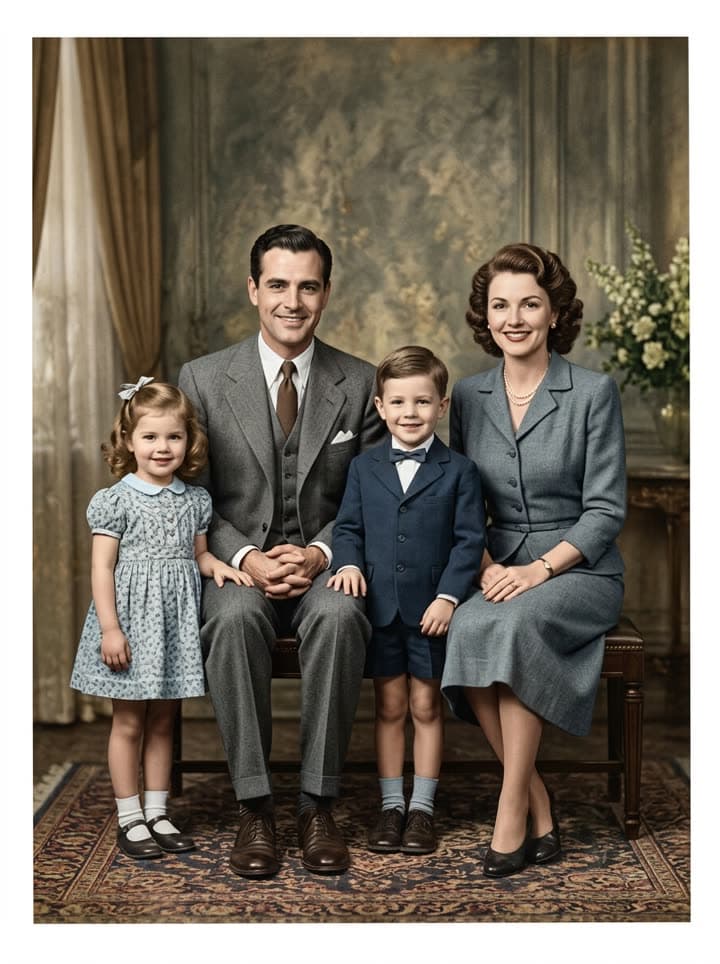 Colorize black and white
1 Pick a look · optional
Failed renders refund credits
What colorizing does to an old photo
A black-and-white picture always looks like the past. The moment it has color, it looks like a day: sun on a porch, a blue dress, a red bicycle, rosy cheeks after a walk. That's why colorized family photos are shared so widely: they close the distance between us and the people in them, and grandchildren suddenly see their own faces in a great-grandparent's.
AI colorizers read the photo the way a restorer would. They recognize skin, fabric, wood, sky and foliage, consider the era from the clothes and setting, and paint plausible colors into the grey tones, keeping the original light and shadow underneath.
How to colorize a photo with Dromana
Step 1
Scan it well
600 dpi on a flatbed, or a straight-on phone photo in soft daylight with no glare. Crop off the table and the border if it's damaged.
Step 2
Open the colorizer
Go to colorize old photos. The prompt asks for natural, period-true color and leaves every face unchanged.
Step 3
Add what you know
“Her eyes were green, the dress was navy with white dots, the car was cream.” Specific details beat anything a model guesses.
Step 4
Compare and keep both
Check the faces against the original, then save the color version next to the black-and-white scan.
Try this look on your own photo.
Make it with my photoGetting natural, believable colors
- Start from a clean scan: glare and phone shadows turn into false color.
- Let the era lead: 1940s wools and uniforms are muted, 1950s prints are pastel, 1970s photos lean warm and earthy.
- Ask for realistic skin tones and say if the family has darker or fairer complexions than the model might assume.
- Leave grain and softness in: they're part of the period, and over-sharpened colorizations look fake.
- Generate two or three versions and pick the one that feels right to the people who remember.
Talk to the people who remember
The most accurate color information isn't in the photo; it's in someone's memory. Before colorizing, ask the oldest relatives what they remember: the color of the kitchen, a favourite coat, a grandfather's ties. These conversations are often the most valuable part of the project, and they're worth recording while you can.
Write the details down with the photo's names, place and year. Put them in the prompt, and in the caption when you share.
Photos of the same people across several years help too. If a color snapshot from the 1970s shows a grandmother's red hair or the green paint of the family house, use it as a reference for the older black-and-white pictures, so the whole album feels consistent instead of every photo getting a different guess.
Damaged photos: restore and colorize together
If the photo is creased, torn, stained or badly faded, use restore old photos instead. It repairs the damage and adds color in one pass, which looks better than colorizing the cracks. Our step-by-step guide to restoring old photos covers scanning and prompts in more detail.
Once you have a color version, you can take it one step further and let the people in it blink and smile with bring old photos to life.
Colorizing honestly
Colors added to a black-and-white photo are an informed guess, however convincing. For family history, genealogy sites or anything presented as a historical record, label the image as colorized and keep the original next to it. Don't present a colorized photo as an original color print.
Free results carry a small watermark; a plan removes it for prints and frames, and Starter's first month is $4.99 if you've never paid. Your uploads stay private to your account; see the privacy policy.
Questions people ask
How can I colorize a black-and-white photo for free?
Upload it to the Dromana colorizer. New accounts get 70 free credits with no card, enough for several photos.
Are AI-colorized photos accurate?
The colors are plausible for the era but reconstructed, because black-and-white film never recorded color. Add details relatives remember to make them closer to the truth.
Can AI colorize sepia photos?
Yes. Sepia and other toned monochrome prints are colorized the same way.
Will colorizing change the faces?
It shouldn't. The prompt keeps faces, ages and expressions unchanged; compare the result with the original and generate again if needed.
Should I colorize or restore first?
If the photo is damaged, use the restore tool, which repairs and colorizes together. If it's in good shape, colorize directly.
Can I print colorized photos?
Yes, results look good up to about 5×7 inches. Restore the final versions on a plan to remove the watermark.
Effects from this guide
 Colorize black-and-white photosColorize black-and-white and sepia photos with AI: realistic skin tones, period-true clothes and rooms, and the faces of the people you love left exactly as they were.
 Old photo restorationRestore old family photos with AI: remove scratches, creases, stains and fading, repair torn corners and add natural color, while every face stays exactly as it was.
- Bring old photos to lifeAnimate an old family photo: the people in it blink, breathe and smile again in a gentle 5-second clip. For memorial slideshows, anniversaries and family memories.
Keep reading
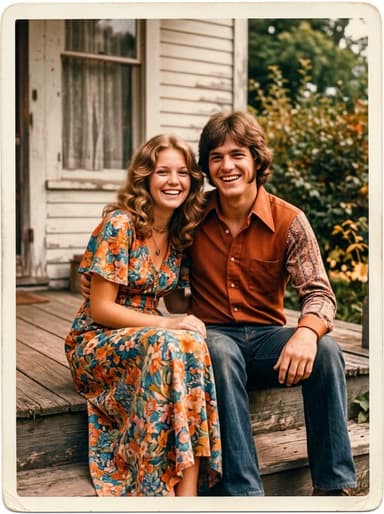 How to restore old photos with AI: bring back the faces in the family album5 min read
- Animate old photos of loved ones: see them blink and smile again, gently5 min read
- Best AI photo restoration apps in 2026: restore, colorize and animate old photos4 min read
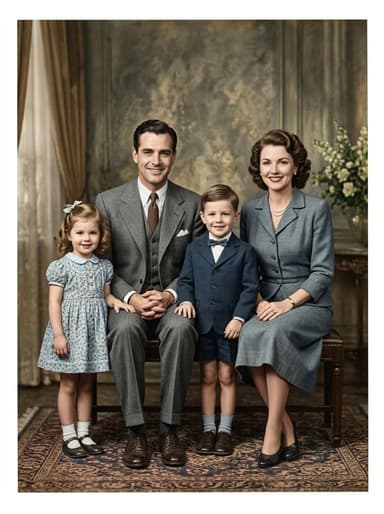 Día de los Muertos photo tribute: restored and moving photos for your ofrenda4 min read
- How to make a memorial slideshow from old photos, with a few that move4 min read
Ready to make yours?
Add one photo and get the look from this guide.