AI Photo Restyle
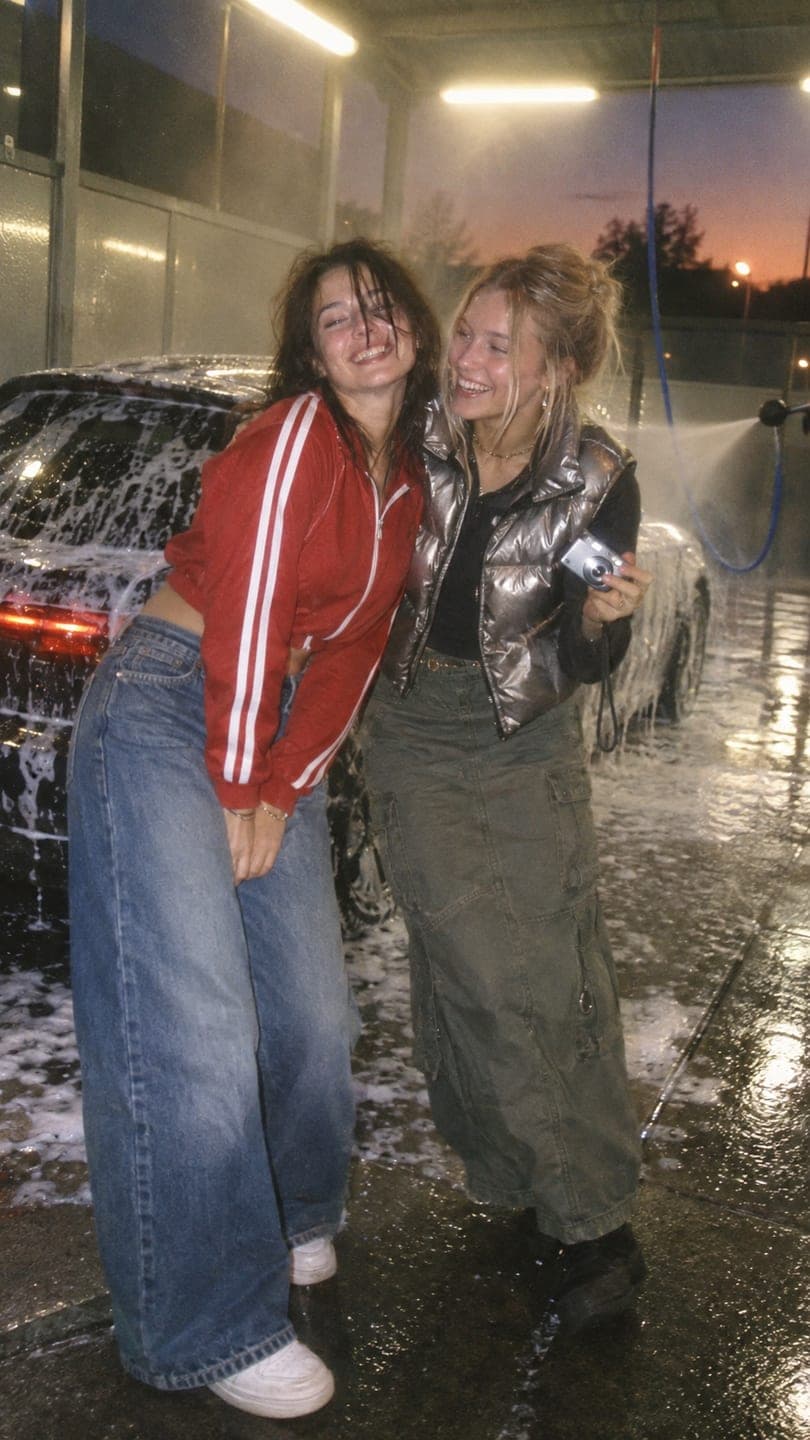 Car wash night
1 Pick a look · optional
We put you into this example and keep everything else the same.
Failed renders refund credits
Restyle a photo or put yourself in a look with AI
AI Image keeps your face (or your product) and changes the moment around it: a new outfit, place or era, or a finished look from the library rebuilt with you in it. Upload one photo and get back a new still.
Step 1
Upload a photo
A JPG, PNG or WebP up to 8 MB. Waist-up or full-body shots give the style more to work with; for a product, a clean front-on shot.
Step 2
Pick a look or describe the change
Choose a look to step into, or write the change: “Y2K flash photo, butter-yellow track set”. Add a second photo to put two people in one shot.
Step 3
Generate
From 10 credits an image (20 to step into a look). Choose a vertical 9:16 or wide 16:9 frame, sign in, and download your JPG.
Tips for better results
- Face the camera or turn slightly; hidden faces are harder to keep.
- Even light works best. Harsh shadows can carry into the new style.
- Name the era and one or two details, like “Y2K, butterfly clips, flash photo”.
- Use 9:16 for stories and profile shots and 16:9 for banners.
FAQ
How much does an AI image cost?
From 10 to 50 credits depending on the model; stepping into a look is 20. The 70 free credits new accounts get cover several images.
Does it keep my face?
Yes. The face, skin tone and hair colour come from your photo; the outfit, place and light change. A clear, front-facing photo gives the closest match.
Can I use it for product photos?
Yes. Pick a look for brands, add your product photo, and it is placed into the shot with its shape, label and colours kept.
Which sizes can I choose?
Vertical 9:16 or wide 16:9.
Is there a watermark?
Free images carry a small Dromana watermark. Paid plans don’t.
Also try AI Video to make a photo move, or see pricing.