AI family photo ideas: holiday portraits, reunions and moving keepsakes
By Sophia Miller, Fashion and aesthetics editor · Updated · 4 min read
the short version
AI can help with family photos in ways a camera can't: a polished holiday portrait from a casual snapshot, a scene of relatives who live far apart, a restored and gently animated photo of grandparents, or a family card that moves. Start from real photos, keep everyone looking like themselves, ask relatives before posting and use gentle, warm motion for keepsakes.
AI Photo to Video
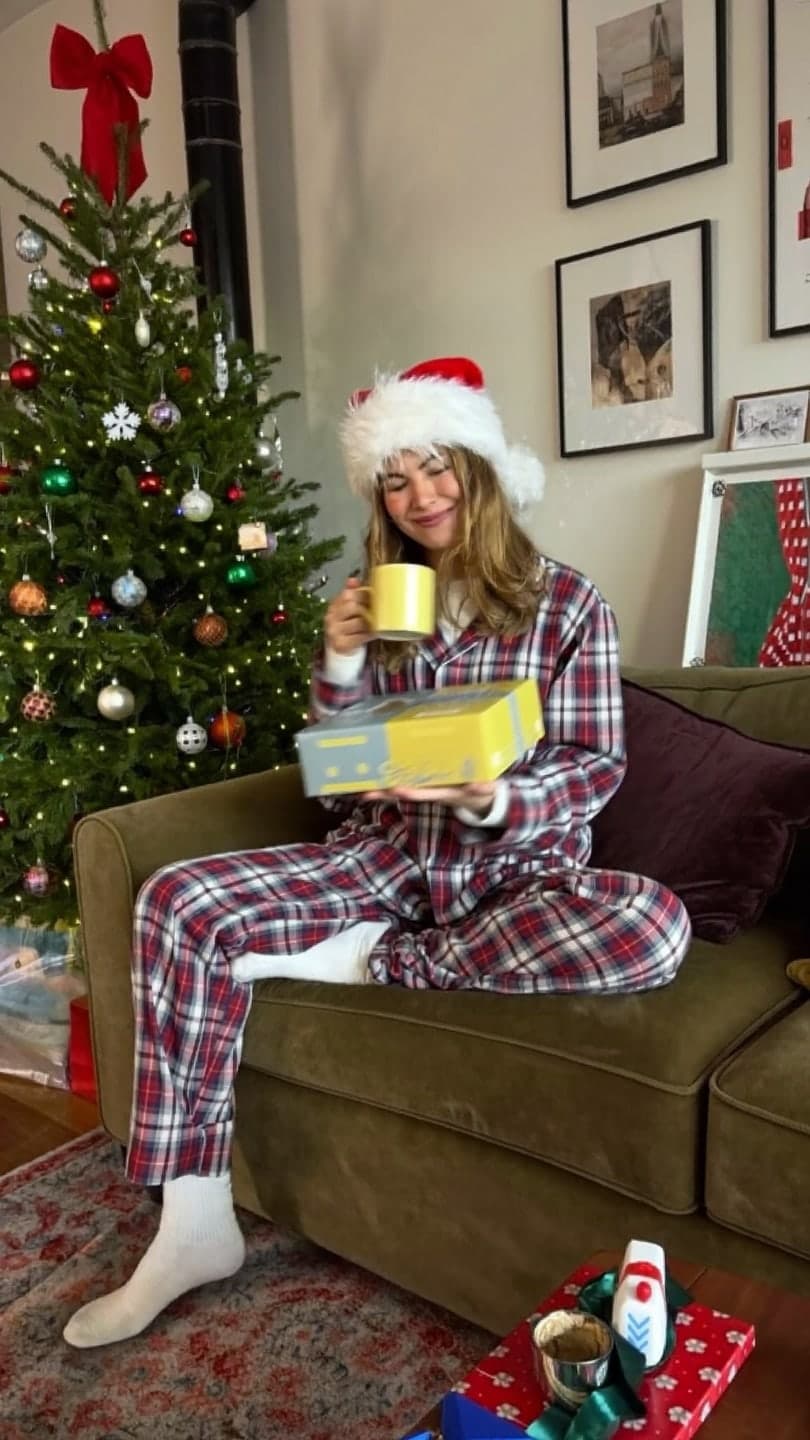 Christmas morning
1 Pick a look · optional
We put you into this example — everything else stays as it is — then it moves like the example, at no extra cost.
Failed renders refund credits
What can AI do for family photos?
Getting everyone in one good photo is hard: someone blinks, the toddler runs off, the light is wrong, a cousin lives on another continent. AI can't replace the real moment, but it can help: turning a decent snapshot into a polished portrait, putting the family in a festive scene, animating a treasured old photo or making a moving card. Always start from real photos of your family, and keep them recognizable.
Family photos are personal, so treat them with care: ask before posting AI versions of relatives, and keep the results warm and honest.
Which family photo ideas work with AI?
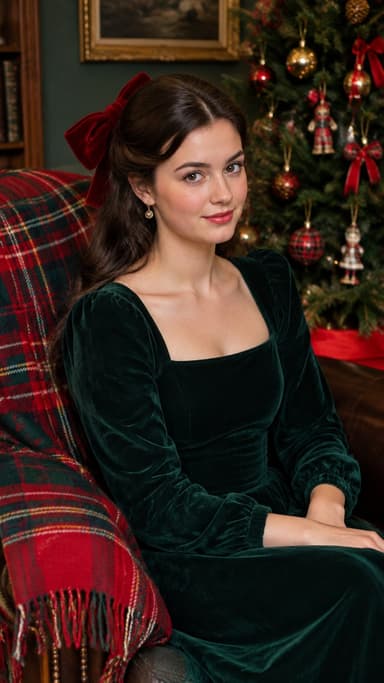
- Holiday portrait: a casual photo turned into a cozy scene by the tree.
- Coordinated outfits: everyone in matching colors, without buying new clothes.
- Reunion scene: relatives from separate photos together, with their okay.
- Generations: an old photo of grandparents animated with a gentle smile.
- Seasonal series: the same family in spring, summer, autumn and winter scenes.
- Moving card: a family photo with snow falling or lights twinkling.
Try this look on your own photo.
Make it with my photoHow do I make a holiday family portrait?
Step 1
Pick the best real photo
Everyone visible, faces clear, eyes open.
Step 2
Describe the scene
In AI Image: "cozy family holiday portrait by a decorated tree, everyone in cream and red knitwear, warm lamp light, same faces".
Step 3
Check every face
Each person should still look like themselves; regenerate if anyone changes.
Step 4
Animate it
"they laugh and look at each other, the tree lights twinkle, slow push in".
The Christmas morning and pajama squad looks are ready-made family scenes.
How do I keep everyone looking like themselves?
Group photos are harder for AI than selfies because each face is smaller. Use a photo where faces are reasonably large, sharp and not overlapping, and keep groups to a manageable size; very large families can be done as smaller groups. Add "same faces" to the prompt and avoid scenes that require big movement. Check children especially carefully, because small changes are easy to miss and parents will notice.
Can I bring old family photos to life?
Yes, and it's one of the most moving uses of AI. Scan the photo or photograph it flat in daylight, then animate it with very gentle motion, like a blink, a soft smile or a slight head turn. Many people make these for anniversaries, memorials and family reunions. See our guide to animating old photos for restoration tips, and what is image-to-video AI for how it works.
What about relatives who live far apart?
AI can combine people from different photos into one scene, which some families use for holidays when not everyone can travel. Be thoughtful: get everyone's okay, keep it obviously a celebration rather than a fake event, and don't present it as a real moment that happened. A short animated version with snow or lights makes a lovely card for the family chat; see holiday card video ideas.
How do I share family AI photos safely?
- Ask relatives before posting AI versions of them.
- Be extra careful with children's photos; keep them in private family chats if in doubt.
- Don't post photos that reveal home addresses or school names.
- Delete uploads you no longer need.
- Label realistic AI content when posting publicly.
Dromana deletes uploads and results after 30 days, lets you delete them sooner and doesn't use your photos to train a public model; see our AI photo app privacy guide.
How much does it cost?
Each family portrait image uses 10 credits, and a five-second animated version on Dromana uses 70. New accounts get 140 free credits with no card, enough for a few portraits and a moving card. For seasonal outfit ideas, see our Christmas pajama photo ideas.
Questions people ask
What can AI do for family photos?
Polish a snapshot into a portrait, add a festive scene, animate old photos and make moving cards.
How do I make an AI family holiday portrait?
Start from a real family photo, describe the scene and outfits in AI Image and add "same faces".
How do I keep everyone recognizable?
Use a photo with large, clear, non-overlapping faces and check each person afterwards.
Can AI animate old family photos?
Yes, with very gentle motion like a blink or a soft smile.
Can I put relatives from different photos together?
Yes, with everyone's okay, as a celebration rather than a fake event.
How much does it cost?
A family portrait image costs 10 credits and a moving version 70, and the first 70 credits are free.
Effects from this guide
 Make a photo moveUpload one photo, get a 5-second video in a minute or two: a smile, a head turn, wind in the trees, waves rolling in. Works on portraits and landscapes, free to try.
 AI fashion portraitSkip the photographer: get a magazine-style fashion portrait from one selfie. Quiet-luxury coats, street editorial, studio light. Same face, new shoot. Free to try.
Keep reading
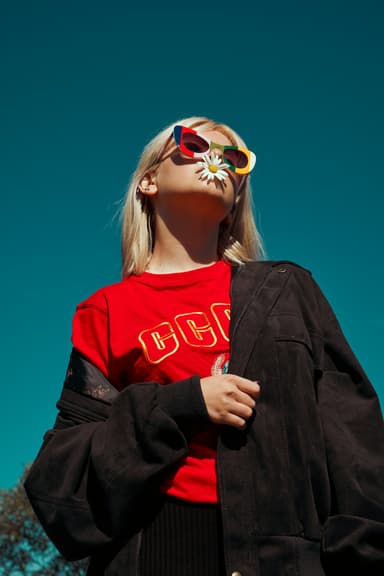 How to animate old photos the respectful way: scan, prep and gentle motion4 min read
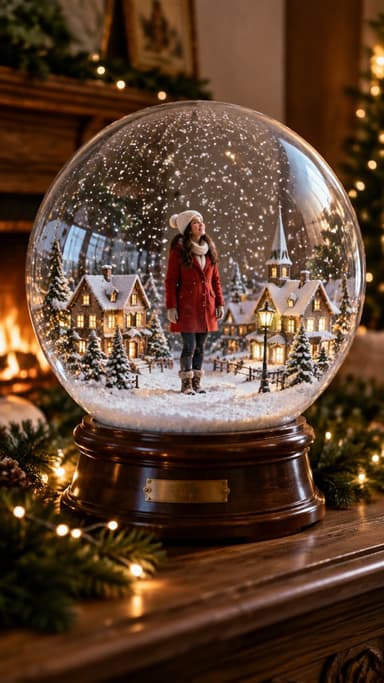 Holiday card video ideas: moving Christmas cards from your photos4 min read
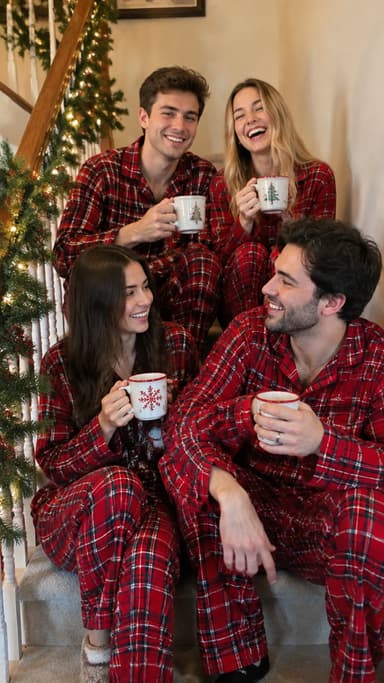 Christmas pajama photo ideas: matching family, couple and friend shots4 min read
 Renaissance portrait AI: turn your photo into an old master painting4 min read
 Turn yourself into a vintage Christmas cartoon, then make it move4 min read
Ready to make yours?
Add one photo and get the look from this guide.