Animate fire in a photo — the flames flicker, the room stays still
Dromana makes the fire in a photo move. Upload a picture with a lit fireplace, wood stove, campfire or fire pit, tap Fire, and you get a 5-second video where the flames flicker and their glow shifts while the room, the furniture and the camera stay still. New accounts get 140 free credits, enough for two 5-second clips.
AI Photo to Video
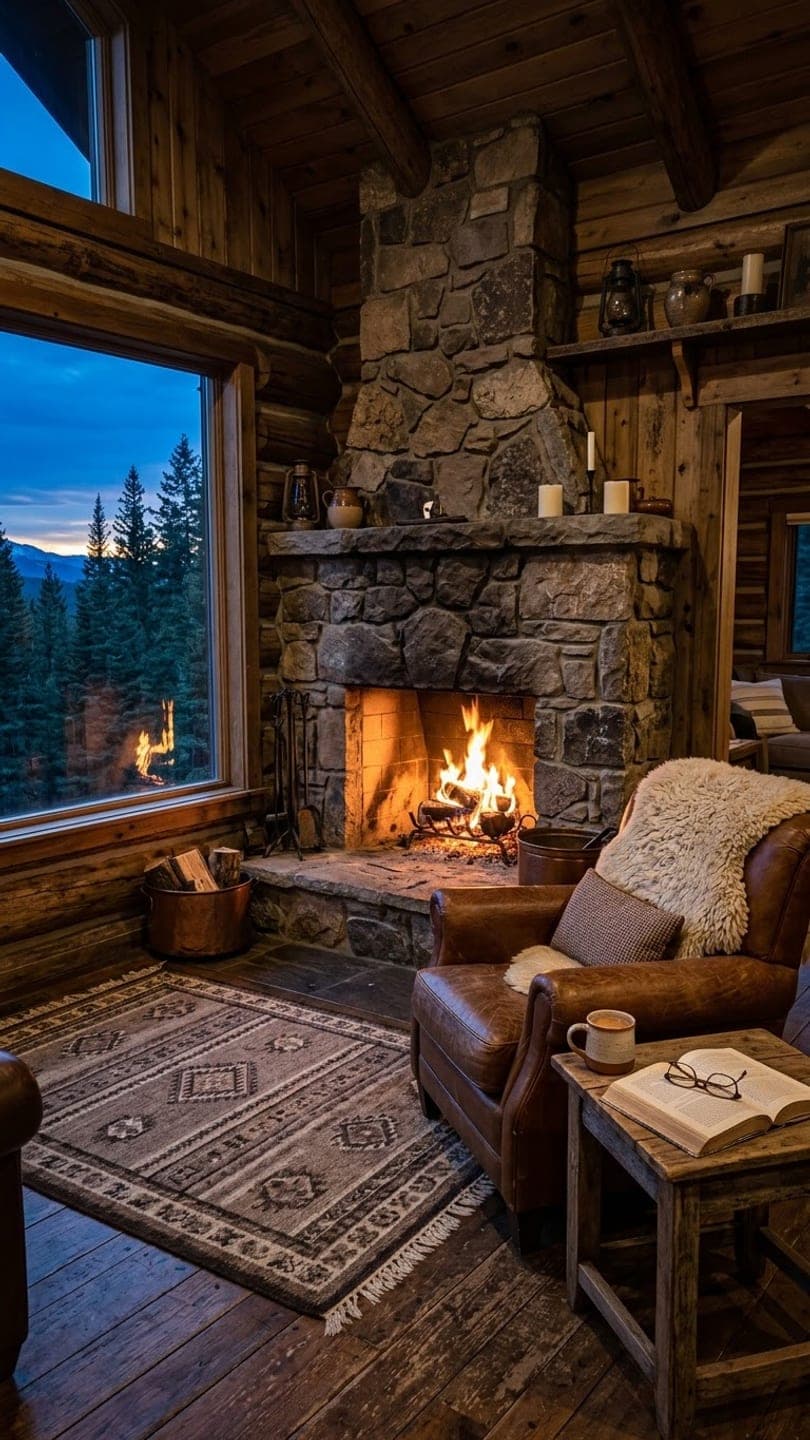 Only the fire moves
1 Pick a look · optional
Describe what happens, in your own words. To change outfit or place, pick a look or switch on New outfit or scene.
Only one thing moves · camera locked, the rest stays still
Failed renders refund credits
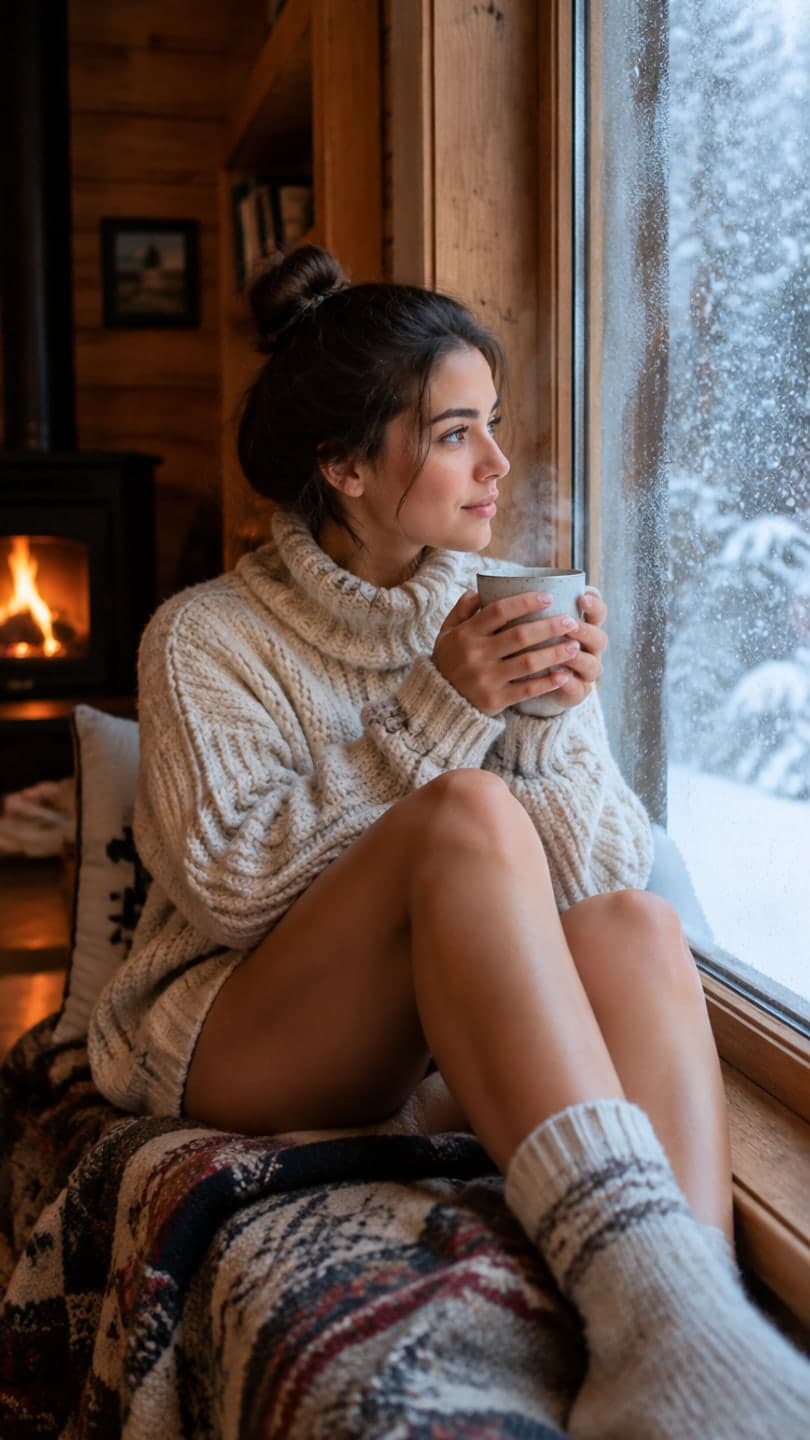
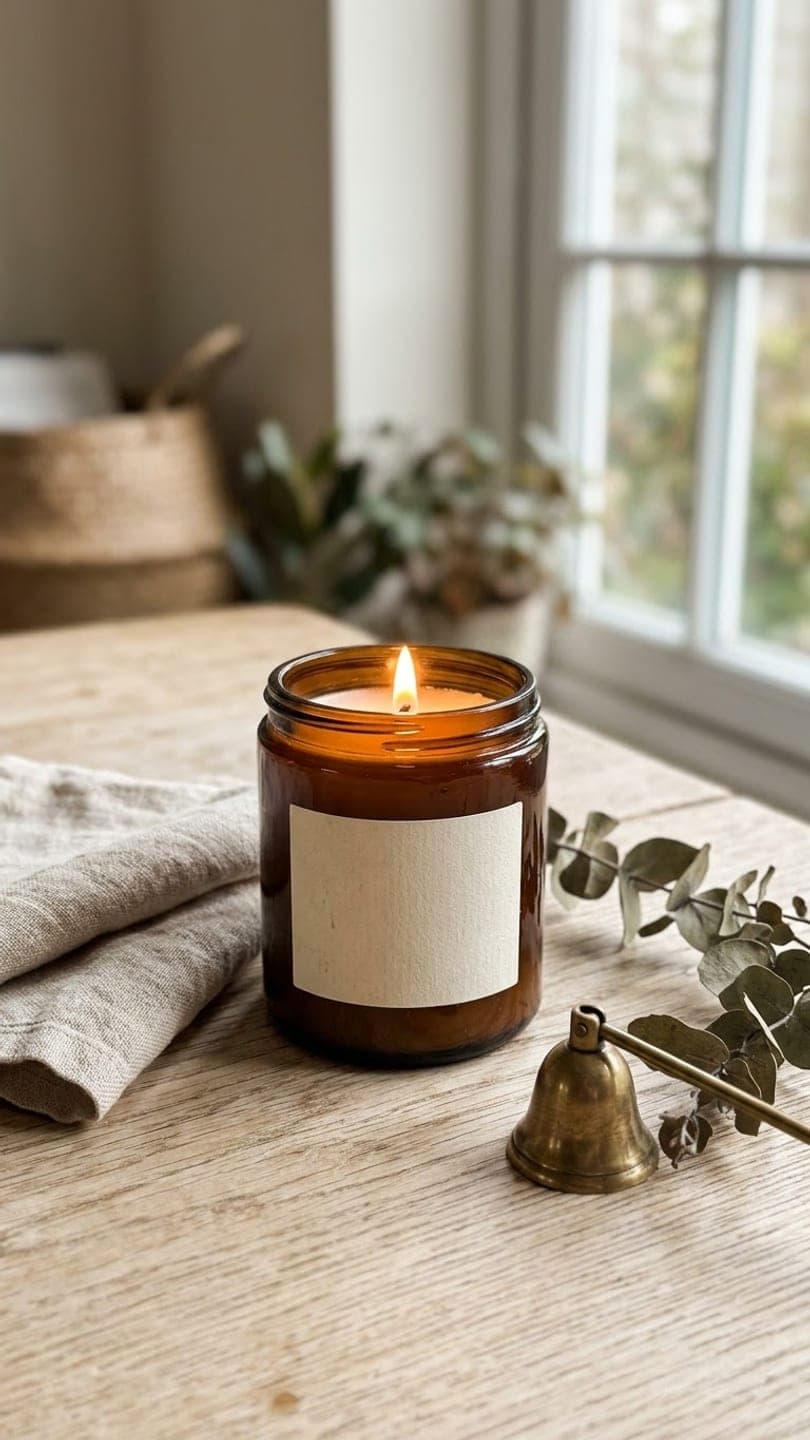
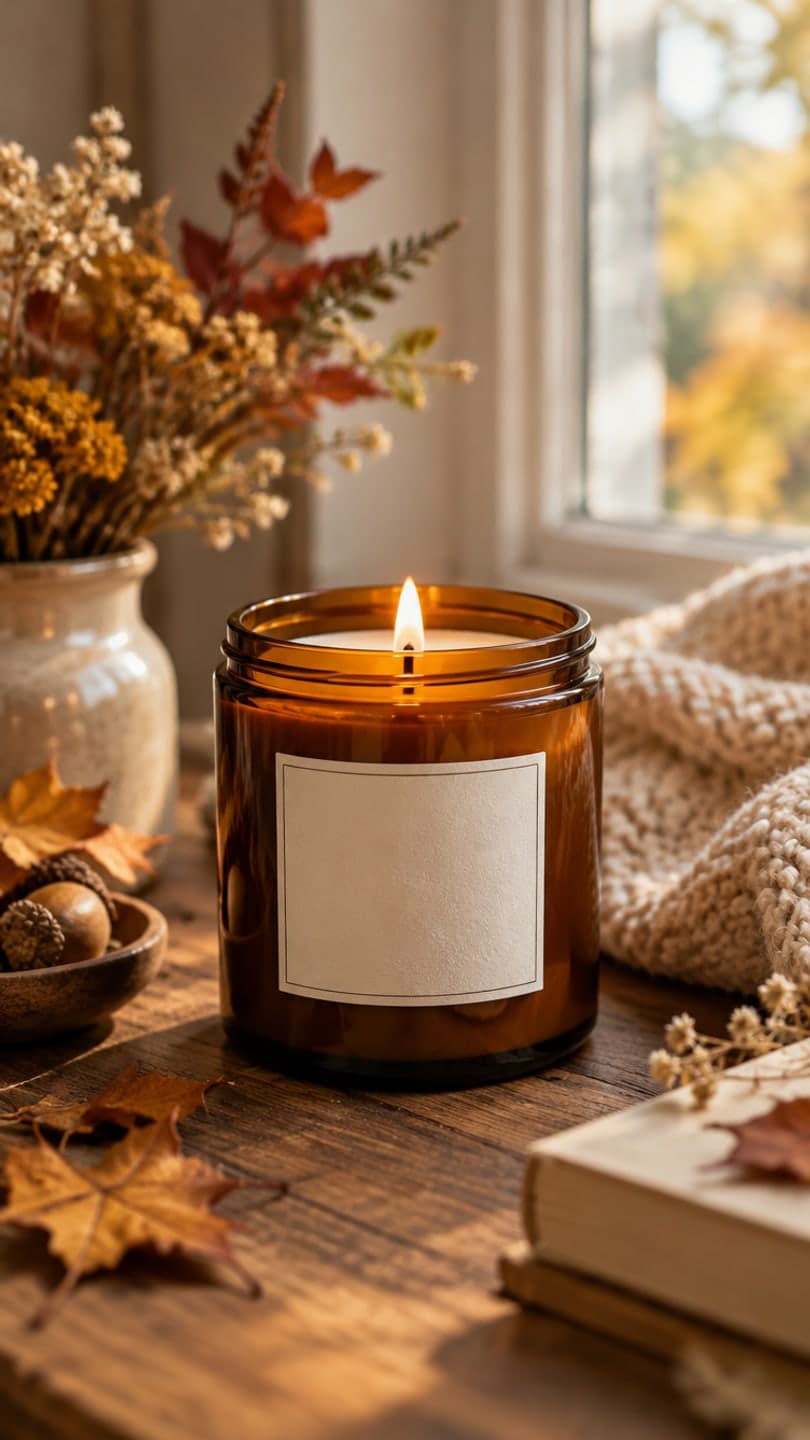
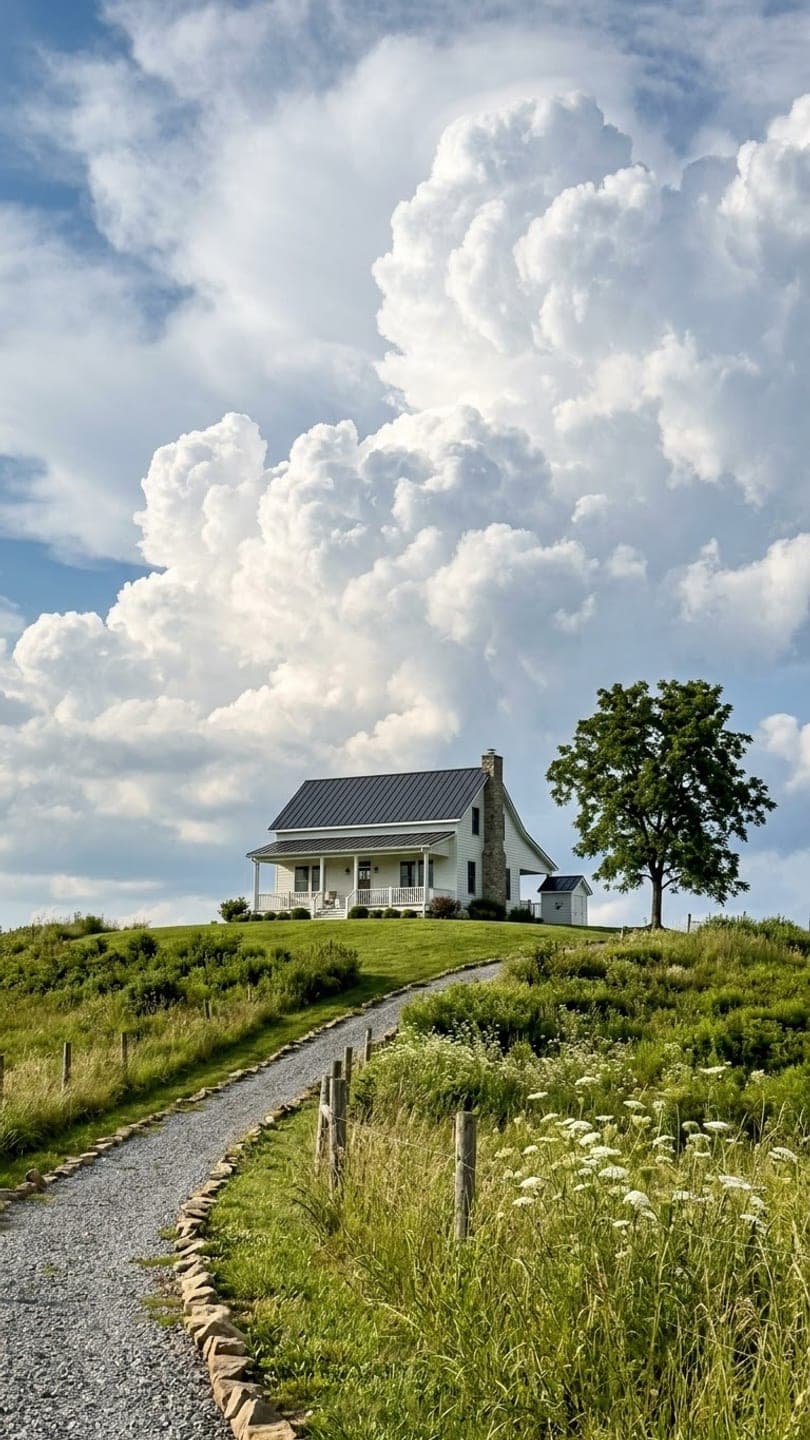
Examples made with Dromana. Tap one to start from that look.
How to use the animate fire in a photo
Step 1
Upload a photo with a fire in it
A sharp JPG, PNG or WebP up to 8 MB. The fire should already be lit in the picture: a fireplace, stove, campfire, fire pit or torch.
Step 2
Tap Fire
Under the prompt box, tap Fire. It writes the line for you: a completely stationary camera, only the flames moving, everything else still. Add a detail if you like, such as “a little smoke rises”.
Step 3
Generate and save
Sign in and press Generate. The silent MP4 is usually ready in a minute or two, vertical 9:16 or horizontal 16:9.
What moves and what doesn't
A fire is the one part of a room that looks wrong when it is frozen. Here the flames flicker at a natural speed, the embers pulse and the light they throw on the hearth shifts a little, the way it does in the room itself. If the fire is reflected in a window or a glass table, the reflection moves with it.
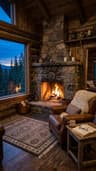
Everything else is asked to hold: walls, furniture, rugs, the view through the window and the camera. In the cabin example at the top of this page, the only parts of the picture that differ between the first frame and the last are the fire and its reflection in the window. That is the difference from an ordinary photo-to-video clip, where the camera drifts and the whole room seems to breathe.
Photos that work best
Start from a photo where the fire is already burning and easy to see. A fire that fills a good part of the firebox gives the model something to animate; a few glowing coals give it very little. Evening and dusk photos work well because the flames are the brightest thing in the frame.
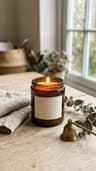
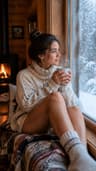
Keep people out of the shot if you want the rest to stay frozen. Someone in an armchair will usually blink or shift, which is natural but is no longer one moving thing, and pets are the same. If there are candles in the room as well, their flames may flicker too, which usually looks right.
Fireplaces, stoves, campfires and fire pits
Indoor fireplaces and wood stoves are the most common subject: a living room for a rental listing, a cabin for a booking page, a hearth for a brand that sells blankets, mugs or firewood. Outdoor fires work the same way. For a campfire or a fire pit, add what else may move, for example “sparks drift upward” or “a thin line of smoke rises”, and say that the trees and the people do not move.
Gas fires and bioethanol burners have smaller, steadier flames; ask for “low, even flames” so the clip matches the appliance. For a lantern, a taper or a row of tea lights, the candle page has a line written for small flames.
For a listing, be honest about the fire
A moving fire makes a listing photo feel like an evening in the place, which is the point of it. Keep it true: animate a fire that is in the photo and that the fireplace can really have. Don't show flames in a fireplace that is decorative or sealed, and don't change the room. The animate real estate photos page covers what agents and hosts should and should not animate.
Once you have bought any pack or plan, your clips can be used commercially and the watermark comes off everything you have made. A single video is $1.49 and packs start at $4.99 for 6 videos, with no subscription.
Length, loops and price
A clip is 5, 8 or 10 seconds at 768p, and five seconds uses 70 credits. Other models in the studio render 1080p or run longer, up to 30 seconds, and each shows its price before you generate. A render that fails gives its credits back.
The clip is not a seamless loop on its own: the last frame is close to the first but not identical. For a fire that hardly matters. Play it forward then backward, or crossfade the two ends in any editor, and it runs for as long as you need behind a title, a menu or a stream. The looping video guide shows both methods.
Tips for better results
- Use a photo where the fire is already lit and easy to see.
- Leave the Fire line as it is for a first try, then change one thing at a time.
- If the camera creeps forward, add “no zoom, no camera movement” and generate again.
- Add “the people do not move” if someone is in the shot and should stay still.
- Pick 16:9 for a website header or a TV screen, 9:16 for Reels and TikTok.
FAQ
Can AI make a fireplace in a photo flicker?
Yes. Start from a photo where the fire is lit, ask for a completely stationary camera and say that only the flames move. The Fire button under the prompt box writes that line for you.
Will the rest of the room change?
It shouldn't. The line asks for everything except the flames to stay perfectly still, and in our cabin example only the fire and its reflection in the window differ from the first frame to the last. If something drifts in yours, name it in the prompt, such as “the curtains do not move”, and try again.
Can it put a fire in an empty fireplace?
This page is for a fire that is already in the photo, and that is what we tested. For a listing, don't show a fire the fireplace can't really have.
Can I use the clip for a rental or real estate listing?
Yes, once you have bought any pack or plan; before that, results are for personal use and carry a small watermark. Only animate what is really there, and check your portal's rules on edited media.
Does the video have the sound of the fire?
No. Clips are silent, so add a crackle or music in your editor. Social feeds start videos muted in any case.
How long is the clip, and can it be horizontal?
5, 8 or 10 seconds on the default model, vertical 9:16 or horizontal 16:9. The photo is cropped to that shape from its center, so keep the fireplace near the middle.
Is it free to try?
Yes. New accounts get 140 free credits with no card, enough for two 5-second clips at 768p. Free clips carry a small dromana.app badge that any purchase removes.
Only use photos you have the right to use. See our safety guidelines.
Guides for this look
- Airbnb listing videos from the photos you already haveTurn your Airbnb or holiday-rental photos into 5-second videos: curtains that move, a pool that ripples, a fire that flickers. Prompts, honest rules and what it costs.
- How to make a cinemagraph from a photo with AIHow to make a cinemagraph, a still photo with one moving part, using AI: steam from coffee, flowing water, flickering candles or hair in the wind, with prompt ideas.
- How to make a looping video from a photoHow to make a seamless looping video from one photo: choose motions that repeat, generate a short clip, then loop it with a boomerang or crossfade.