Make the clouds move in a photo — the sky drifts, the buildings stay put
Dromana makes the sky in a photo move. Upload a picture with clouds in it, tap Clouds, and for 5 seconds they roll and drift like a short time-lapse while the house, skyline or mountains under them stay where they are and the camera does not move. It works vertical or horizontal. New accounts get 140 free credits, enough for two tries.
AI Photo to Video
 Only the sky moves
1 Pick a look · optional
Describe what happens, in your own words. To change outfit or place, pick a look or switch on New outfit or scene.
Only one thing moves · camera locked, the rest stays still
Failed renders refund credits
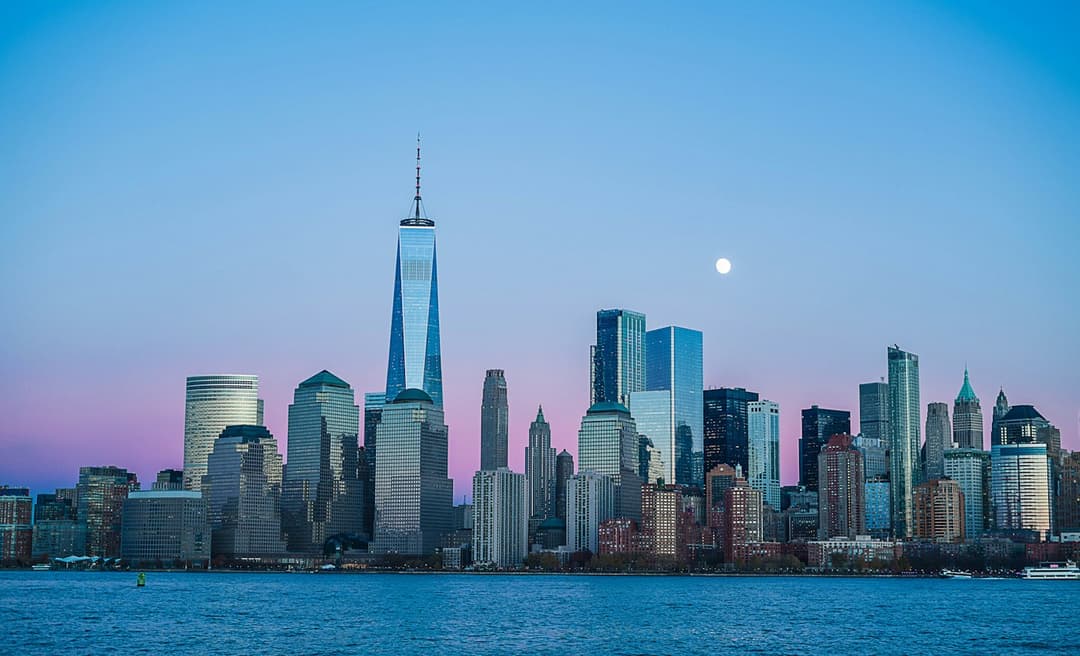
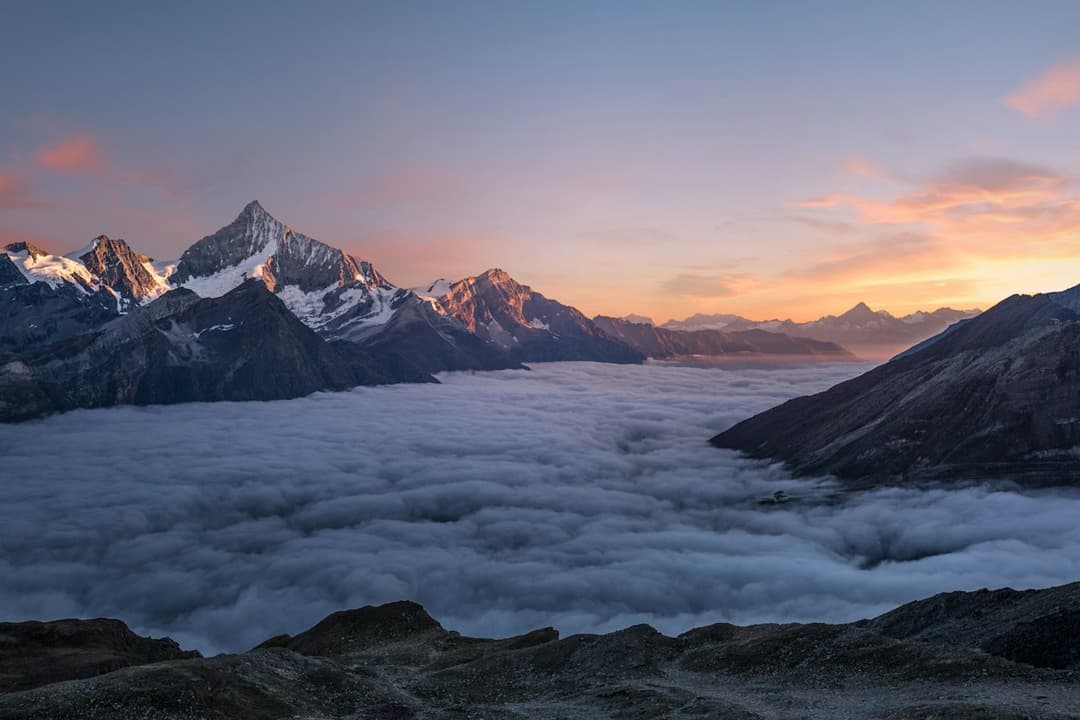

Examples made with Dromana. Tap one to start from that look.
How to use the make clouds move in a photo
Step 1
Upload a photo with sky in it
A JPG, PNG or WebP up to 8 MB. The more sky there is and the more defined the clouds, the more there is to move. Choose 9:16 or 16:9 first.
Step 2
Tap Clouds
Under the prompt box, tap Clouds. It asks for a completely stationary camera and clouds drifting slowly, with the land, buildings and trees held still.
Step 3
Generate the clip
Sign in and press Generate. The silent MP4 is ready in a minute or two.
What to expect from the sky
Clouds are the most willing thing in a photo to move. Big cumulus clouds roll, grow and change shape over the five seconds, closer to a time-lapse than to real time; thin, high cloud slides across more gently.
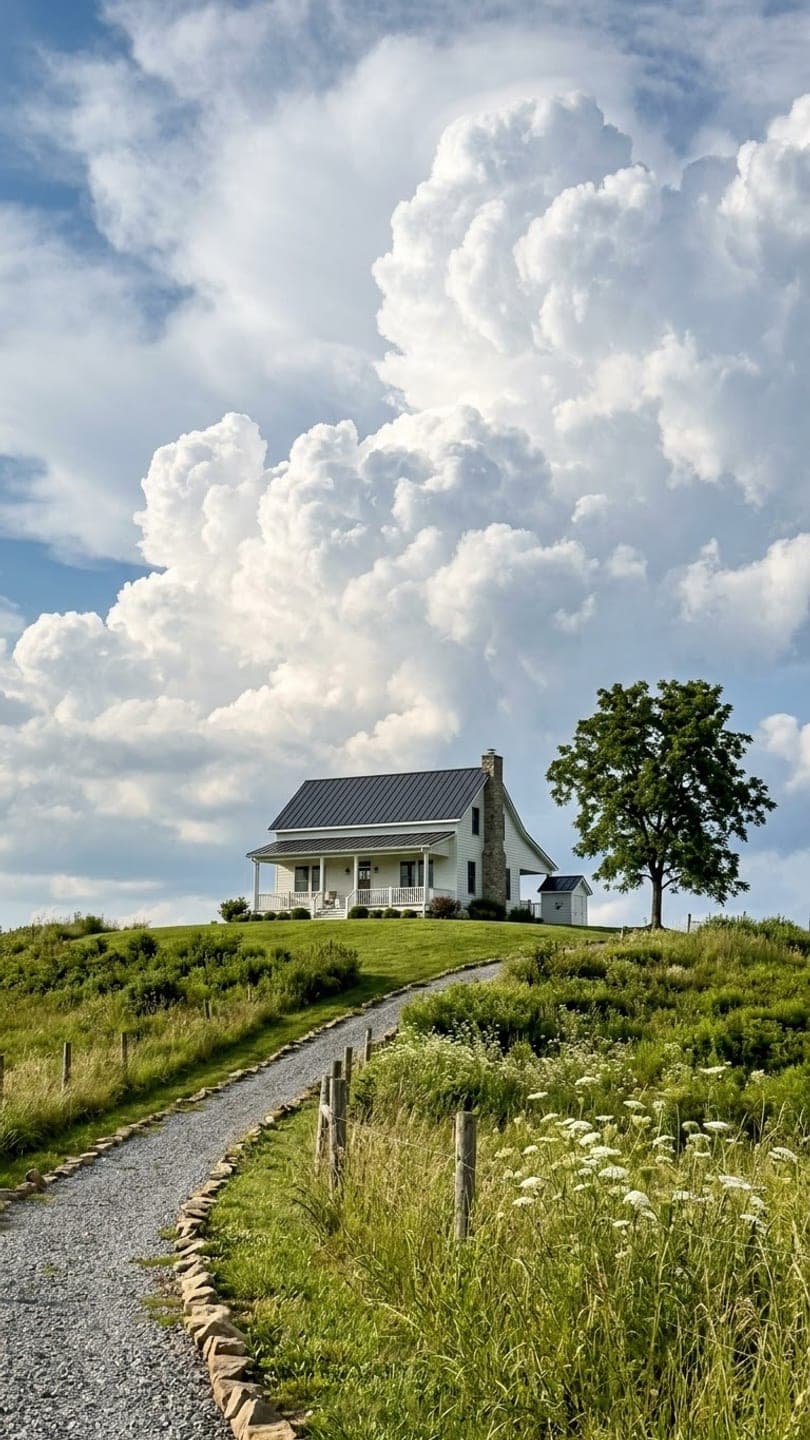
Solid things hold. In the example at the top of this page, the farmhouse, the tree and the gravel path are in the same place in every frame, and the camera does not move. Long grass and leaves are the exception: they usually sway a little, as they would on a day when the clouds are moving. Asking for the grass to stay still did not stop it in our tests. If you need everything but the sky frozen, choose a photo without tall grass in the foreground, or crop it out.
Photos that give the best sky
Pick a picture where the sky takes up a third of the frame or more and the clouds have clear edges. Storm fronts, sunsets with broken cloud and bright cumulus on a blue sky all read well. A flat grey overcast or an empty blue sky gives the effect very little to work with.
Straight edges against the sky, such as a roofline, a tower or a skyline, make the motion easiest to see, because the eye has something fixed to compare it with. That is why this works so well for a house exterior or a city view.
Listings, headers and openers
For a house or a rental, a sky that moves over a still exterior makes the first image feel like an arrival, without changing anything about the property. The same goes for a hotel, a venue or a vineyard. Keep it honest: the sky may move, the building and its surroundings stay as they are. The animate real estate photos page lists what to leave alone.
Elsewhere it is a calm background: a website header, the opening shot of a travel recap, a lyric or quote video, a title card. If water, traffic or neon should move as well, the landscape and city pages have lines for those.
Slower, faster, and which way
The Clouds line asks for a slow drift. To change the feel, edit the words and try again: “the clouds drift very slowly, almost imperceptibly” for a quieter sky, or “fast time-lapse clouds streaming to the right” for drama. You can name a direction, such as “from left to right”.
Clips are 5, 8 or 10 seconds on the default model, and a longer one gives the clouds room to travel. Five seconds at 768p uses 70 credits; other models go up to 30 seconds or 1080p and show their price first.
Price and commercial use
New accounts get 140 free credits with no card. Free clips carry a small dromana.app badge and are for personal use. Any purchase removes the badge from everything you have made and allows commercial use: a single video is $1.49 and packs start at $4.99 for 6 videos, with no subscription. A render that fails refunds its credits.
Tips for better results
- Give the sky at least a third of the frame.
- Choose clouds with clear edges; flat overcast barely moves.
- Crop out tall foreground grass if everything but the sky must stay frozen.
- For a horizontal header, pick 16:9 before you generate; the photo is cropped from its center.
- Use 8 or 10 seconds when the clip will sit behind a title.
FAQ
How do I make clouds move in a still photo?
Upload the photo, ask for a completely stationary camera and say that only the clouds move. The Clouds button under the prompt box writes that line. You get a short video in which the sky drifts and the rest of the scene stays in place.
Does it look like a time-lapse?
With large, defined clouds, yes: they roll and change shape over the clip. For a calmer feel, change the line to “the clouds drift very slowly” and try again.
Will the building or the horizon move?
In our example the house, the tree and the path kept their place in every frame and the camera stayed locked. Long grass and leaves often sway a little.
Can I animate the sky in a real estate photo?
Yes, and it is one of the safer things to animate, because it changes nothing about the property. Use clips commercially once you have bought any pack or plan, and follow your portal's rules on edited media.
Can it add clouds to a clear sky?
This effect moves the clouds that are in the photo. An empty sky gives it very little to work with, so choose a picture that already has some.
Vertical or horizontal?
Either. Pick 9:16 for Reels, TikTok and Shorts or 16:9 for a website or YouTube before you generate. The photo is cropped to that shape from the middle.
Is it free?
The sign-up credits cover two 5-second clips with no card. After that it is pay per video, from $1.49 for one.
Only use photos you have the right to use. See our safety guidelines.
Guides for this look
- How to make a looping video from a photoHow to make a seamless looping video from one photo: choose motions that repeat, generate a short clip, then loop it with a boomerang or crossfade.
- Real estate listing videos from photos: what's possible and what's allowedHow agents can turn listing photos into short videos with AI: slow walkthrough moves, exterior reveals and social clips, plus the accuracy and disclosure rules to follow.