Make a candle flicker in a photo — only the flame moves
Dromana turns a candle photo into a short video in which only the flame moves. Upload the photo, tap Candle, and the flame flickers gently for 5 seconds while the jar, the label, the table and the camera hold still. It suits listing videos, shop pages and posts for candle makers. New accounts get 140 free credits, enough for two clips.
AI Photo to Video
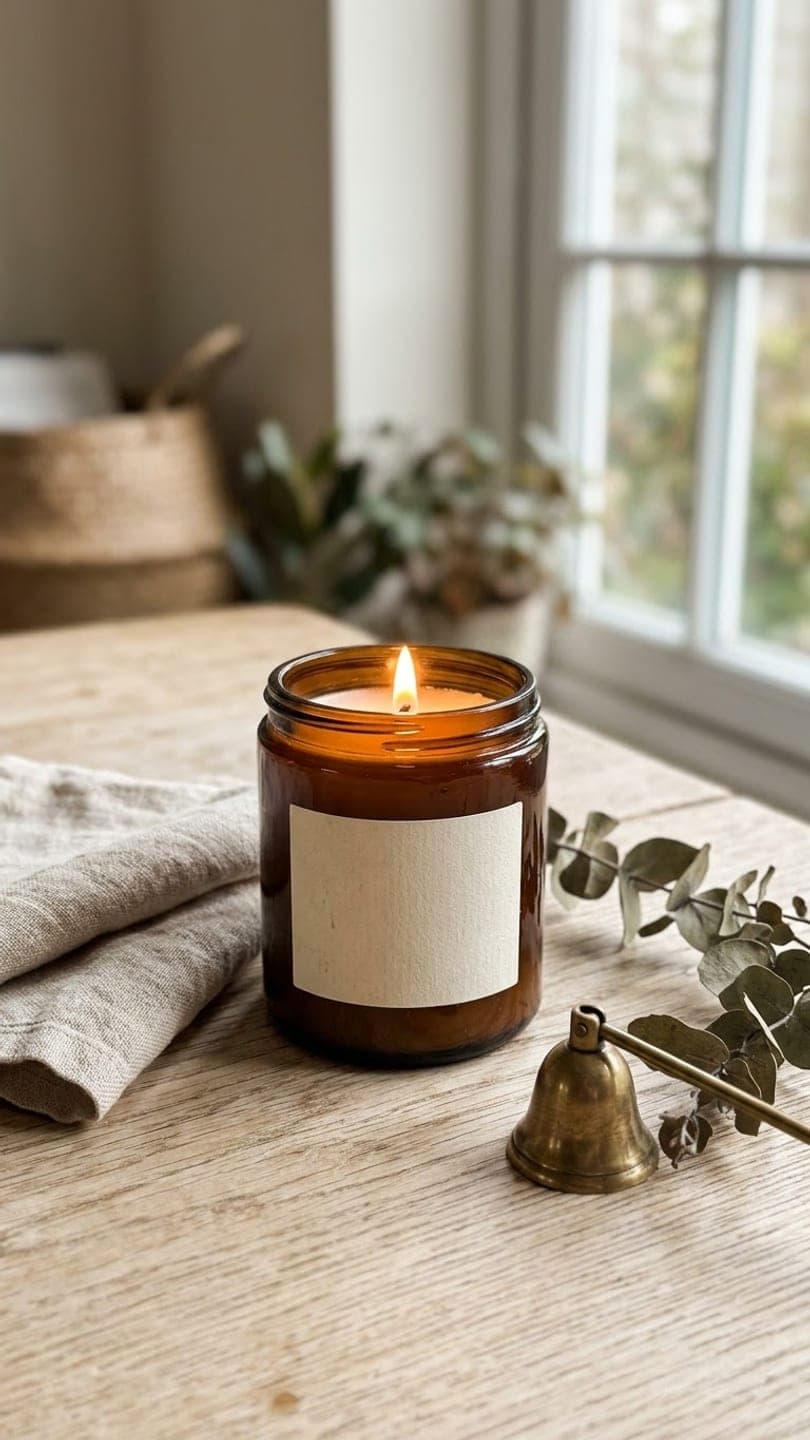 Only the flame moves
1 Pick a look · optional
Describe what happens, in your own words. To change outfit or place, pick a look or switch on New outfit or scene.
Only one thing moves · camera locked, the rest stays still
Failed renders refund credits

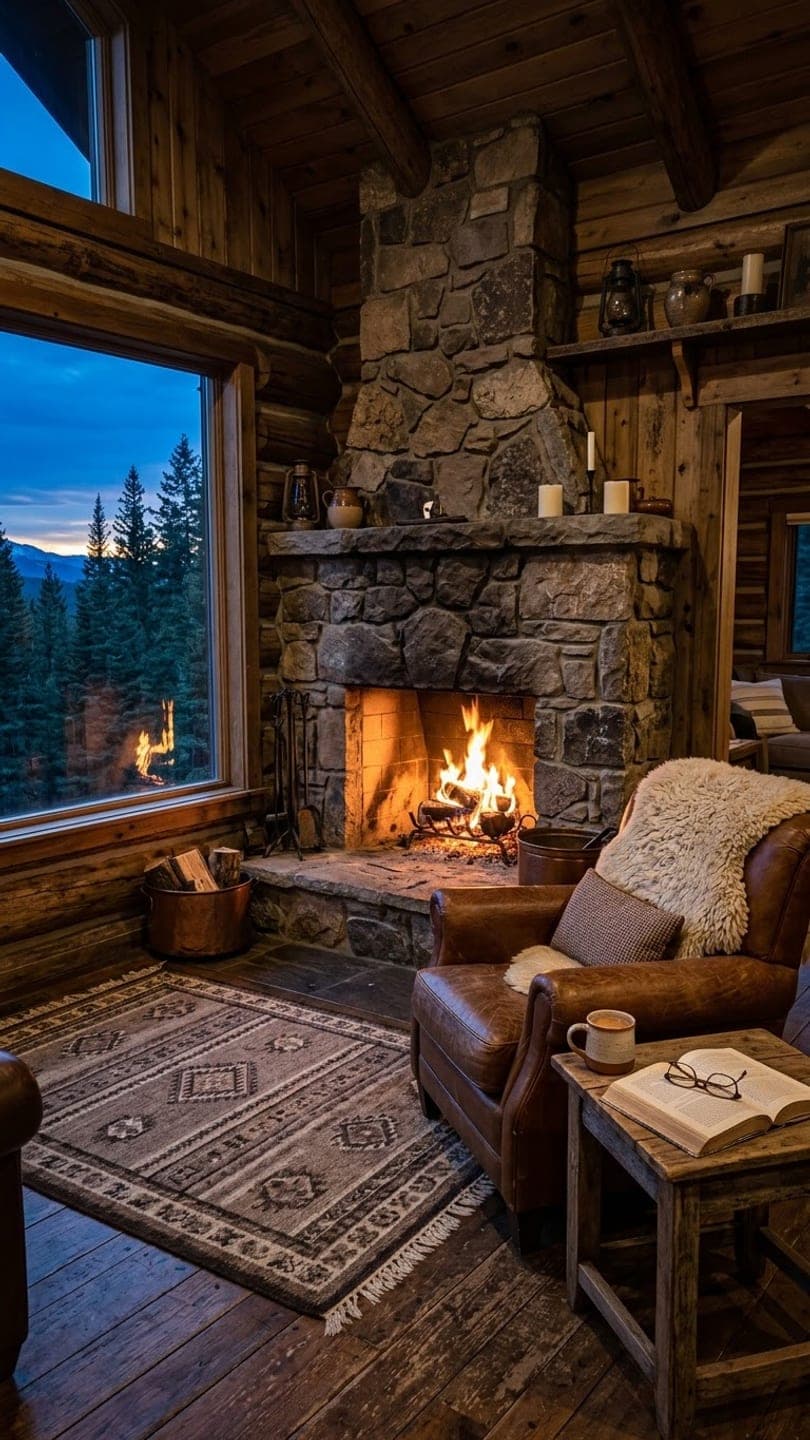
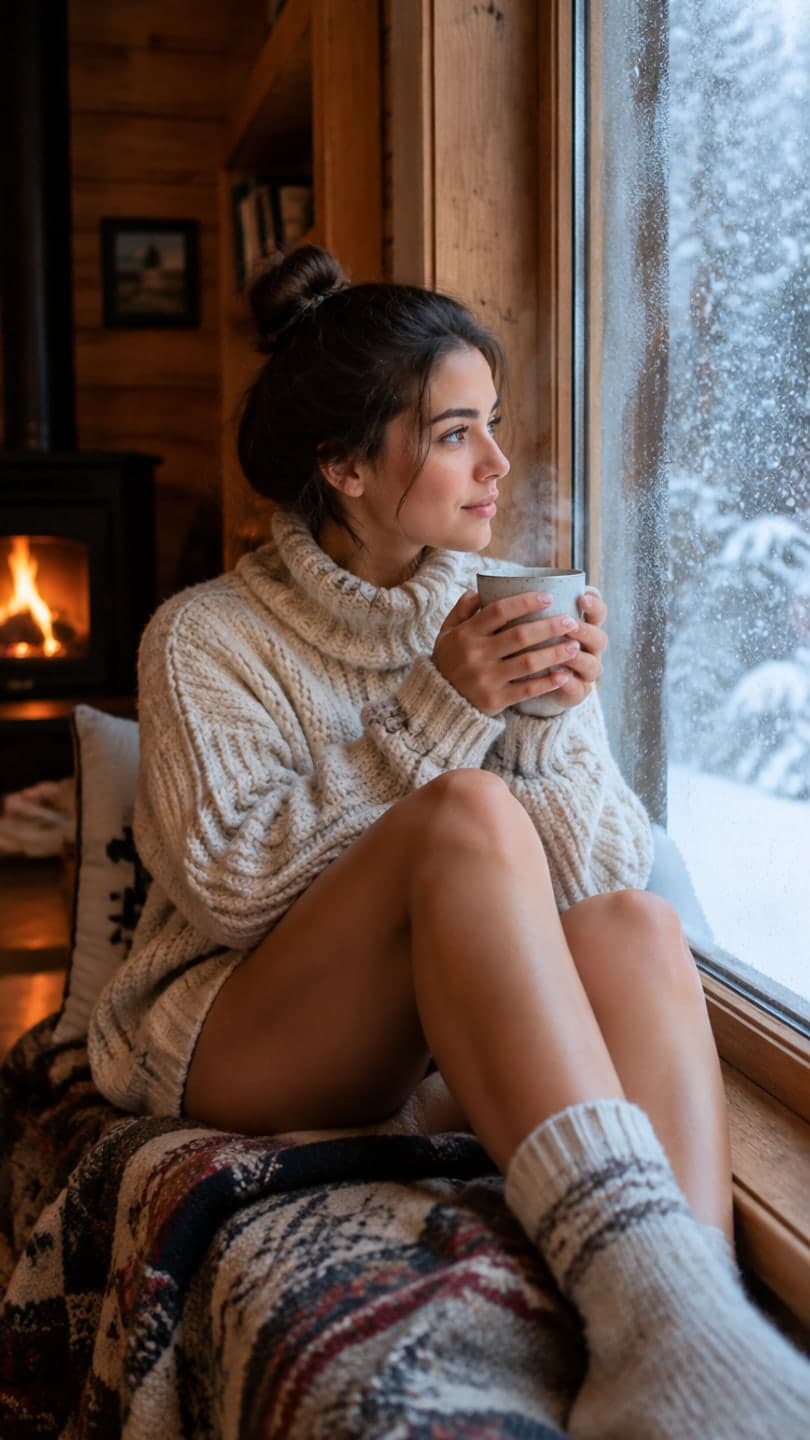


Examples made with Dromana. Tap one to start from that look.
How to use the animate a candle photo
Step 1
Upload your candle photo
The photo you already use for the product: candle lit, sharp, up to 8 MB as JPG, PNG or WebP. A plain background keeps attention on the flame.
Step 2
Tap Candle
Under the prompt box, tap Candle. It asks for a completely stationary camera and a small, gentle flicker, with the candle, its jar and the table held still.
Step 3
Generate and download
Sign in and press Generate. You get a silent MP4 in a minute or two, ready for a listing video slot, a product page or a Reel.
Why only the flame
A candle is sold on its label, its vessel and its color. An ordinary photo-to-video tool treats the whole picture as something to move: the camera pushes in and the label can warp. For something you sell, that is a different product. Here the request is the opposite: one small thing moves and the thing you sell is left alone.
In the example at the top of this page, the jar, the blank label, the linen and the brass snuffer look the same in the last frame as in the first. What changes is the flame and the glow just beneath it. That is the result to aim for: a picture your customer recognises as the listing photo, with a sign of life in it.
Taking a photo that animates well
Light the candle a minute before you shoot, so the flame stands upright and the wax has started to pool. Shoot in soft daylight or a dim room; a flame photographed in hard sun is nearly invisible, and the model can only animate what it can see. Keep the wick and the flame fully inside the frame with some space above them.
A phone propped on a stack of books is enough. Sharp focus on the label matters more than anything else, because a soft label leaves the model room to redraw it. If your label has small text, check it in the result before you publish: letters are the first thing to go wrong in any AI video. If they have changed, generate again or use a closer, sharper photo.
Where a flickering candle earns its place
Marketplace listings usually have a video slot, and five seconds of a moving flame fills it without a shoot. On your own shop it works as the first image on a product page or as a quiet header. On Instagram, TikTok and Pinterest it is a post that stops a thumb without shouting: nothing happens except the flame.
Selling on Etsy? Since October 2026 every listing needs at least one unedited photo of the real item, and Etsy asks sellers to mention AI edits in the description. Keep your original photo for that, and say that the clip was made from it with AI. The product photos page explains the rule and links to Etsy's own wording.
More than one candle, and other small flames
A row of tapers, a tray of tea lights or a centrepiece works the same way. Write “all the candle flames flicker gently”, and add “each a little differently” if they move in step. Lanterns and oil lamps count as candles here. For a hearth or a fire pit, use the fire page, whose line asks for larger, livelier flames.
If the photo has steam in it as well, from a wax melt or a cup beside the candle, ask for both in one sentence: “the flame flickers and a thin line of steam rises”. Two moving things is still fine. Past that, the rest of the frame gets harder to hold.
Length, price and commercial use
Five seconds at 768p uses 70 credits, and the sign-up credits cover two clips. Free clips carry a small dromana.app badge and are for personal use, so treat them as the test. Buying anything, including a single video for $1.49, removes the badge from everything you have made and allows commercial use; packs start at $4.99 for 6 videos. There is no subscription.
Clips are 5, 8 or 10 seconds on the default model. For a sharper label on a large screen, pick the 1080p model in the studio; it shows its price before you generate, and a failed render refunds its credits.
Tips for better results
- Shoot the candle lit: the line animates the flame that is in the photo.
- Keep the label sharp and facing the camera.
- Check small label text in the result before you post it.
- Use the same photo as your listing, so the video and the main image match.
- For a loop, play the clip forward then backward in your editor.
FAQ
Can I animate just the flame of a candle in a photo?
Yes. Ask for a completely stationary camera and say that only the candle flame moves; the Candle button writes that line. The flame flickers and the rest of the picture holds still.
Will my label and jar stay the same?
That is what the line asks for, and in our example the jar and the label match from the first frame to the last. Small printed text is the weak point of any AI video, so look at your label in the result. If it has shifted, generate again or start from a sharper photo.
Can I use it as an Etsy or marketplace listing video?
Yes, once you have bought any pack or plan, which is what allows commercial use. Etsy also needs at least one unedited photo of the real item in each listing and asks you to mention AI edits, so keep your original photo there and note that the video was made from it with AI.
Does it work on an unlit candle?
The effect is made for a lit one: it animates the flame it can see. Photograph the candle burning, in soft light, with the whole flame in the frame.
Can the clip loop?
It is not a seamless loop by default, but a flame hides the join well. Play it forward then backward, or crossfade the two ends, and it repeats cleanly.
How much does one candle video cost?
The sign-up credits cover two videos at no cost. After that a single video is $1.49, or $4.99 for 6, paid once with no subscription.
Is there sound?
No. The clip is silent, which suits a listing video; for social posts, add music in your editor.
Only use photos you have the right to use. See our safety guidelines.
Guides for this look
- How to make an Etsy listing video from your product photosMake an Etsy listing video without filming: the length and format Etsy accepts, what to show in five seconds, and how to turn one product photo into a moving clip.
- How to make a cinemagraph from a photo with AIHow to make a cinemagraph, a still photo with one moving part, using AI: steam from coffee, flowing water, flickering candles or hair in the wind, with prompt ideas.