Holiday card video ideas: moving Christmas cards from your photos
By Liam Walker, Social media and creator strategy · Updated · 4 min read
the short version
A moving holiday card is a short clip instead of a printed photo: snow falling around your family, a snow globe with you inside, the tree lights twinkling while everyone waves. It's quick to make from a photo you already have, costs less than printing and posting, and lands in the group chat or inbox the same day. Keep it short, warm and personal.
AI Photo to Video
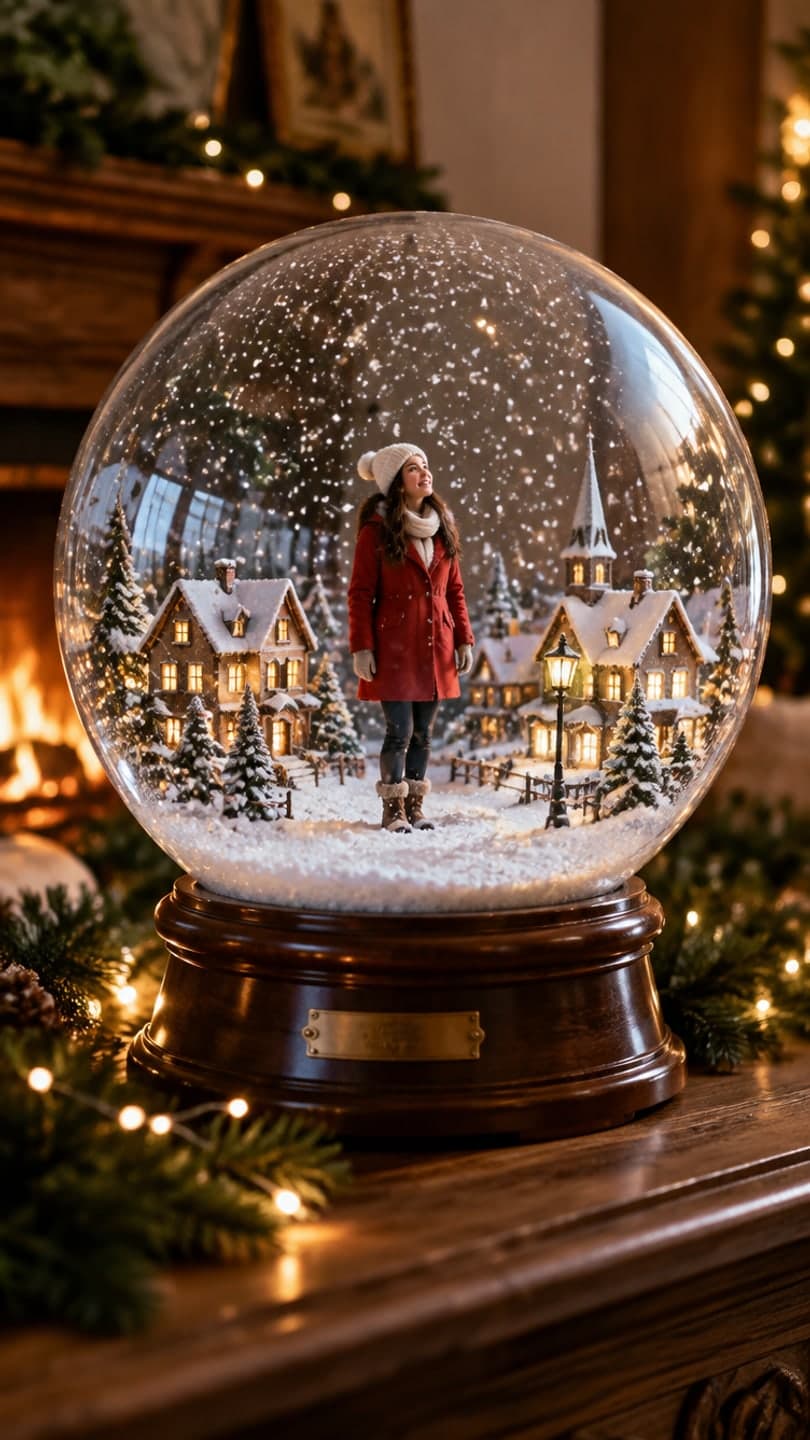 Snow globe
1 Pick a look · optional
We put you into this example — everything else stays as it is — then it moves like the example, at no extra cost.
Failed renders refund credits
Why send a video card instead of a printed one?
Printed cards are lovely, but they take weeks, cost money per copy and often arrive after Christmas. A moving card goes out instantly to everyone in the family chat, works for relatives abroad and feels more alive than a still photo. Many families now do both: a printed card for grandparents, a short clip for everyone else. A clip can also be replayed, saved and shared on, which a card on the fridge can't.
The best video cards are simple. One photo, one gentle motion, a few seconds long, with the greeting in the caption or on screen.
Which moving card ideas work best?
- Snow globe: the family inside a glass globe while snow swirls.
- Falling snow: a winter photo where the snow starts to fall and everyone looks up.
- Twinkling tree: the tree lights pulse while the family waves.
- Christmas morning: everyone laughing around the gifts, a slow push in.
- Fireplace: flames flicker, stockings sway, a dog's tail wags.
- Holiday lights street: a couple walking under strings of lights.
Ready-made looks for these: the snow globe, Christmas lights, Christmas morning and cozy cabin.
Try this look on your own photo.
Make it with my photoHow do I make a moving card from a photo?
Step 1
Pick the photo
One clear family or couple photo, faces visible, warm light.
Step 2
Choose a look or describe it
Use a look above, or upload to AI Video and write the motion: "snow begins to fall, the family looks up and smiles".
Step 3
Generate a short clip
Five seconds is perfect for a card.
Step 4
Add the greeting
Type it in the message, or add text in a phone editor.
Can I animate an existing card photo?
Yes. If you already have this year's card photo, the make a photo move page animates it directly without changing the scene: snow falls, lights twinkle, someone smiles. This keeps the card exactly as you designed it. For ideas on taking the photo itself, see our Christmas card photo ideas and Christmas pajama photo ideas.
When is the best time to send a video card?
- Early December for a seasonal greeting.
- The week before Christmas for a Merry Christmas card.
- Christmas morning for the family group chat.
- New Year's Eve or Day for a year-end card.
Making a version for Hanukkah, Lunar New Year or a winter birthday works the same way; just change the scene.
How do I make the card feel personal?
A generic snowy scene with your face is nice; a card with a detail only your family would recognize is better. Use the real dog, the actual living room, the ugly ornament everyone fights over. Add one line of text that sounds like you rather than a store-bought greeting: an inside joke, the year's big news or a nickname. If you're sending the same clip to different groups, make one version, a sweet one for grandparents and a silly one for friends. Keep names and any personal details off public posts; send those privately in the chat.
- Include one detail only your family would recognize.
- Write the greeting in your own voice.
- Make a sweet version and a silly version.
- Share personal details privately, not publicly.
How much does a video card cost?
On Dromana a 5-second clip on Dromana uses 70 credits, and holiday looks cost the same as a plain clip. New accounts get 70 free credits with no card, enough for one card, plus 35 more each day they visit. Free results carry a small badge; plans from $10 a month remove it. Our ranking of the best AI Christmas video apps covers other ways to make holiday clips.
Questions people ask
What is a moving holiday card?
A short video made from a photo, like snow falling around your family, sent instead of or alongside a printed card.
How do I make a video Christmas card?
Pick one clear photo, choose a holiday look or describe a gentle motion, generate five seconds and add your greeting.
Can I animate a card photo I already have?
Yes. Use the make a photo move page to animate it without changing the scene.
How long should a video card be?
About five seconds.
When should I send it?
Early December, the week before Christmas or Christmas morning.
How much does it cost?
A 5-second clip uses 70 credits; new accounts get 70 free credits.
Effects from this guide

Keep reading
 Christmas card photo ideas for families, couples, friends and pets4 min read
 Best AI Christmas video apps in 2026: elf videos, snow globes and cards4 min read
- Christmas pajama photo ideas: matching family, couple and friend shots4 min read
 Hanukkah photo ideas: menorah portraits, family shots and festive clips4 min read
 Christmas market photo ideas: lights, mulled wine and cozy outfits4 min read
Ready to make yours?
Add one photo and get the look from this guide.