How to turn a selfie into a video with AI
By Claire Ye, Editor-in-chief, AI imaging · Updated · 4 min read
the short version
To turn a selfie into a video, upload it to an image-to-video tool and describe a small, natural motion: a smile, a head turn, hair moving, a slow camera push. You get a short clip in a few minutes. For something more dramatic, a ready-made look rebuilds the scene around you, from a city walk to a snow globe. A sharp, front-facing selfie in soft light gives the best result.
AI Photo Restyle
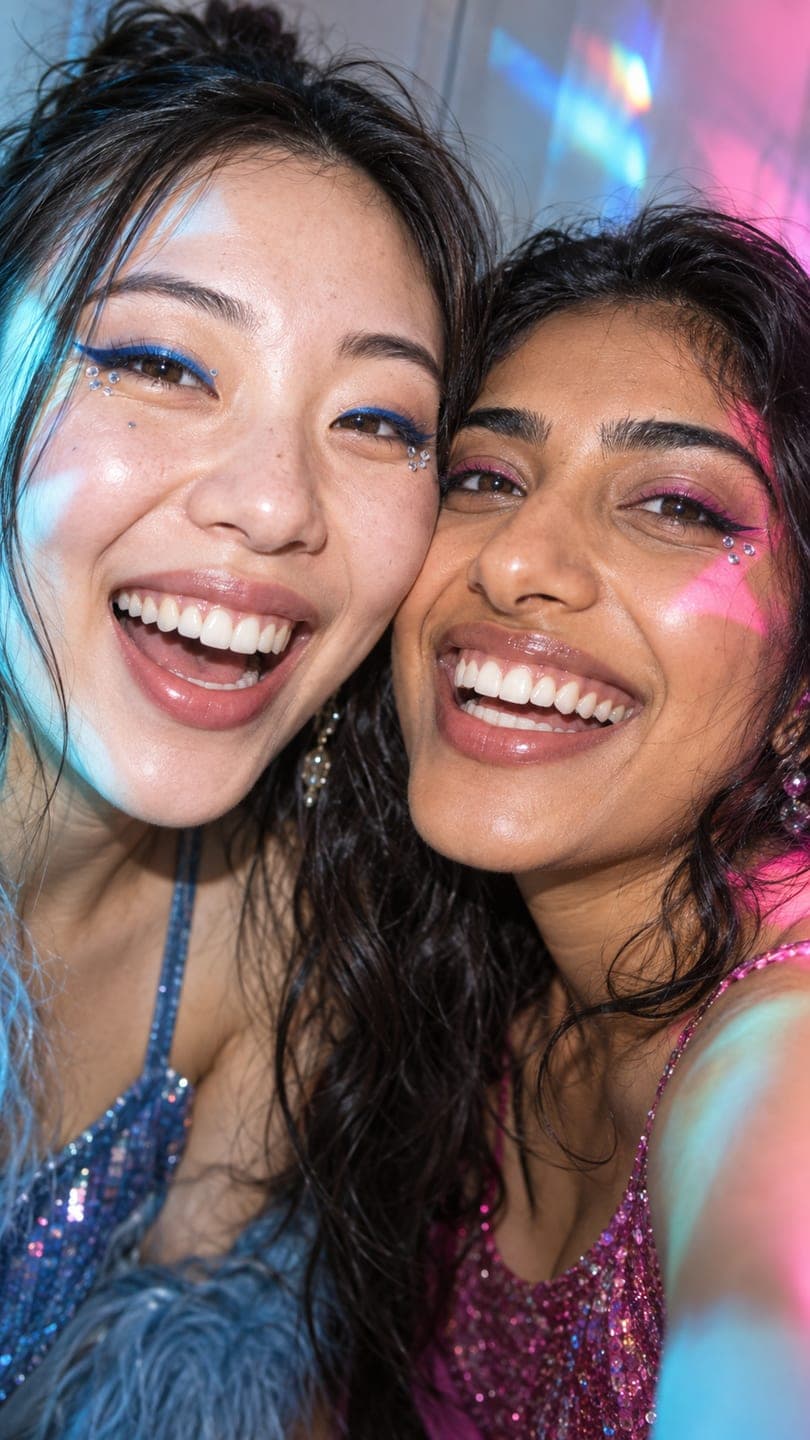 Prism selfie
1 Pick a look · optional
We put you into this example and keep everything else the same.
Failed renders refund credits
What kind of video can a selfie become?
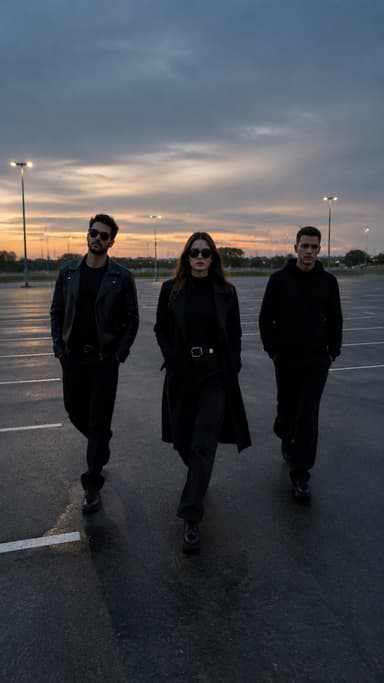
There are two directions. The first keeps your selfie exactly as it is and brings it to life: you blink, smile, turn your head, laugh, your hair moves in the wind and the camera drifts closer. It feels like a live photo that kept going. The second puts you somewhere new: the AI recreates a finished scene with your face and builds it into a moving clip, like walking through a city at night or standing in a snow globe.
Both start from a single selfie, and both take a few minutes.
Which selfies work best?
- Sharp focus on your eyes, so the clip starts crisp.
- Face toward the camera, or a slight angle at most.
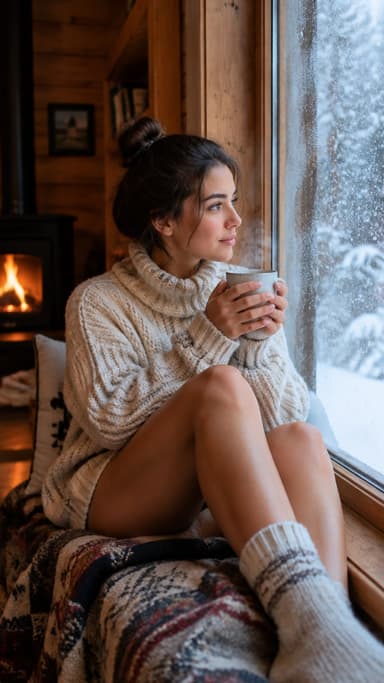
- Soft, even light, like a window in front of you.
- Arm's length or a little further, so your whole head fits with space around it.
- No heavy beauty filter, which smooths away the details the AI needs.
- Hands and phone away from your face.
Our AI selfie tips guide has more on getting a selfie that works for AI.
Try this look on your own photo.
Make it with my photoHow do I animate a selfie as it is?
Step 1
Upload your selfie
On the make a photo move page.
Step 2
Describe one small motion
"she smiles and tilts her head, hair moves slightly, slow push in".
Step 3
Pick a length
Five seconds is plenty for a selfie clip.
Step 4
Generate and save
A 5-second selfie clip on Dromana takes 70 credits and a couple of minutes.
How do I put my selfie into a trend scene?
Pick a look, add your selfie, and the scene is rebuilt with you in it, then animated like the example. Good starting points for selfies are the prism selfie, studio pose and city standing looks. Because the look makes a still of you in the scene first, you can see how you'll look before it moves. A look video costs the same as a plain clip: 70 credits on Dromana.
Which prompts work for selfie videos?
- "she laughs and looks away, then back at the camera"
- "he raises his eyebrows and smiles, handheld camera"
- "wind moves her hair, golden light flickers across her face"
- "slow blink and a small smile, shallow depth of field"
- "he nods slowly, city lights blur behind him"
More wording that works is in image-to-video prompts.
Why doesn't the video look like me?
Usually it's the selfie: too dark, too blurry, too much filter or too wide-angle up close, which distorts features. Retake it with the phone a little further away, in front of a window, without a filter. Then ask for less motion. If you're using a look, a front-facing photo matters most. Our guide to AI video generators that keep your face covers this in more depth.
How do I make a selfie video look natural?
Natural selfie clips borrow the habits of real phone footage. Ask for a slightly handheld camera instead of a perfectly smooth glide, a real reaction instead of a frozen smile, and light that matches the photo: if your selfie was taken by a window in the morning, don't describe neon at night. Keep the background roughly the same, and let small things move, like a strand of hair, an earring, a blink. When the whole frame shifts at once, it reads as AI; when only a few details move, it reads as a moment.
- Handheld feel beats a perfect glide.
- Match the light to the original photo.
- Let a few details move, not everything.
- End on a natural expression, so the loop feels real.
Where should I post a selfie video?
Short selfie clips work as a profile video, a Story, a Reel with a trending sound or the first slide of a carousel. Keep them under eight seconds so they loop. New Dromana accounts get 70 free credits with no card, enough for one clip, plus 35 more each day they visit. Free clips carry a small badge; plans remove it. Try it now in AI Video.
Questions people ask
How do I turn a selfie into a video?
Upload it to an image-to-video tool, describe a small motion like a smile or head turn, and generate a short clip.
What selfie works best?
Sharp, front-facing, in soft even light, at arm's length or further, without a heavy filter.
Can I put my selfie into a different scene?
Yes. A ready-made look rebuilds a scene around you from your selfie and animates it.
Why doesn't the video look like me?
Usually a dark, blurry or filtered selfie, or too much motion. Retake it and simplify.
How long should a selfie video be?
About five seconds, so it loops.
Is it free to try?
New Dromana accounts get 70 free credits, enough for one selfie clip.
Effects from this guide

Keep reading
Ready to make yours?
Add one photo and get the look from this guide.