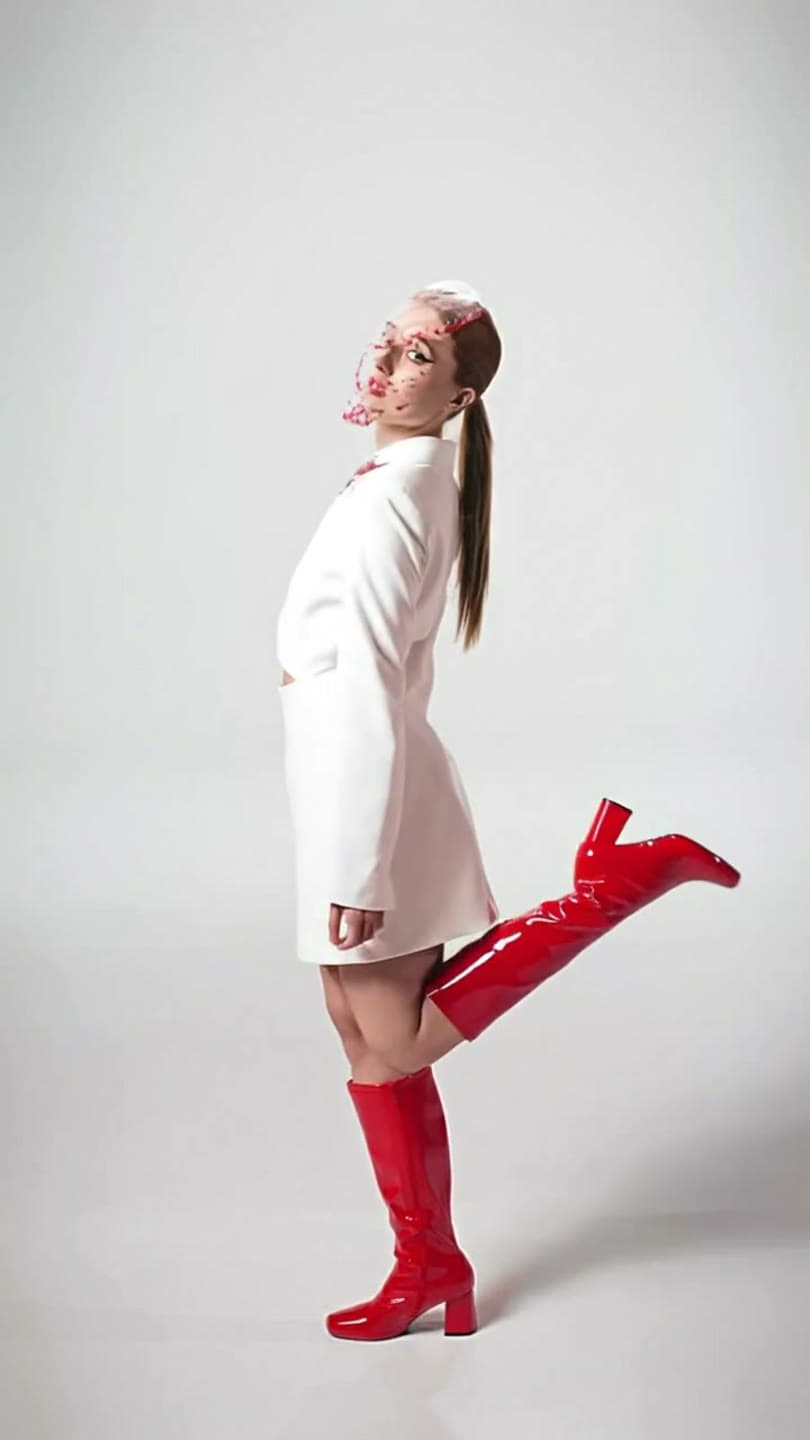
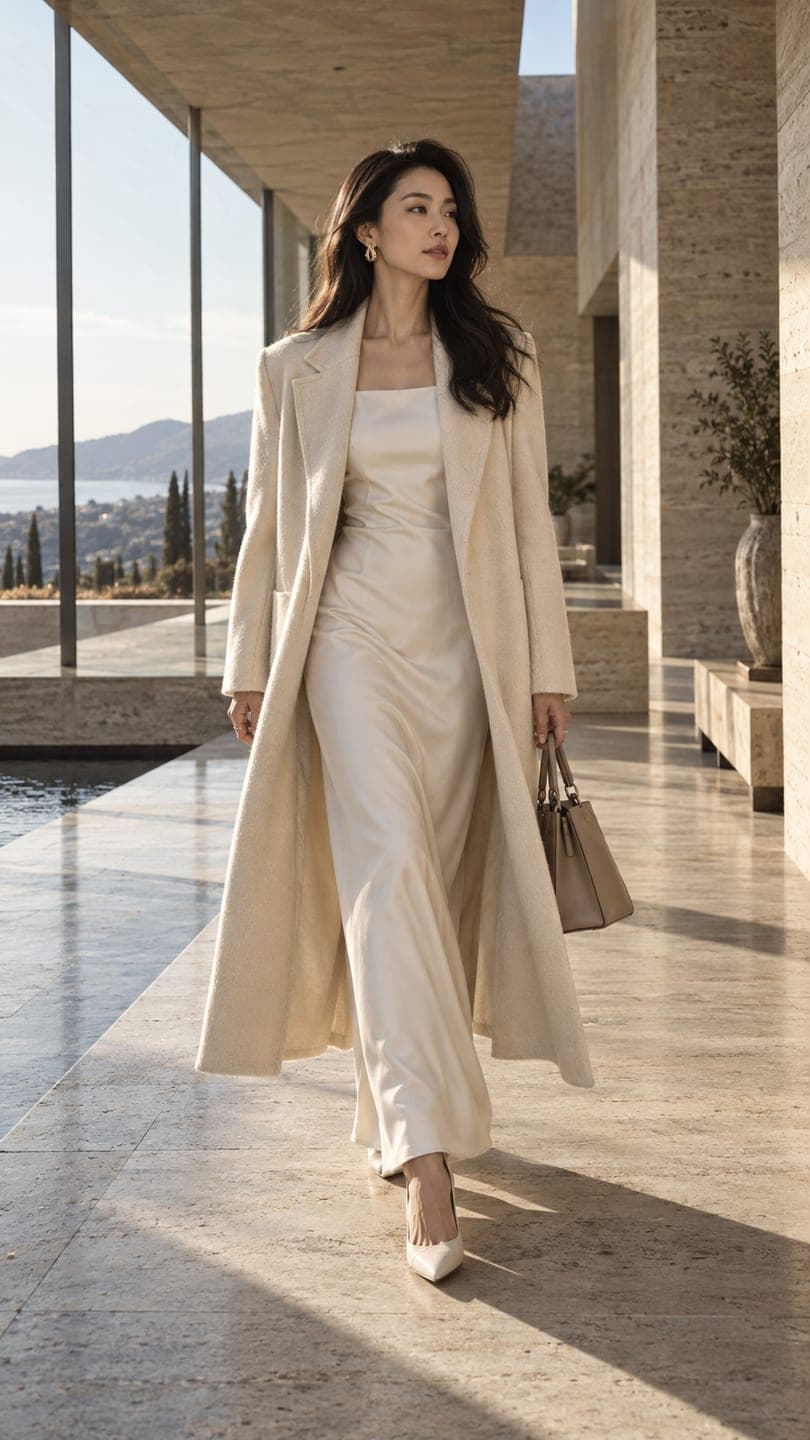
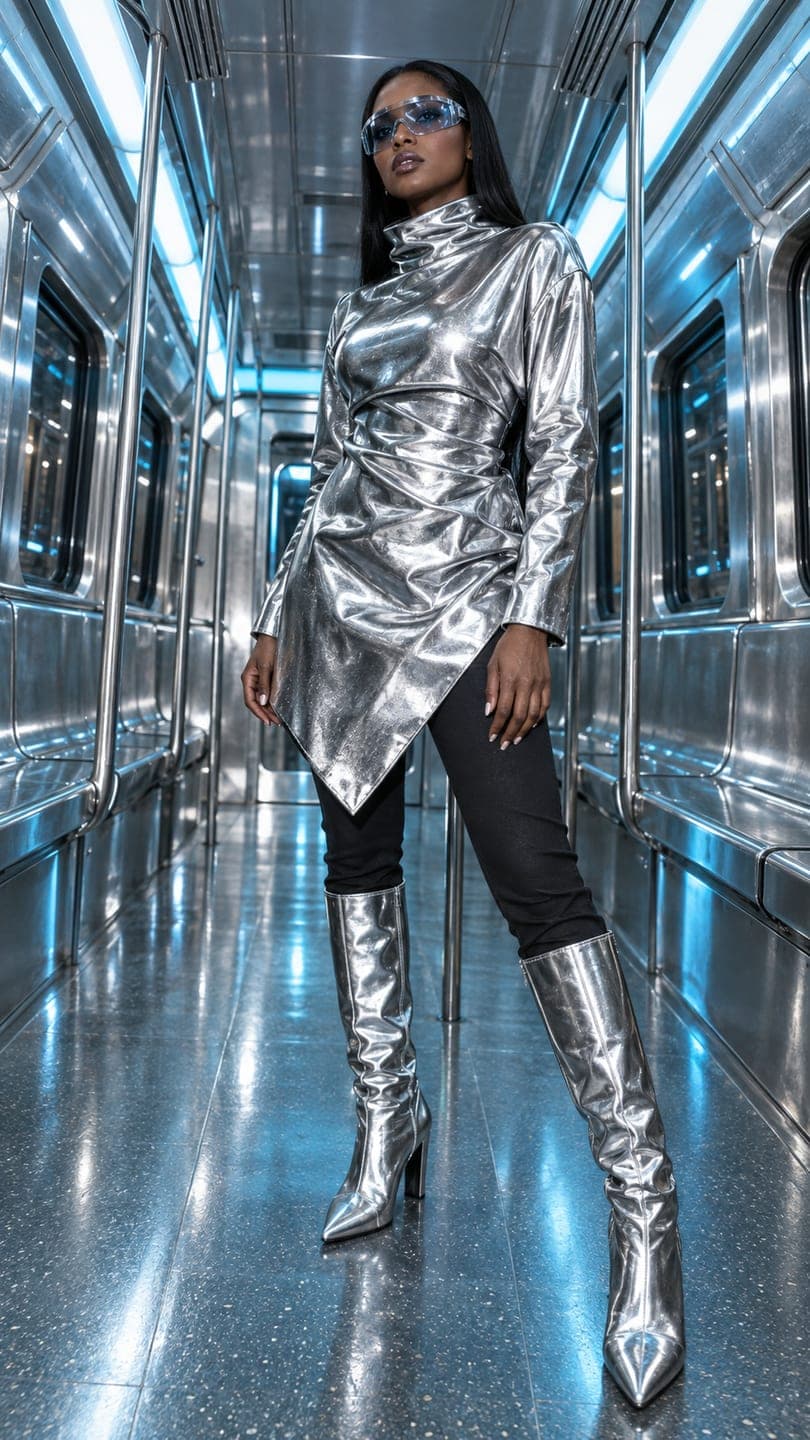
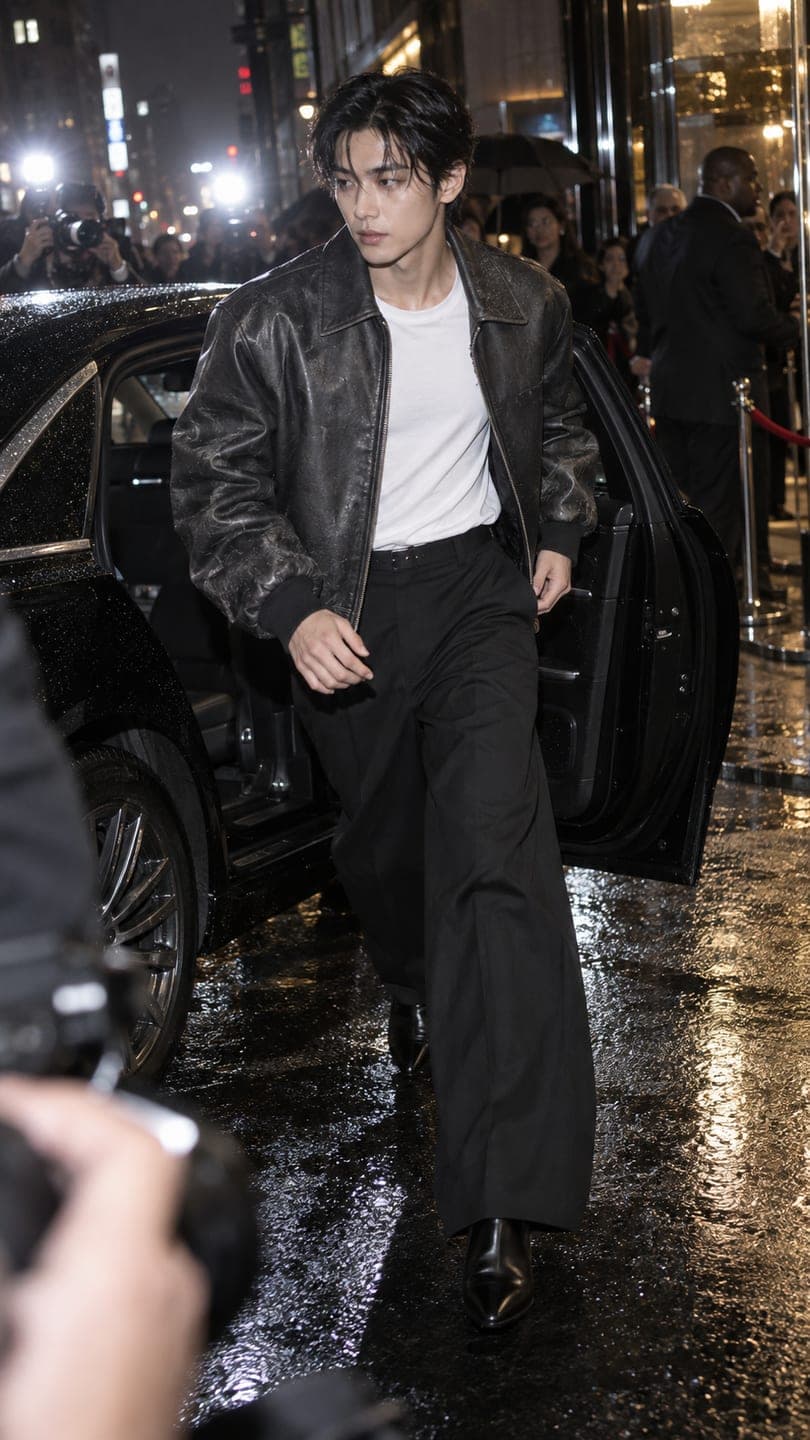
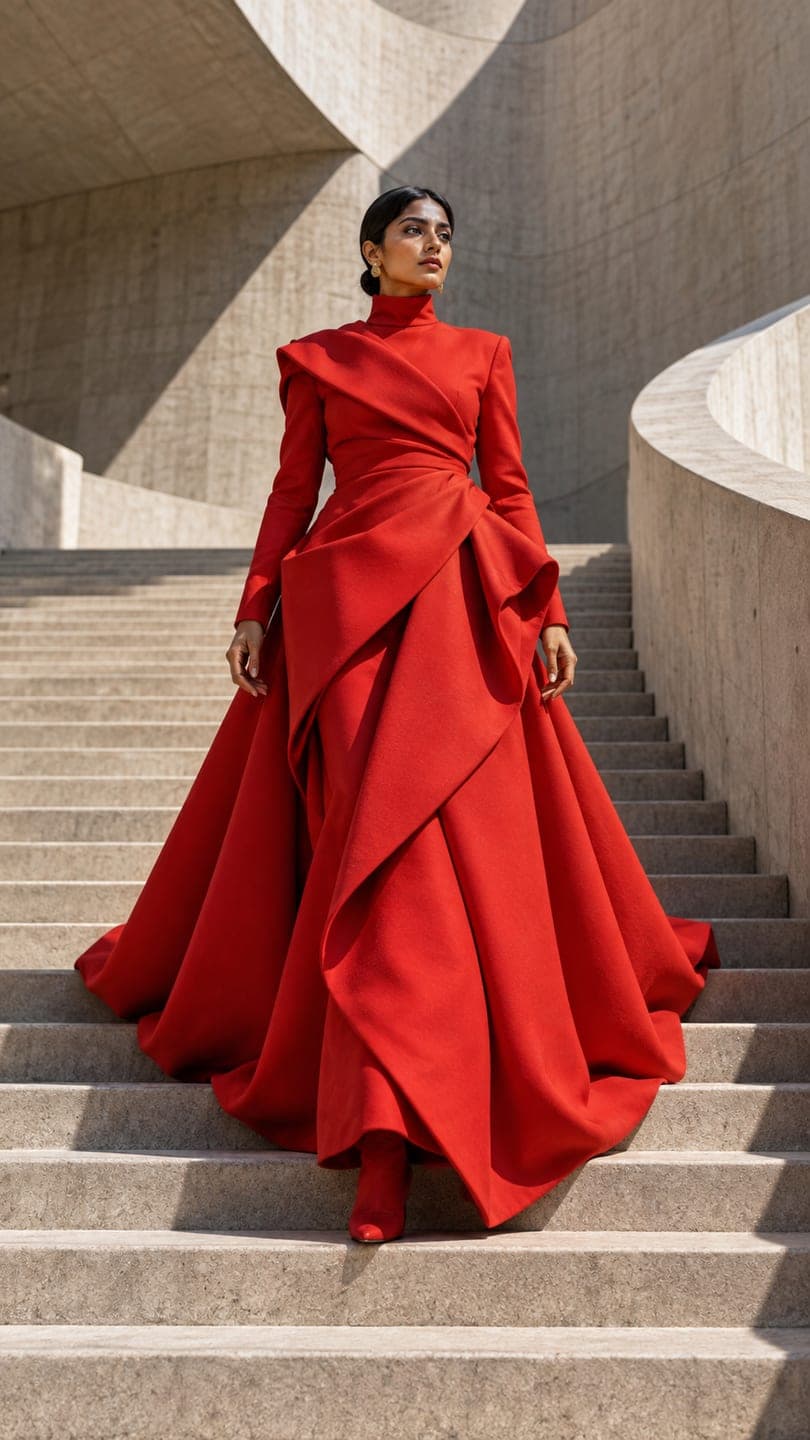
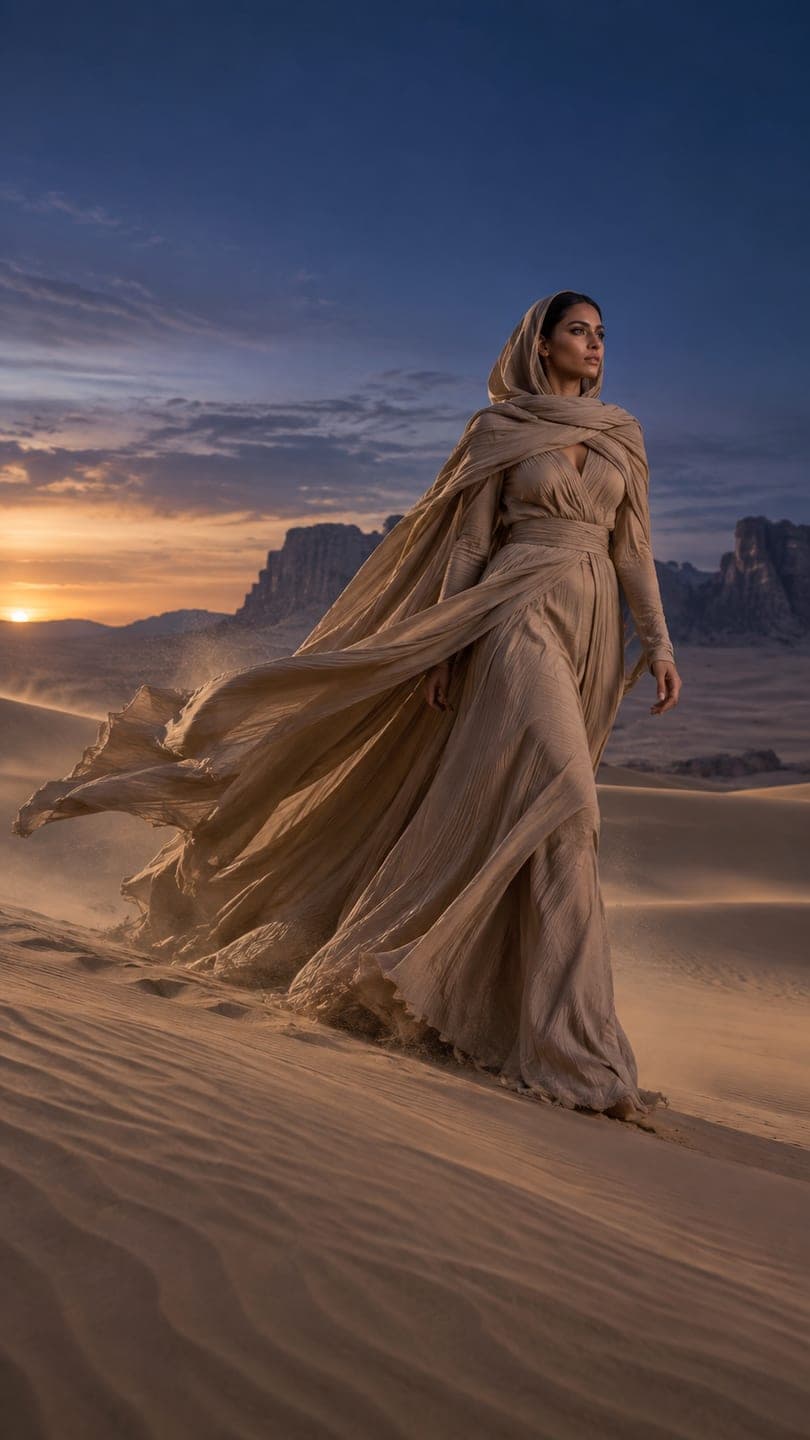
Prism selfie: AI photo template
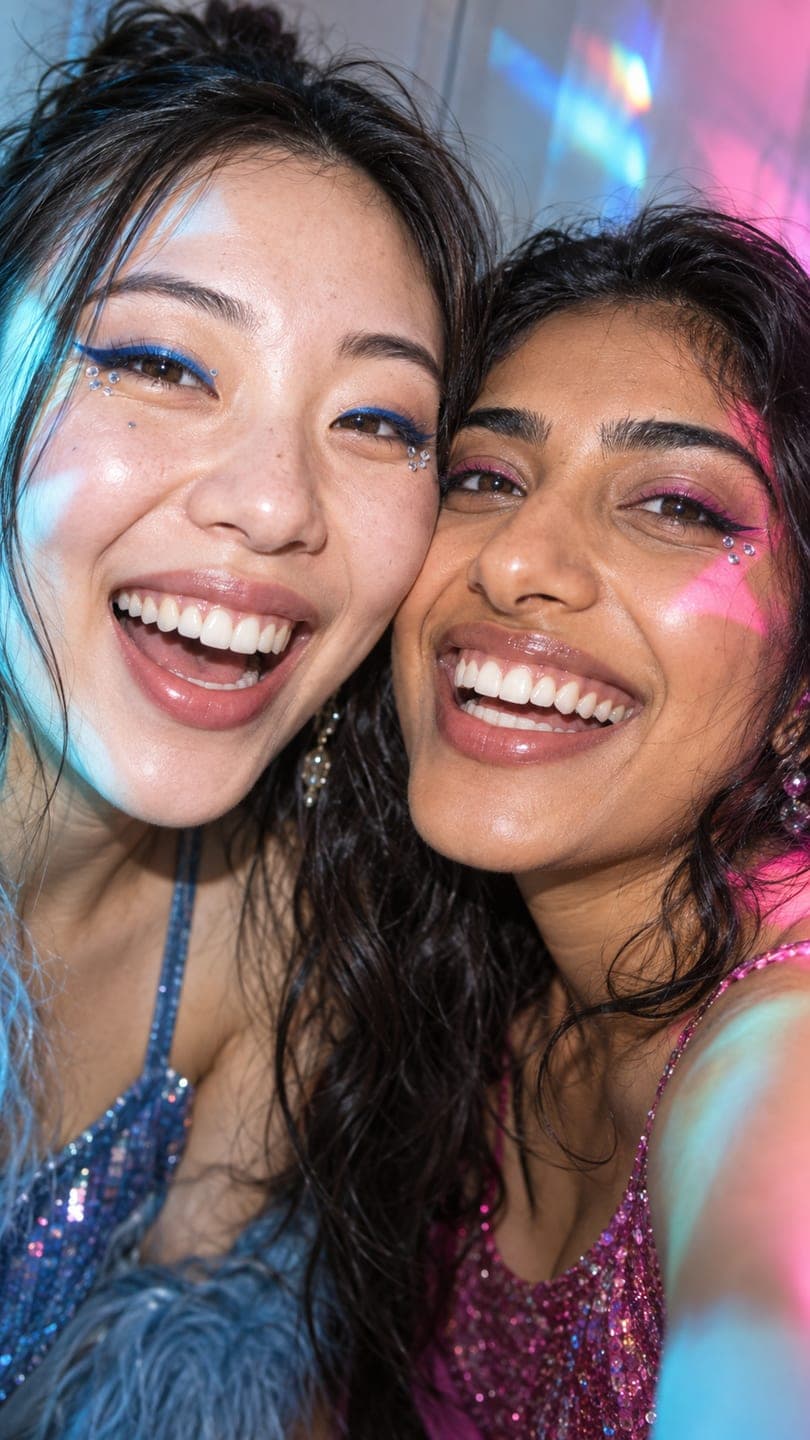
The Prism selfie template recreates this exact shot — laughing close-up selfie with a friend under prism light, sequin tops — with you and your friends in it instead. The outfit, pose, place and light stay as they are; the face is yours.
- You add
- One photo
- You get
- 9:16 image
- Credits
- 20
AI Photo Restyle
Prism selfie1 Pick a look · optional
We put you into this example and keep everything else the same.
What’s in the shot
Laughing close-up selfie with a friend under prism light, sequin tops.
How to make it
Step 1
Add your photo
Upload a photo of you (and a friend, if the shot has two). Good light and a sharp face matter more than the background.
Step 2
We put you in the shot
The example is rebuilt with you and your friends in it. Nothing else is changed unless you ask for it.
Step 3
Save or share
Download the image, or share it straight to Instagram, TikTok, WhatsApp and more.
FAQ
How do I put myself in the Prism selfie look?
Open this template, add a photo of you (and a friend, if the shot has two) and press Generate. Dromana recreates the example with you and your friends in it. No prompt needed.
How much does the Prism selfie template cost?
20 credits with the default settings. New accounts get free credits on signing up, and every plan starts with a 7-day free trial.
Can I change something, like the colour or the outfit?
Yes. Type the change in the prompt box — for example “in red” or “add sunglasses” — and it is made on top of the example. Leave it empty to get the example exactly.
Will it still look like me?
Yes — the face, skin tone and hair colour come from your photo, and everything else from the example. A clear, front-facing photo works best.
Only use photos you have the right to use. See our safety guidelines.