How to animate a pet photo: make your dog or cat move with AI
By Claire Ye, Editor-in-chief, AI imaging · Updated · 4 min read
the short version
You can animate a pet photo with an image-to-video tool: upload a clear photo of your dog, cat or other pet, describe one natural movement, like a tail wag, a head tilt or a slow blink, and get a short clip in a few minutes. Simple, realistic motion looks best. It works especially well for memorial clips of pets who have passed and for funny posts.
AI Photo to Video
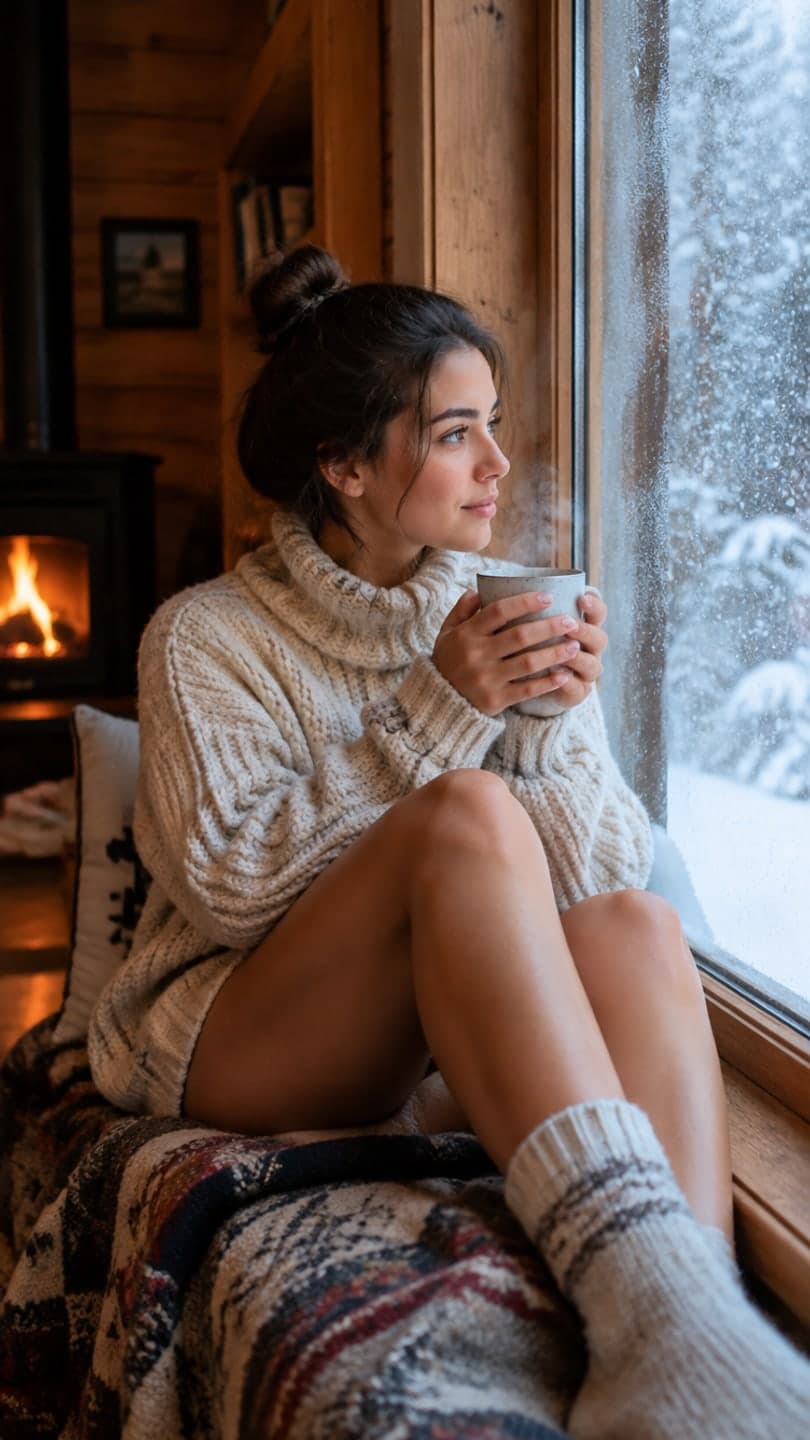 Cozy cabin
1 Pick a look · optional
We put you into this example — everything else stays as it is — then it moves like the example, at no extra cost.
Failed renders refund credits
Can AI really animate my pet's photo?
Yes. Image-to-video models have learned how animals move: how a dog's ears flop, how a cat blinks slowly, how fur ruffles in the wind. Give one a clear photo and a short description, and it generates a few seconds of your pet moving naturally, starting from your photo. People make these for funny posts, for holiday cards, and very often to see a pet who has passed move one more time.
The most convincing clips use small, typical movements. Your dog sitting still and then tilting its head looks real; your dog doing a backflip looks like a cartoon.
Which motions look most natural?
- Dogs: tail wag, head tilt, ears perking up, panting, a happy sneeze.
- Cats: slow blink, ear twitch, tail swish, a yawn, looking around.
- Rabbits: nose twitch, ear flick, a small hop.
- Birds: head turn, feather ruffle, a little step.
- Horses: mane in the wind, a head toss, a few steps forward.
- Any pet: breathing, blinking, fur moving in a breeze.
Try this look on your own photo.
Make it with my photoHow do I animate a pet photo step by step?
Step 1
Choose a clear photo
Pet in focus, eyes visible, the whole head in frame, good light.
Step 2
Upload it
Use the make a photo move page or AI Video.
Step 3
Describe one motion
"the golden retriever tilts its head and wags its tail, sunny garden, slow push in".
Step 4
Generate and check
A 5-second clip on Dromana uses 70 credits. If it looks off, simplify the motion and try again.
For wording that works, see image-to-video prompts.
Which pet photos work best?
The same rules as for people: sharp focus on the eyes, even light, the face clearly visible and not too small in the frame. Photos taken at your pet's eye level look more natural than ones from above. Avoid photos where your pet is mid-motion and blurred, or partly hidden behind furniture or another animal. Our guide to the best photos for AI video explains why sharpness matters so much.
Why does my pet look strange in the video?
- Too much motion requested: ask for one action, not three.
- A blurry or tiny pet in the photo: crop closer or use a sharper photo.
- Unusual breeds or markings can drift: describe the color and markings in the prompt.
- Several pets at once: animate one at a time for the best result.
- Legs during running: walking or sitting looks better than sprinting.
How do I make a funny pet clip?
Pet humor works best when the animal acts like a person, but only slightly. A dog that turns to the camera and raises an eyebrow, a cat that slowly sighs and looks away, a hamster that seems to nod along. Write the caption as your pet's inner monologue: "me when you say the word walk" or "when you open the cupboard but it's not for me". Keep the motion small enough to be believable and let the caption do the joking. Holiday versions are popular too: your dog in an elf hat or your cat inside a snow globe.
- One human-like reaction, kept small.
- Caption it as the pet's inner monologue.
- Holiday props like elf hats are easy wins.
- Loop the clip so the reaction repeats.
Can I make a memorial clip of a pet who passed?
Many people do, and it can be comforting to see a familiar head tilt again. Choose a photo that captures their personality, keep the motion gentle, like a blink and a breath or a slow tail wag, and consider adding a soft camera push in. Some people prefer just the still photo, and that's okay too. For old or printed photos, see our guide to animating old photos; a scan or a straight, glare-free phone photo of the print works fine.
Questions people ask
Can AI animate a photo of my dog or cat?
Yes. Upload a clear photo and describe one natural motion, like a tail wag or a slow blink.
What motions look most realistic?
Small, typical ones: head tilts, blinks, ear twitches, tail wags and breathing.
Which photos work best?
Sharp photos with the eyes in focus, taken at the pet's eye level, in good light.
Why does my pet look weird in the clip?
Usually too much motion, a blurry photo or several pets at once. Simplify and try again.
Can I animate an old photo of a pet who passed?
Yes. Use a gentle motion like a blink and a breath; a scan of a printed photo works.
How much does it cost?
A 5-second pet clip on Dromana is 70 credits; you start with 70 free credits.
Effects from this guide

Keep reading
 How to make a photo move: 4 ways, ranked4 min read
 How to animate old photos the respectful way: scan, prep and gentle motion4 min read
 40 image-to-video prompts that actually work4 min read
 How to turn a selfie into a video with AI4 min read
 Viral AI video effects explained: bullet time, rides, snow globes and more6 min read
Ready to make yours?
Add one photo and get the look from this guide.