Salon social media videos: hair, nails and beauty content that books clients
By Noah Reynolds, Media and brand content · Updated · 4 min read
the short version
Salons win bookings on Instagram and TikTok with short videos: real transformations, a hair flip at the end of an appointment, nail close-ups, seasonal style ideas and promos for offers. Film real work whenever you can, and use AI for things that don't need to be proof of your work, like seasonal promo scenes, style menus and announcements. Never fake a before-and-after.
AI Photo Restyle
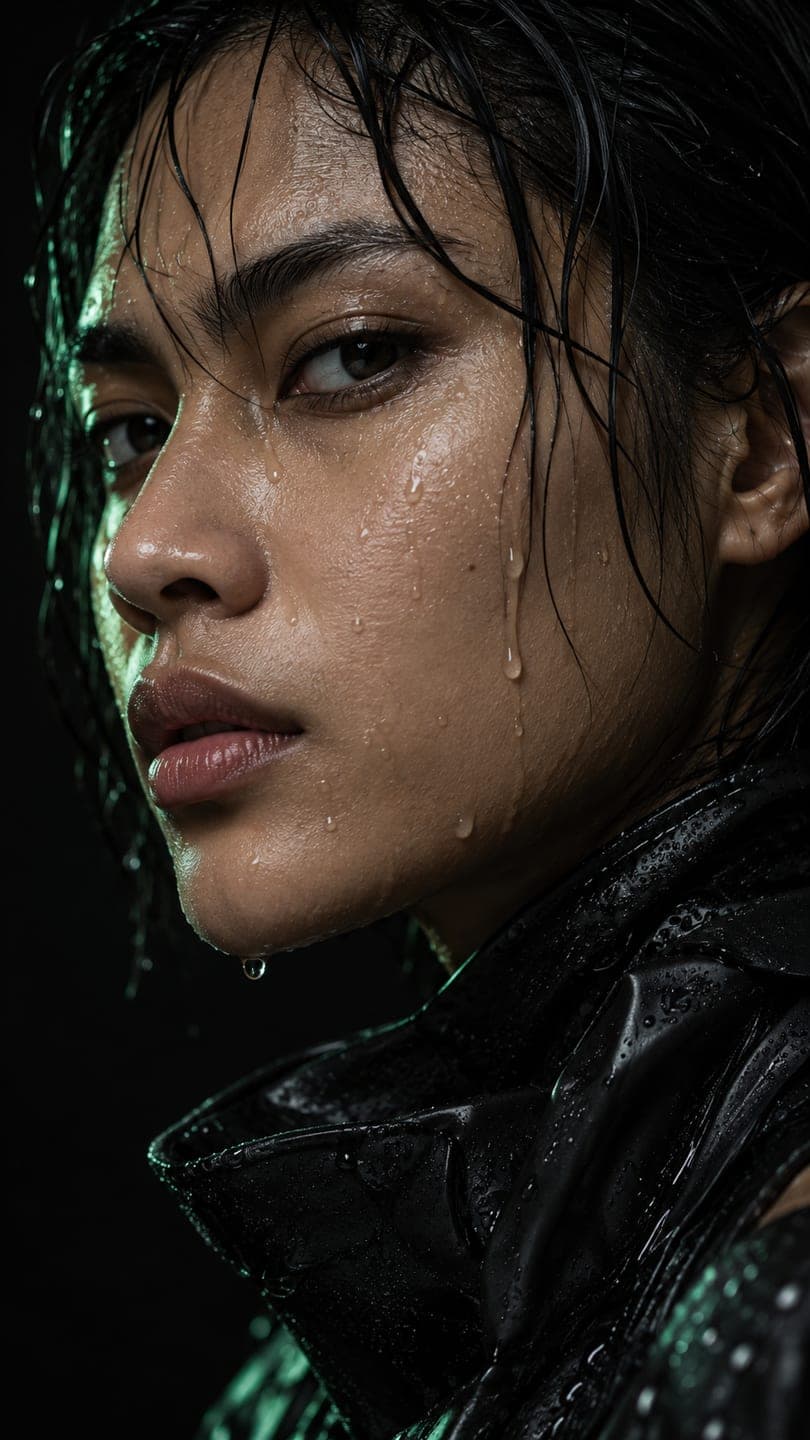 Wet look
1 Pick a look · optional
We put you into this example and keep everything else the same.
Failed renders refund credits
Why do salons need short videos?
Clients choose salons by scrolling. A ten-second clip of a fresh blowout swinging, a balayage catching the light or a set of nails sparkling does more than any price list. Video also shows personality: your team, your space, your vibe. Platforms push short video to people nearby, which makes Reels and TikTok some of the cheapest marketing a salon can do.
The rule that matters most: your work must be real. AI can help with everything around it.
Which videos should salons post?
- Real transformations: before, process, after, filmed in the salon.
- The reveal: a client's hair flip or nail close-up at the end.
- Process clips: color mixing, foils, a precision cut, nail art.
- Style menus: a quick look at the cuts or colors you offer.
- Team intros: each stylist's specialty in ten seconds.
- Seasonal promos: holiday party hair, wedding season, back to school.
Try this look on your own photo.
Make it with my photoHow should salons use AI honestly?
AI is great for content that doesn't claim to show your work: a holiday promo scene, a festive announcement, a "new season, new color" teaser with a generic model, or a moving version of a real photo you already took. It must not be used to fake before-and-afters, invent results or present AI hair as something a stylist did. That misleads clients and can break advertising rules and platform policies. If you use AI imagery in an ad, label it.
- Real work: always real photos and video.
- AI: promos, announcements, seasonal mood, style inspiration.
- Never: fake before-and-afters or invented results.
- Label AI imagery in ads and posts.
How can AI help with style inspiration?
Clients often struggle to describe what they want. A style-preview service, where a client sends a selfie and you show them a few AI previews of cuts or colors before the appointment, can make consultations faster. Our AI hairstyle try-on and AI hair color try-on guides show how. Be clear that previews are approximations and the real result depends on their hair.
How do I turn a real photo into a moving clip?
Step 1
Take a great after photo
Good light, the style clearly visible, client's permission.
Step 2
Animate it gently
On the make a photo move page: "she turns her head and the hair swings, soft salon light".
Step 3
Check it's still accurate
The cut, color and length must match the real result.
Step 4
Post with booking info
The service name, the stylist and a booking link.
This adds motion to a real result without changing it, which is the honest way to use AI for your work.
Which seasonal promos work for salons?
- Holiday party season: glam waves, updos and sparkly nails.
- New Year: "new year, new color" consultations.
- Wedding season: bridal trials and party bookings.
- Back to school: quick cuts and fresh color.
- Summer: glossing, braids and beach waves.
Ready-made scenes like the wet look, studio pose and velvet bow portrait make eye-catching promo backgrounds.
Can salons use AI clips commercially?
Yes, with a paid plan or a pack you bought, which allow commercial use; free-credit results are for personal use. Any pack, from $4.99 for 6 videos, removes the small badge. You need the rights to the photos you upload, including clients' permission for any photo of them. For more small business formats, see the best AI video tools for small business.
What does it cost?
Each five-second clip on Dromana is 70 credits, and an image is 10. A pack of 15 videos is $9.99, enough for a few posts a week, and any pack removes the badge. Start with a real after photo in AI Video.
Salons that post client results every week can see on Dromana for business how before-and-after photos become clips, and the plan for keeping the feed busy.
Questions people ask
What videos should a salon post?
Real transformations, reveals, process clips, style menus, team intros and seasonal promos.
Can salons use AI in their content?
Yes, for promos, announcements and inspiration, but never to fake results or before-and-afters.
Can AI preview a haircut for clients?
Yes, as an approximation before a consultation; the real result depends on their hair.
How do I animate a real after photo?
Use the make a photo move page with a gentle motion, and check the style is unchanged.
Do I need clients' permission?
Yes, before filming, posting or uploading any photo of them.
What does it cost?
Roughly 70 credits a clip on Dromana; 15 videos are $9.99, with no subscription.
Effects from this guide
 Make a photo moveUpload one photo, get a 5-second video in a minute or two: a smile, a head turn, wind in the trees, waves rolling in. Works on portraits and landscapes, free to try.
 AI fashion portraitSkip the photographer: get a magazine-style fashion portrait from one selfie. Quiet-luxury coats, street editorial, studio light. Same face, new shoot. Free to try.
Keep reading
 AI hairstyle try-on: see a new haircut on your own photo first4 min read
 AI hair color try-on: see copper, blonde or pastel on your own photo4 min read
 Best AI video tools for small business marketing in 20264 min read
 A photo with Santa without the mall line: a Santa selfie and video from one photo5 min read
 The holiday defrost trend: thaw out of the ice when the season starts4 min read
Ready to make yours?
Add one photo and get the look from this guide.