AI hairstyle try-on: see a new haircut on your own photo first
By Sophia Miller, Fashion and aesthetics editor · Updated · 4 min read
the short version
An AI hairstyle try-on shows a new haircut on your own photo before you commit: a bob, curtain bangs, a pixie cut, long layers or braids. Upload a clear, front-facing photo with your hair pulled back or down, describe the cut in specific words and ask the AI to keep your face. Then take the result to your stylist as a reference.
AI Photo to Video
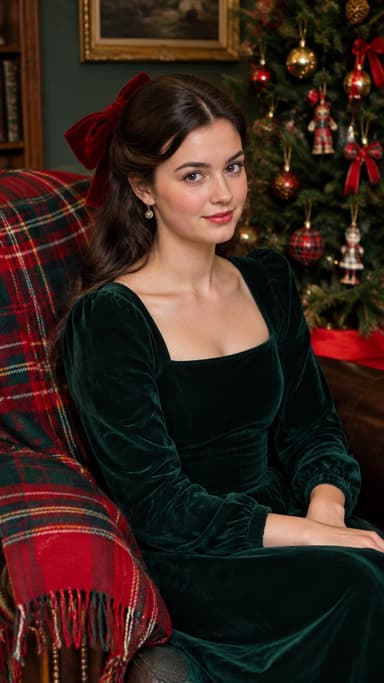
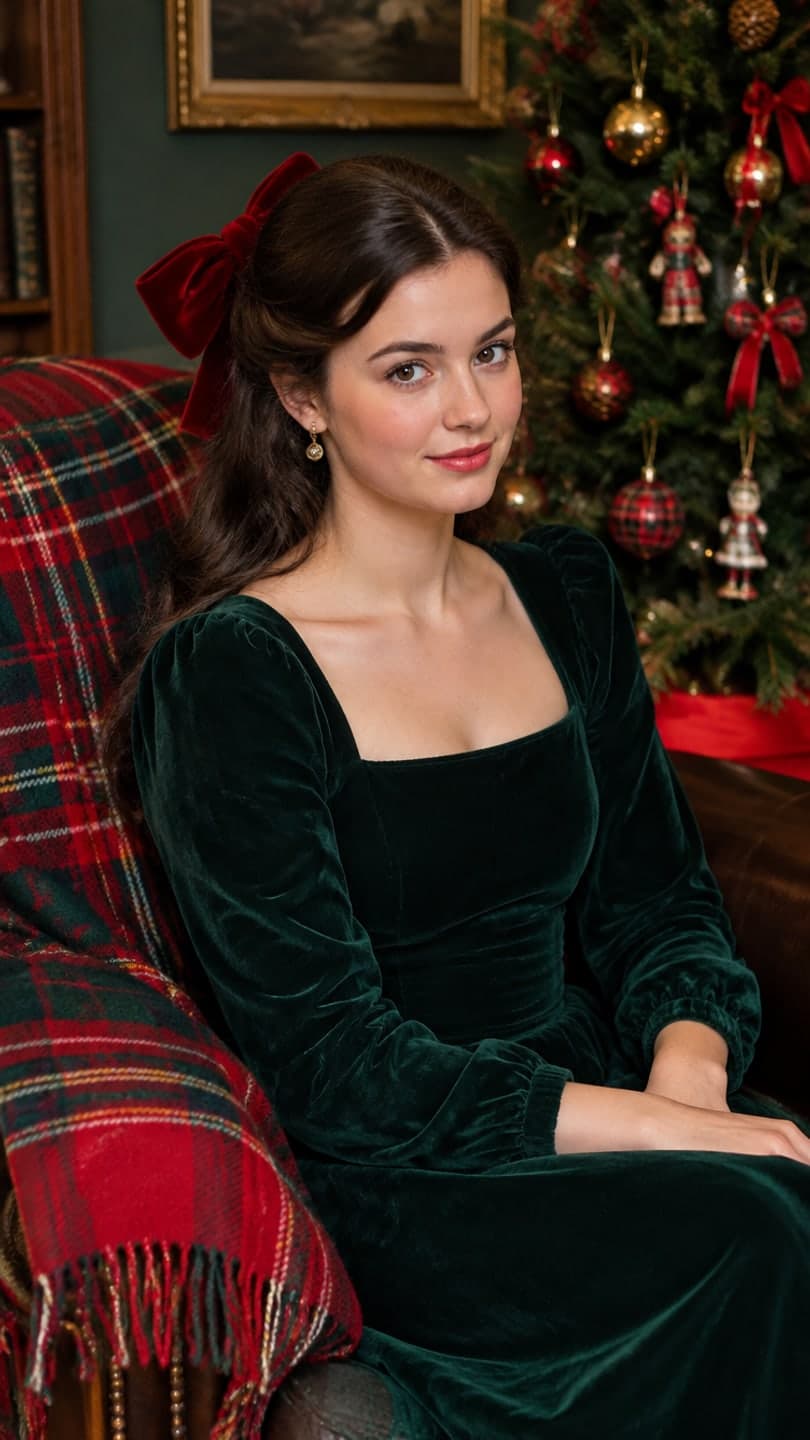 Velvet bow portrait
1 Pick a look · optional
We put you into this example — everything else stays as it is — then it moves like the example, at no extra cost.
Failed renders refund credits
Why try a hairstyle with AI first?
A haircut is easy to regret and slow to grow out. Seeing it on your own face, with your skin tone and face shape, is far more useful than a photo of a model with completely different features. AI try-ons are quick enough to test five ideas in a few minutes, and the results make a much clearer reference for your stylist than "something like this, but shorter".
It's an approximation, not a promise. Your hair's real texture, thickness and growth pattern will shape the final cut, so treat the AI result as a starting point for the conversation.
Which photo should I use?
- Front-facing, eyes level with the camera.
- Even light, no strong shadows across your face.
- Hair pulled back or down and smooth, so the outline of your head is clear.
- Your whole head and neck in frame, with some space above.
- No hat, headband or hood.
- A neutral expression, so you can judge the cut, not the smile.
Try this look on your own photo.
Make it with my photoHow do I try on a hairstyle?
Step 1
Upload your photo
In AI Image.
Step 2
Name the cut precisely
"chin-length blunt bob with curtain bangs, natural dark brown, same face".
Step 3
Keep everything else
Add "same face, same outfit, same background" so only the hair changes.
Step 4
Make a few versions
Each image uses 10 credits; try three lengths of the same idea.
Which haircuts are popular to try?
- The bob: chin-length, blunt or textured.
- Curtain bangs: parted in the middle, sweeping to the sides.
- The pixie: very short, soft or choppy.
- Long layers with face-framing pieces.
- The wolf cut or shag: choppy, layered, lots of movement.
- Braids, buns and updos for an event.
You can change color in the same prompt, too: add "warm copper" or "soft honey balayage" after the cut and compare them side by side.
Can I see the hairstyle moving?
Yes, and it's often more useful than a still: movement shows how the cut falls and swings. Take your favorite result into AI Video and describe a small motion: "she turns her head side to side, the bob swings, soft studio light". A 5-second clip on Dromana uses 70 credits. The studio pose look is another quick way to see a new cut in a clean, salon-style setting.
How do I use the result with my stylist?
Bring the AI photo and one or two real photos of the cut on someone with hair like yours. Point out what you like, like the length, the bangs or the layers, and ask what will be different with your hair's texture. Stylists appreciate a clear reference, and they'll tell you if something won't hold its shape on your hair. Our AI selfie tips help you take a photo that gives an accurate try-on.
How do I describe a haircut so the AI gets it right?
Use the words a stylist would use. Say the length relative to your face ("jaw-length", "collarbone", "mid-back"), the shape ("blunt", "layered", "tapered", "A-line"), the fringe if any ("curtain bangs", "wispy", "micro") and the texture you want ("sleek", "soft waves", "natural curls"). Then the color, if it changes. A prompt like "collarbone-length layered cut with curtain bangs, soft waves, same natural brown" gives a far more useful result than "a nice new haircut". Change one thing at a time so you can compare.
- Length: jaw, chin, collarbone, shoulders, mid-back.
- Shape: blunt, layered, tapered, A-line, shag.
- Fringe: curtain, wispy, full, micro or none.
- Texture: sleek, wavy, curly, natural.
- Change one detail per version to compare.
Is it private?
Your photo is uploaded to generate the result. Dromana deletes uploads and results after 30 days, lets you delete them sooner, and doesn't use your photos to train a public model. Read our AI photo app privacy guide for what to check with any app. New accounts get 70 free credits with no card, which covers more than a dozen hairstyle images.
Questions people ask
Can AI show me a new haircut on my photo?
Yes. Upload a clear front-facing photo and describe the cut; the AI changes the hair and keeps your face.
What photo works best for a hairstyle try-on?
Front-facing, evenly lit, hair pulled back or down, whole head in frame, no hat.
How accurate is an AI haircut preview?
It's a good approximation; your real hair texture and thickness will change the final result.
Which haircuts can I try?
Bobs, bangs, pixies, layers, wolf cuts, braids and updos, in any length.
Can I see the haircut move?
Yes. Animate the result in AI Video so you can see how it swings.
How much does it cost?
Each image uses 10 credits; new accounts get 70 free credits.
Effects from this guide

Keep reading
 How to take a selfie AI tools love: 12 tips4 min read
 Self-portrait ideas at home: 25 shots you can take alone5 min read
 Are AI photo apps safe? What happens to your selfies4 min read
 AI profile picture generator: make a PFP from one selfie that still looks like you4 min read
- Best AI photo apps to restyle a selfie in 2026: aesthetics, portraits and edits4 min read
Ready to make yours?
Add one photo and get the look from this guide.