A photo with Santa without the mall line: a Santa selfie and video from one photo
By Liam Walker, Social media and creator strategy · Updated · 5 min read
the short version
Upload one clear photo of yourself and the Selfie with Santa look puts you in a festive grotto with Santa leaning in behind your shoulder, then turns it into a 5-second video where he laughs and gives a thumbs up. Your first two videos are free. It's made for family group chats, office parties and the first weekend of December.
AI Photo to Video
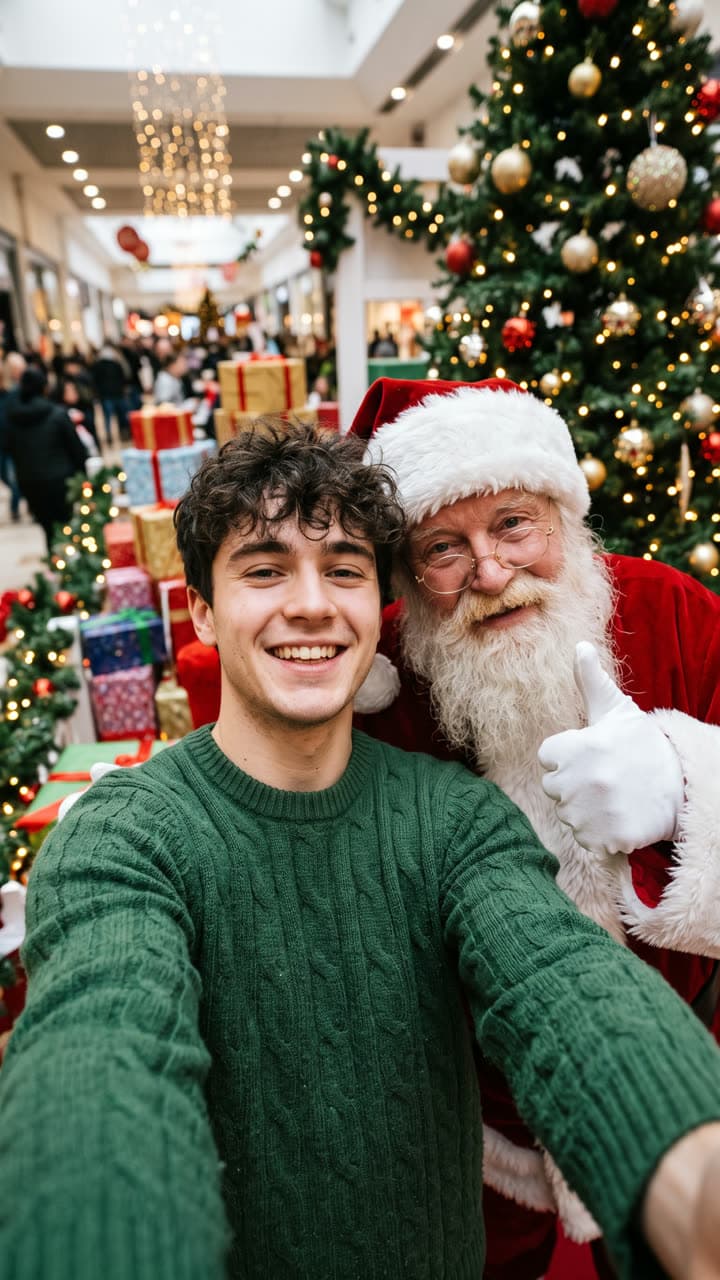 Selfie with Santa
1 Pick a look · optional
We put you into this example — everything else stays as it is — then it moves like the example, at no extra cost.
Failed renders refund credits
Why a Santa selfie works in December
The mall Santa photo is one of the few photos families still take on purpose every year, and most adults quietly miss it. Nobody queues for forty minutes behind a line of toddlers to get one at thirty, but almost everyone smiles when a picture of a grown friend grinning next to Santa lands in the group chat. That gap is the whole joke, and it's why the format travels so well in late November and December.
A Santa selfie also solves a real problem for people who live far from family. If you're spending the holidays in another city, on shift, or simply not making it to the shops, a quick photo of you and Santa says "I'm thinking of you" in a way a text message doesn't. Treat it as a greeting and a laugh, not as a record of a real visit, and label it as AI when you post it publicly.
How to make it
Step 1
Open the look
Go to the Selfie with Santa look. It already holds the whole scene: the grotto, the tree, the wrapped gifts and Santa's thumbs up.
Step 2
Add your photo
Upload one clear photo of your face. A selfie works best, because the look is framed like a front-camera shot with your arm out of frame.
Step 3
Change one thing if you like
Type a small change, such as a different sweater colour or a snowy window behind you, or leave it as it is.
Step 4
Generate and download
You get the still and a 5-second video where Santa leans in, laughs and gives a thumbs up while the tree lights twinkle.
Prefer to start from scratch? Upload any photo to AI Video and describe the moment yourself, for example: "Santa in a red suit leans into the frame behind me and waves; warm string lights; handheld selfie shot."
Try this look on your own photo.
Make it with my photoPhotos that give the best result
- A close, eye-level selfie with your whole face in the frame and nothing covering it.
- Soft, even light: a window in front of you beats a lamp behind you.
- A natural smile with your mouth relaxed, so the grin in the video doesn't look stretched.
- No sunglasses or caps; the look needs your eyes and hairline to keep you recognisable.
- One person per photo. For a couple or a group, make one each and post them together as a carousel.
Ideas to change the scene
The look is a starting point, and a short line of text changes the whole mood. A few that work well:
- Summer Christmas: "Santa in sunglasses and a short-sleeved shirt on a sunny beach" for anyone celebrating in the southern hemisphere.
- Matching outfits: "we both wear the same red knitted sweater"; pair it with the ugly sweater look for a two-part post.
- The wish list: "Santa reads a very long paper list over my shoulder and raises an eyebrow".
- Office party: "a conference room decorated with tinsel, Santa in a lanyard".
- Snow day: "outside a cabin in falling snow, Santa holding a mug of cocoa".
Keep each change to one idea. Stacking five changes in one line usually makes the scene busier without making it funnier.
Where to post it
The family group chat is where this lands hardest: send it with a line like "look who I ran into" and let people work it out. On Instagram and TikTok, the 5-second clip fits Stories and Reels without cropping, and it pairs naturally with a festive sound from the app's own library. Office Slack channels and team chats are the other big home for it in the first week of December.
For more December posts, our Christmas photoshoot ideas and holiday party photo ideas cover the rest of the month, and Christmas TikTok trends lists the formats that are moving right now.
Labelling and keeping it friendly
A Santa selfie is obviously a bit of fun, but platforms still ask you to label realistic AI content, and it costs you nothing. Our guide on how to label AI content shows where the switch is on each app. Only use photos of people who are happy to be in the joke, and keep it to yourself or friends who said yes.
If you post it publicly, a caption such as "made with AI, still on the nice list" keeps it honest and gets a laugh at the same time.
Free first, then pay per video
Your first Santa video is free and carries a small dromana.app badge. After that you pay per video, with no subscription, and the videos you buy come without the badge. Buying also cleans the badge off the ones you already made, so your first Santa selfie can go out clean too. The packs are on the pricing page.
Questions people ask
Is the Santa selfie free?
Your first two videos are free and has a small badge. After that, 6 videos cost $4.99 with no subscription, and paid videos have no badge.
Will Santa look the same every time?
No. Each render is new, so the beard, suit and grotto change a little. If you like one, download it before trying another.
Can I make one with my partner or friends?
The look is built for one person per photo. Make one each and post them together as a carousel.
How long is the video?
Five seconds: Santa leans in, laughs and gives a thumbs up. It loops cleanly on Stories and Reels.
Do I need to say it's AI?
Yes, label it when you post publicly. Most apps have a built-in AI label, and a short caption works too.
Can I change the place or Santa's outfit?
Yes. Type one change, such as a beach instead of a grotto or a Santa in sunglasses, before you generate.
Effects from this guide
 Make a photo moveUpload one photo, get a 5-second video in a minute or two: a smile, a head turn, wind in the trees, waves rolling in. Works on portraits and landscapes, free to try.
 Street style photoLook like a fashion week street style shot from one plain selfie: tailoring, city pavement, show-season light. Same face, new wardrobe. Free to try, no app to download.
Keep reading
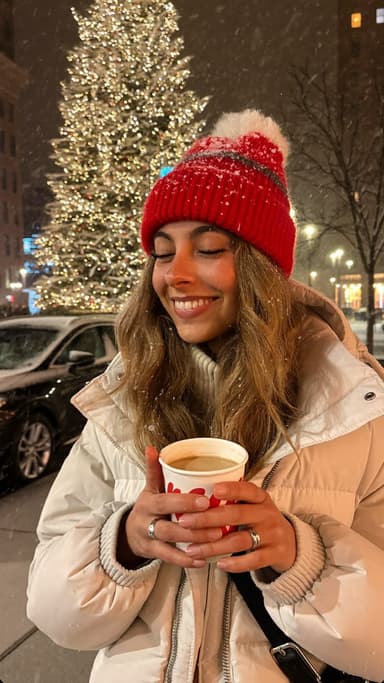 Christmas photoshoot ideas: 30 cozy, glam and funny looks5 min read
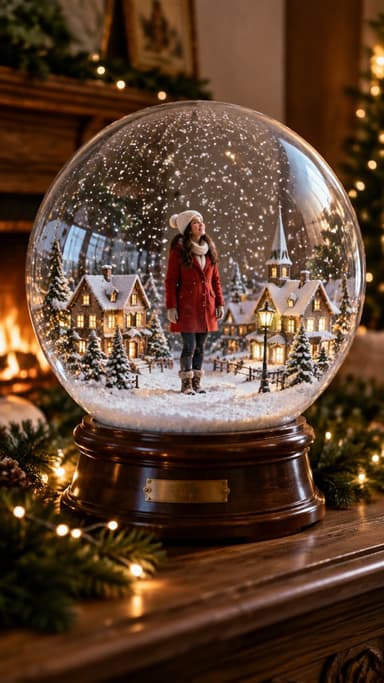 Christmas TikTok trends 2026: snow globes, tacky lights, matching PJs and more8 min read
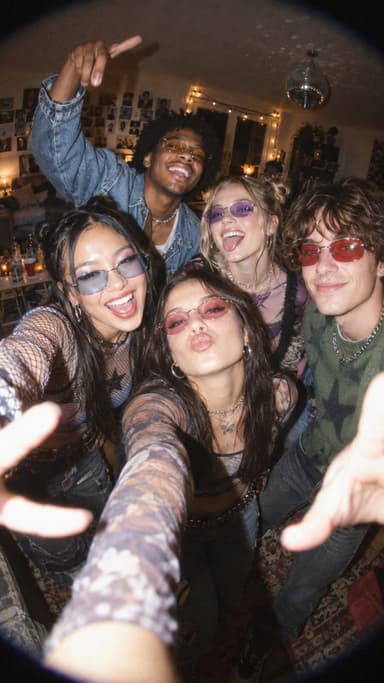 Holiday party photo ideas: flash pics, group shots and photo booth fun4 min read
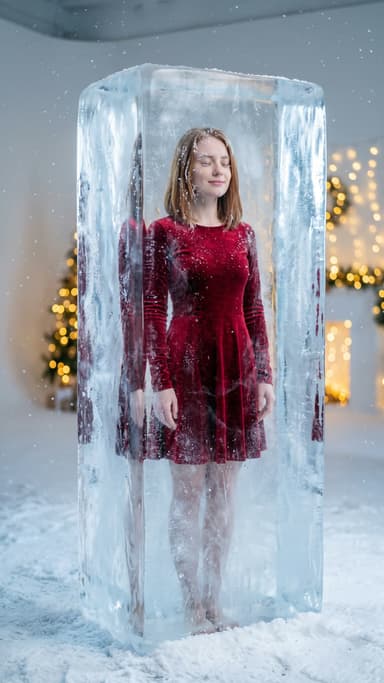 The holiday defrost trend: thaw out of the ice when the season starts4 min read
 Halloween TikTok trends 2026: what's blowing up and how to make each one9 min read
Ready to make yours?
Add one photo and get the look from this guide.