AI hair color try-on: see copper, blonde or pastel on your own photo
By Sophia Miller, Fashion and aesthetics editor · Updated · 4 min read
the short version
An AI hair color try-on shows a new shade on your own photo before you dye: copper, honey blonde, chocolate brown, balayage, platinum or pastel pink. Use a front-facing photo in daylight, name the color precisely and ask the AI to keep your face and haircut the same. Compare a few shades side by side, then take your favorite to your colorist.
AI Photo to Video
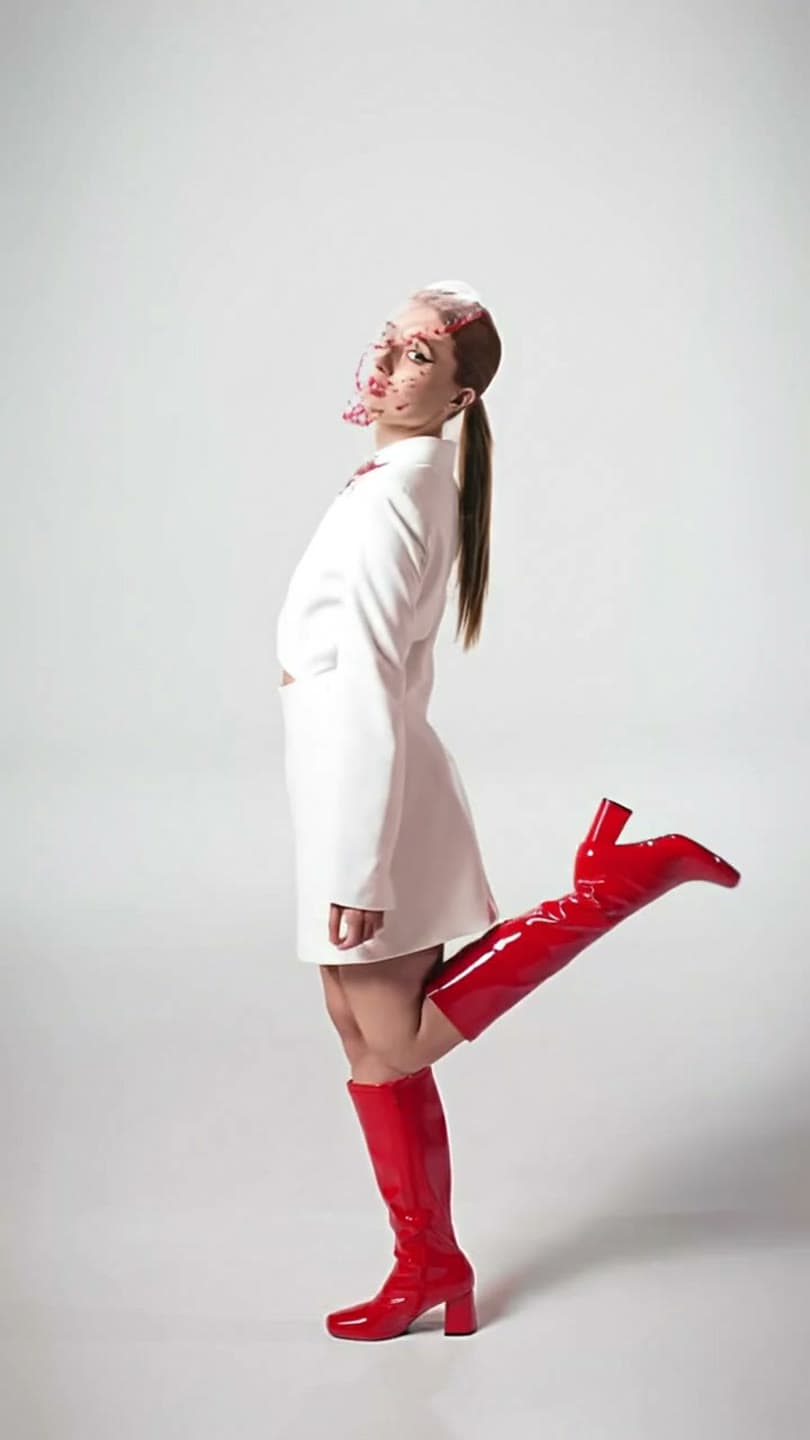 Studio pose
1 Pick a look · optional
We put you into this example — everything else stays as it is — then it moves like the example, at no extra cost.
Failed renders refund credits
Why try a hair color with AI first?
Hair color is a big commitment: some shades fade fast, some take several sessions to reach, and going back can take months. Seeing the color on your own face shows how it works with your skin tone, eyes and eyebrows, which a swatch or a photo of someone else can't. You can test five shades in a few minutes and narrow down what to ask for at the salon.
Treat it as a preview. Your natural color, past dye and hair condition will shape what's possible in real life; a colorist will tell you how to get there.
Which photo gives an accurate preview?
- Front-facing, in daylight near a window.
- Hair down and visible, not tied up or under a hat.
- No filters or color grading on the photo.
- Your face fully visible, makeup as you normally wear it.
- Plain background, so the color isn't confused with surroundings.
Try this look on your own photo.
Make it with my photoHow do I try a new color?
Step 1
Upload your photo
In AI Image.
Step 2
Name the shade
"warm copper red, same haircut, same face, natural daylight".
Step 3
Keep the cut
Add "same haircut and length" so only the color changes.
Step 4
Compare shades
Each image uses 10 credits; make three or four and put them side by side.
Which hair colors are popular to try?
- Copper and auburn: warm, rich and very popular for autumn.
- Honey or butter blonde: soft and sunlit.
- Chocolate or espresso brown: glossy and low-maintenance.
- Balayage: hand-painted lighter pieces through the ends.
- Platinum or icy blonde: bold and high-maintenance.
- Pastels and bright colors: pink, lilac, blue or green.
How do I describe a color so the AI gets it right?
Use the words a colorist would: the base ("dark brown", "light blonde"), the tone ("warm", "cool", "ash", "golden", "copper"), the technique ("all-over", "balayage", "highlights", "money piece", "ombré") and the finish ("glossy", "lived-in", "high-shine"). "Lived-in honey balayage on a light brown base, face-framing money piece" gives a far better result than "blonde". Change one word at a time to compare.
- Base: black, dark brown, light brown, blonde.
- Tone: warm, cool, ash, golden, copper.
- Technique: all-over, balayage, highlights, ombré, money piece.
- Finish: glossy, lived-in, high-shine.
Can I see the color move?
Color looks different in motion: light catches it as hair moves. Animate your favorite result in AI Video: "she turns her head and runs a hand through her hair, sunlight catches the copper". A five-second color clip on Dromana is 70 credits. For a cut and color together, try our AI hairstyle try-on guide.
How do I use the result at the salon?
Show your colorist the AI preview and one or two real photos of the shade on hair like yours. Ask how many sessions it would take from your current color, how long it will last and what upkeep it needs. Be ready to adjust: a colorist may suggest a warmer or cooler version that suits your hair better. A good preview makes that conversation quick and clear.
Which shades suit which skin tones?
There are no hard rules, but undertone is the useful guide. Warm undertones, where gold jewelry looks best and veins look greenish, often glow with copper, golden blonde, caramel and warm browns. Cool undertones, where silver suits and veins look bluish, are often flattered by ash blonde, platinum, cool browns, burgundy and blue-black. Neutral undertones can usually go either way. The beauty of an AI preview is that you don't need to guess: try one warm and one cool version of the same shade and see which makes your skin look brighter.
- Warm undertones: copper, golden blonde, caramel.
- Cool undertones: ash, platinum, burgundy, blue-black.
- Neutral: try one warm and one cool version.
- Compare previews in the same daylight photo.
Is it private and how much does it cost?
Your photo is uploaded only to generate the result. Dromana deletes uploads and results after 30 days, lets you delete them sooner and doesn't use your photos to train a public model. New accounts get 140 free credits with no card, enough for more than a dozen shade previews. See our AI selfie tips for taking a photo that gives the most accurate preview.
Questions people ask
Can AI show me a new hair color on my photo?
Yes. Upload a front-facing daylight photo, name the shade and ask to keep your face and cut.
Which photo works best?
Front-facing, in daylight, hair down, no filters and a plain background.
How accurate is the preview?
A good approximation; your current color and hair condition affect the real result.
How do I describe the color?
Use colorist words: base, tone, technique and finish, like "warm copper all-over, glossy".
Can I try balayage or highlights?
Yes. Name the technique, like "honey balayage" or "face-framing highlights".
How much does it cost?
Each preview image uses 10 credits; new accounts get 140 free credits.
Effects from this guide

Keep reading
 AI hairstyle try-on: see a new haircut on your own photo first4 min read
 How to take a selfie AI tools love: 12 tips4 min read
 Self-portrait ideas at home: 25 shots you can take alone5 min read
 Turn yourself into a vintage Christmas cartoon, then make it move4 min read
 The AI figurine trend: make a mini you climb out of your phone5 min read
Ready to make yours?
Add one photo and get the look from this guide.