AI video templates vs prompts: which gets you a good clip faster?
By Peter Huang, AI video technology · Updated · 4 min read
the short version
A template is a tested recipe: a scene, a motion and camera settings that someone has already tuned, so you only add a photo. A prompt is a description you write yourself, which gives full control but more misses. For trends and first tries, templates usually win; for an idea no template covers, write a short, specific prompt.
AI Photo to Video
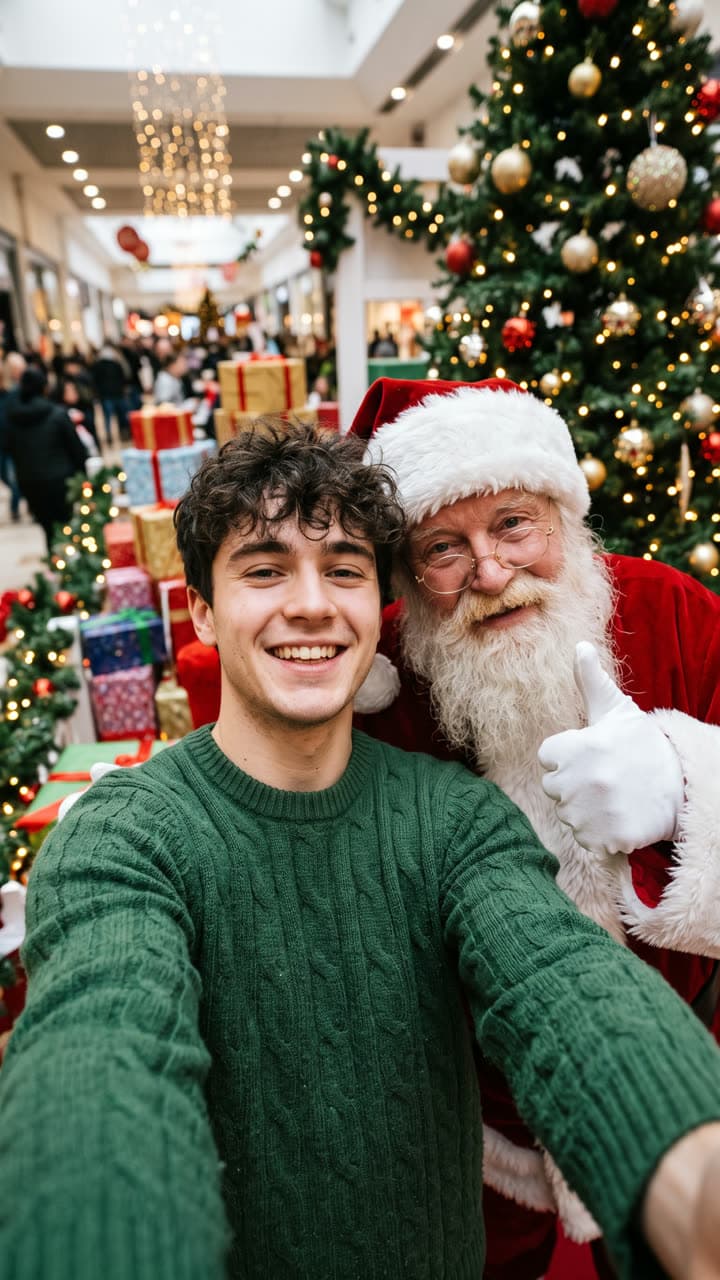 Selfie with Santa
1 Pick a look · optional
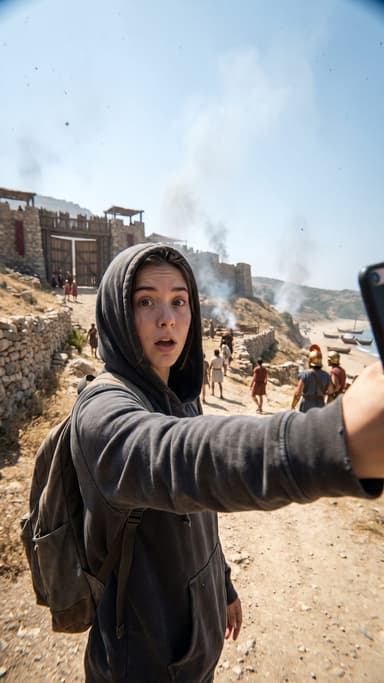
We put you into this example — everything else stays as it is — then it moves like the example, at no extra cost.
Failed renders refund credits
What is an AI video template?
A template, sometimes called a look or an effect, is a pre-built recipe for one kind of clip. Behind the button sits a carefully written prompt, a chosen model, a length, a camera move and often a first step that builds a new scene around your face before animating it. Someone has run it many times and adjusted it until most photos come out well.
From your side, it's one choice and one photo. You don't see the prompt, and you don't need to. That's the point: the hard part, working out words and settings that keep a face steady while something dramatic happens, has been done in advance.
What does writing your own prompt involve?
With a prompt, you describe the motion yourself: who moves, how, and what the camera does. The model reads your words alongside your photo and tries to match them. You decide everything, which is great for an original idea and harder when you're starting out, because small wording changes can produce very different clips.
- Subject and action: 'she turns toward the window and laughs'.
- Camera: 'slow push-in' or 'camera stays still'.
- Mood and light: 'warm evening light, soft focus background'.
- What to avoid: big head turns or several actions at once.
Our list of image-to-video prompts has tested starting points you can copy and adapt.
Try this look on your own photo.
Make it with my photoWhen is a template the better choice?
- You want to join a trend that's already doing well on TikTok or Reels.
- It's your first AI video and you'd like it to work first time.
- The effect is complex, like a new outfit, a new setting or a scene built around you.
- You're on free or limited credits and want fewer misses.
- You need the same style across several clips, such as a series for a shop.
Because the recipe is tested, fewer tries end up in the bin, and that's what really saves credits. Seasonal looks like the holiday defrost or a photo with Santa are good examples: building that scene by prompt alone would take many attempts.
When is a prompt worth the extra effort?
When nothing in the template library matches the idea in your head. A specific gesture, a product turning in a particular way, a quiet moment with a pet: a short prompt describing exactly that motion often beats a template built for something else.
Prompts also suit subtle, natural motion. If you only want a photo to breathe, with hair moving slightly and a blink, a simple prompt with a still camera is often all you need. For that kind of gentle movement, see make a photo move.
How do you get the best of both?
Step 1
Start with a template
Pick the look closest to your idea and run it once with a clear photo.
Step 2
Judge the result
If it's close, keep it or run it again; most of the work is already done.
Step 3
Switch to a prompt if needed
If the look is wrong for your idea, describe the one motion you want instead, using what you liked from the template as a guide.
Step 4
Change one thing at a time
Adjust either the photo or the words between tries, so you know what made the difference.
The photo matters in both routes. A sharp, well-lit picture with one clear face does more for the result than any wording; our guide to the best photos for AI video shows what works.
Where can you try both?
On Dromana, AI Video lets you either pick a look or type your own description over the same photo. This week's most-used formats are on the trending now page, and new accounts get two 5-second videos free, enough to try one template and one prompt side by side.
If you want to browse more effects before choosing, our round-up of viral AI video effects explains what each popular format does.
Questions people ask
What's the difference between an AI video template and a prompt?
A template is a pre-tested recipe where you only add a photo. A prompt is a description you write, which gives more control but needs more trial and error.
Are templates lower quality than prompts?
No. They use the same models; the template simply supplies a tuned prompt and settings, which often makes results more reliable.
Can I edit a template's prompt?
Usually not directly. If a template doesn't fit, switch to writing your own prompt and borrow what you liked from it.
Do templates cost more credits?
On Dromana, most looks cost the same as a normal video of the same length; some scene-building looks add a short image step first. The cost shows before you generate.
Which is better for beginners?
Templates. They need only a good photo and give a usable result more often on the first try.
How long should a prompt be?
One or two short sentences: one action, one camera move. Longer prompts tend to produce messier motion in a 5-second clip.
Effects from this guide

Keep reading
 40 image-to-video prompts that actually work4 min read
 Best AI video template apps: pick a trend, add a photo, get the clip4 min read
 Viral AI video effects explained: bullet time, rides, snow globes and more6 min read
 What photos work best for AI video? The pre-upload checklist4 min read
 AI photo to video: the questions people actually ask, answered6 min read
Ready to make yours?
Add one photo and get the look from this guide.