Holiday defrost: AI video template
- You add
- One photo
- You get
- 9:16 clip
- Credits
- 70
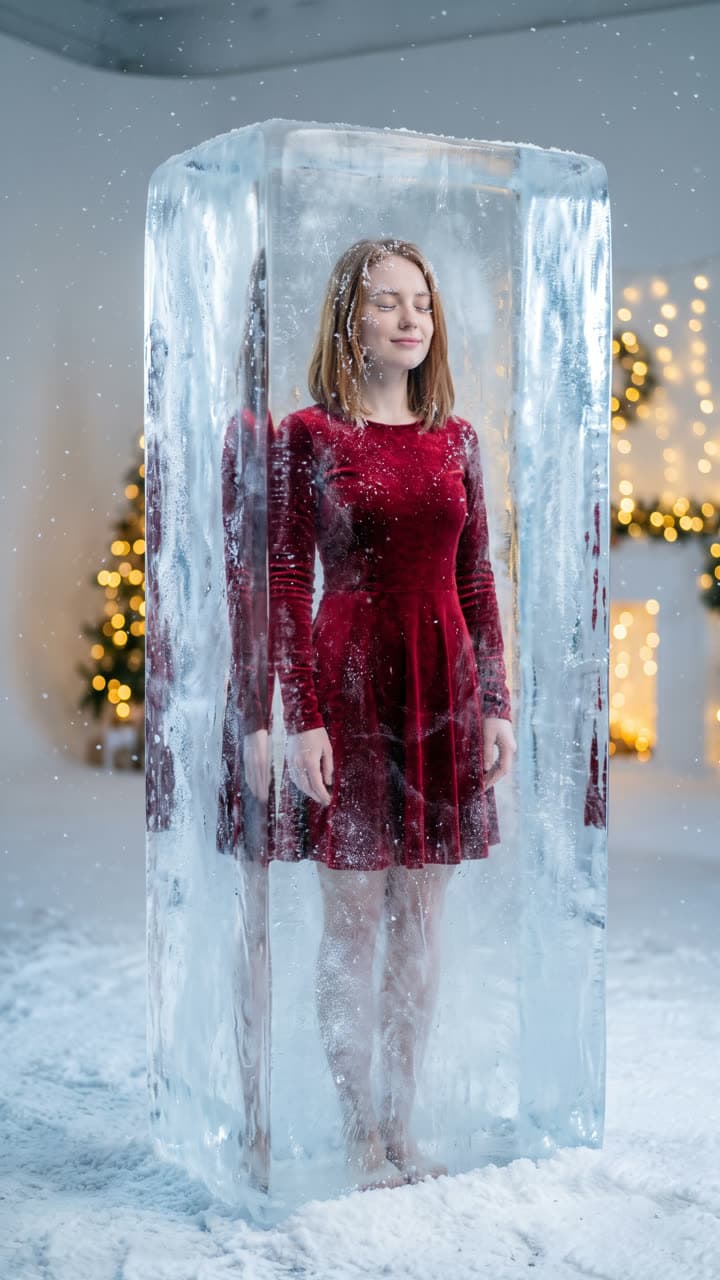
The Holiday defrost template recreates this exact shot — frozen inside a tall clear block of ice in a snowy white studio, wearing a red velvet holiday outfit visible through the ice, frost on your eyelashes and hair, eyes closed with a calm half-smile, soft icy blue light, warm Christmas lights glowing behind the ice — with you in it instead. Everything else stays as it is, then it moves like the example: the ice cracks and melts away; they open their eyes, shake the frost from their hair and smile as warm Christmas lights switch on behind them and snow begins to fall. Slow push-in.
AI Photo to Video
Holiday defrost1 Pick a look · optional
We put you into this example — everything else stays as it is — then it moves like the example, at no extra cost.
Failed renders refund credits
What’s in the shot
Frozen inside a tall clear block of ice in a snowy white studio, wearing a red velvet holiday outfit visible through the ice, frost on your eyelashes and hair, eyes closed with a calm half-smile, soft icy blue light, warm Christmas lights glowing behind the ice.
How it moves
The ice cracks and melts away; they open their eyes, shake the frost from their hair and smile as warm Christmas lights switch on behind them and snow begins to fall. Slow push-in.
Tips for this look
- When to post it
- The first days of November or December, when everyone posts that the holiday season has officially started.
- Best photo to upload
- A front-facing photo with a relaxed face; the look closes your eyes inside the ice and opens them as it melts.
- Try a variation
- Change the outfit to "a sparkly silver dress" or "a red suit and bow tie" for the moment the ice breaks.
- Posting it
- Post it on the day you first play holiday music, with the thaw timed to the first note of the song.
How to make it
Step 1
Add your photo
Upload a clear photo of yourself. Good light and a sharp face matter more than the background.
Step 2
We put you in the shot
The example is rebuilt with you in it. Nothing else is changed unless you ask for it.
Step 3
It moves like the example
The finished still becomes a clip with the same motion. Download it or share it in one tap.
FAQ
How do I put myself in the Holiday defrost look?
Open this template, add a clear photo of yourself and press Generate. Dromana recreates the example with you in it and then animates it the same way. No prompt needed.
How much does the Holiday defrost template cost?
70 credits with the default settings for a 5-second clip, the step into the scene included. New accounts get free credits on signing up, no card needed.
Can I change something in the Holiday defrost look?
Yes. Type the change in the prompt box and it is made on top of the example. Change the outfit to "a sparkly silver dress" or "a red suit and bow tie" for the moment the ice breaks. Leave it empty to get the example exactly.
Will it still look like me?
Yes — the face, skin tone and hair colour come from your photo, and everything else from the example. A clear, front-facing photo works best.
Only use photos you have the right to use. See our safety guidelines.
Guides that use this look
More looks like this
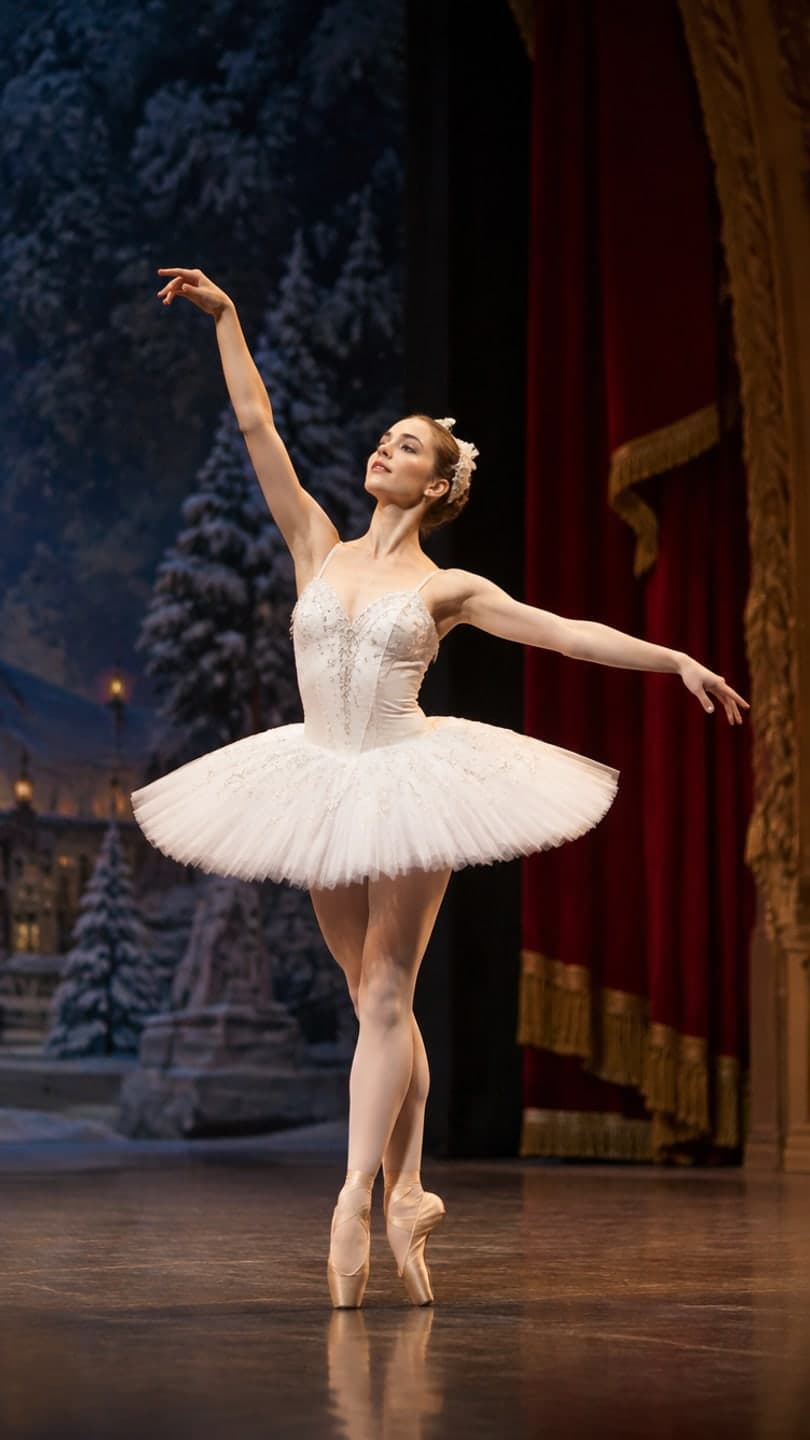 Nutcracker stage
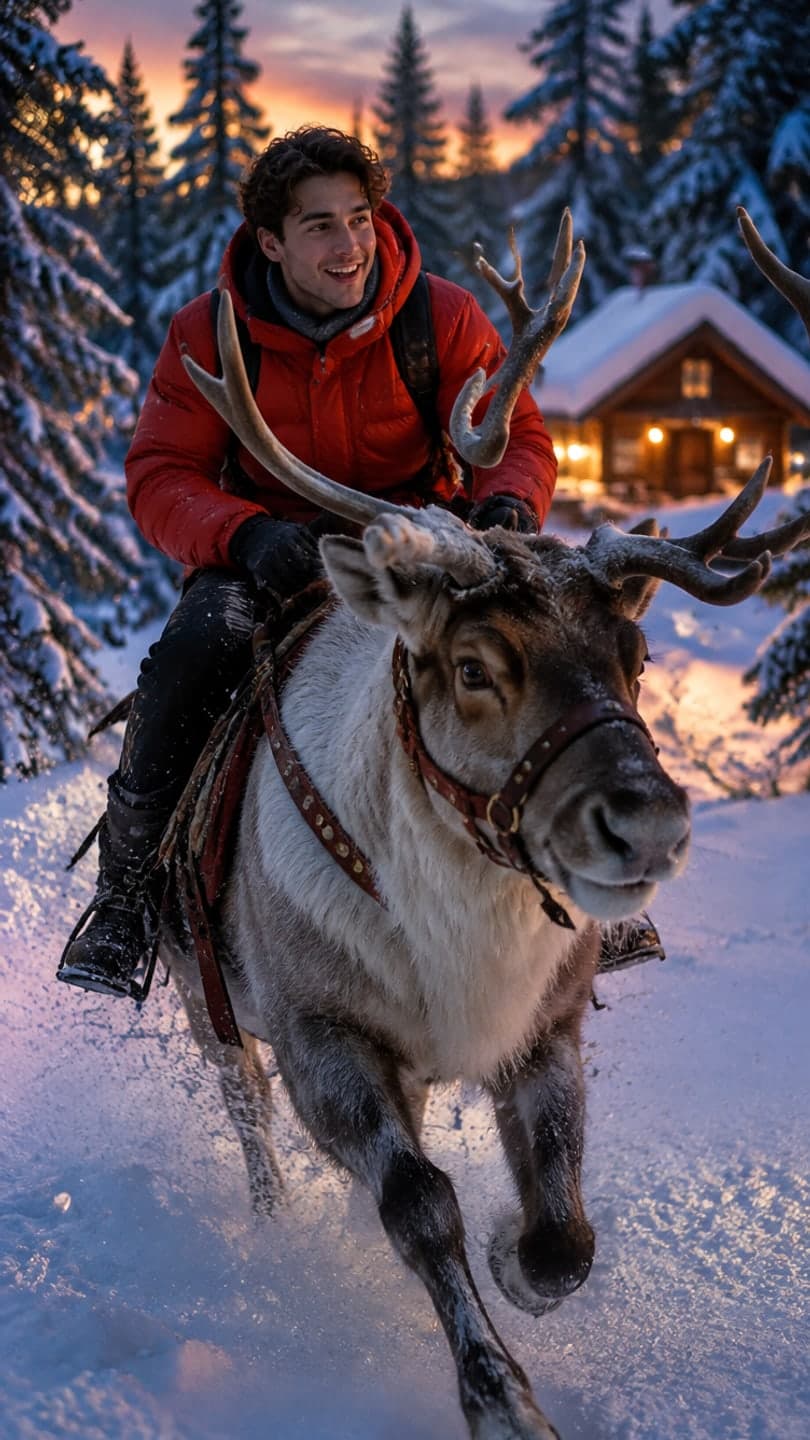 Reindeer ride
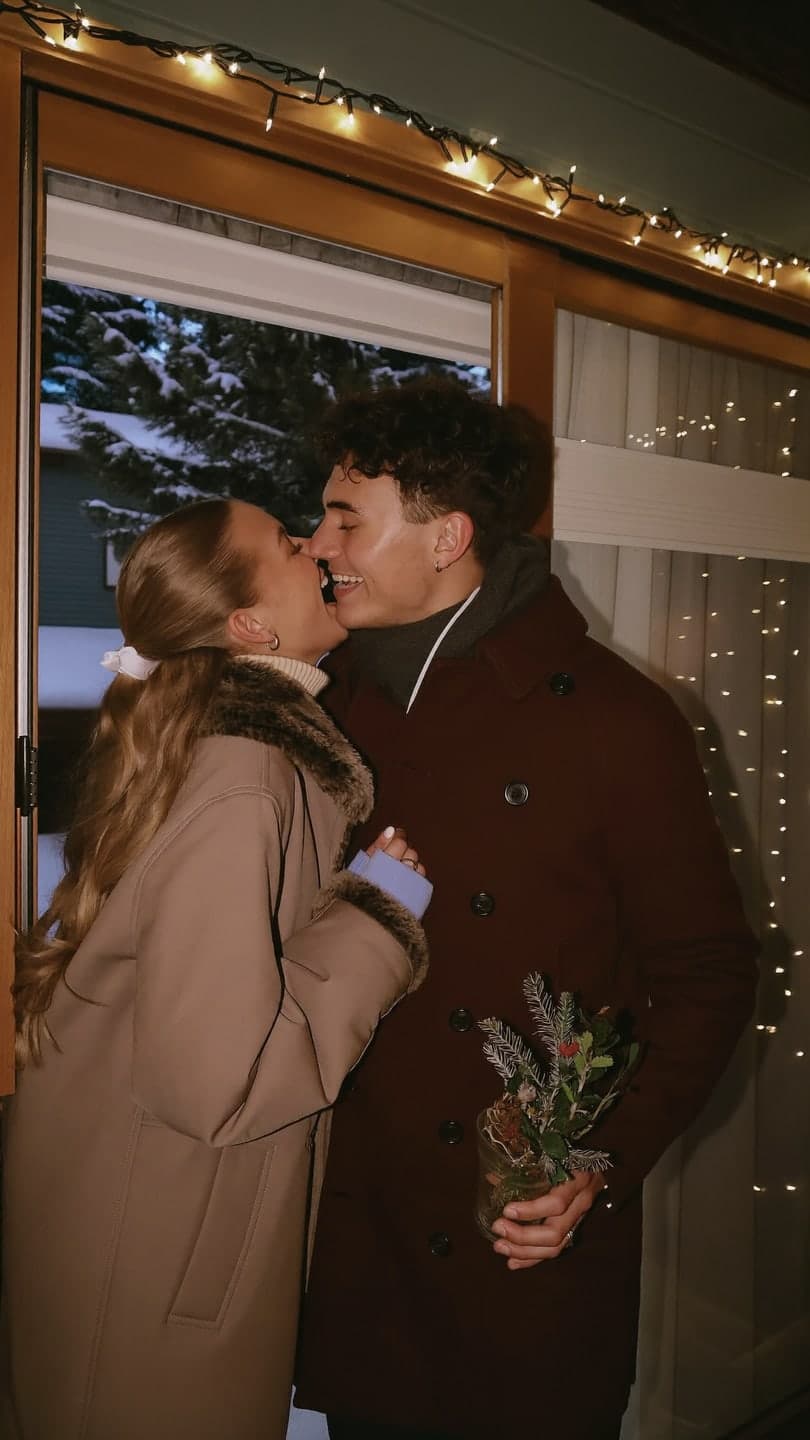 Under the mistletoe
 Velvet bow portrait
 Christmas lights
 Mini me steps out