AI transition videos: outfit swaps, fan flips and look-around reveals
By Claire Ye, Editor-in-chief, AI imaging · Updated · 4 min read
the short version
Transition videos cut from one look to another on a single move, like a hand over the lens, a spin, a fan flip or a turn of the head, so it seems like the outfit, place or style changed instantly. AI makes the after shot from your own photo, and ready-made transition looks do the whole move for you. Cut exactly on the beat and match the framing between the two shots.
AI Photo to Video
 Fan transition
1 Pick a look · optional
We put you into this example — everything else stays as it is — then it moves like the example, at no extra cost.
Failed renders refund credits
What are transition videos?
Transitions are one of the most rewatched formats on TikTok and Reels: you're in a hoodie in your bedroom, you cover the lens, and suddenly you're in a gown on a balcony. The cut is hidden by a motion, so it feels like magic. They're used for glow-ups, outfit reveals, travel, before-and-after styling and holiday looks.
Traditionally you needed two shoots and careful framing. With AI, the second shot can be made from your first photo.
Which transitions are popular?
- Fan flip: a hand fan covers the face, opens on a new look.
- Look-around: you turn away and turn back transformed.
- Hand over lens: cover the camera, pull away to the new scene.
- Spin: a full turn hides the outfit change.
- Snap or clap: the change lands on the sound.
- Walk-through: you walk past the camera and come out somewhere new.
Two transitions are ready-made looks: the fan transition and the look-around transition.
Try this look on your own photo.
Make it with my photoHow do I make a transition with AI?
Step 1
Shoot or pick the before
A casual photo or a two-second clip of you.
Step 2
Make the after
In AI Image, from the same photo: "same pose and framing, now in a black satin gown on a city balcony at night, same face".
Step 3
Animate the after
Give it motion, like a turn toward the lens or a few steps forward.
Step 4
Edit the cut
Cover the join with a hand, a spin or a fan, exactly on the beat.
How do I use the ready-made transition looks?
The fan transition and look-around transition looks build the whole move into one clip: you start in one look and the motion reveals the other. Add one photo and the scene is recreated with you in it. Each look video uses 70 credits, the same as a plain clip, and new accounts get 140 free credits with no card.
How do I edit transitions so they feel seamless?
- Cut on the beat drop, not a fraction before or after.
- Match the framing and the position of your face.
- Match the motion: if you turn left, the after continues turning left.
- Use motion blur or a quick flash to hide any jump.
- Keep the after on screen longer than the before.
Which transition ideas work for different niches?
- Fashion: everyday outfit to a red-carpet look.
- Travel: your bedroom to the beach, the city or the mountains.
- Holidays: pajamas to a Christmas party outfit.
- Beauty: no-makeup to a full glam look.
- Fitness: gym clothes to a night out.
- Small business: a product before and after packaging.
Glow-up transitions have their own guide: glow-up videos with AI.
Why does my transition look fake?
- The framing doesn't match: regenerate the after with the same pose and distance.
- The face changes: add "same face" and use a sharp source photo.
- The cut is early or late: move it to the exact beat.
- The light doesn't match: describe similar lighting in both shots.
- The after is too still: animate it so there's motion through the cut.
What music suits transition videos?
Transitions live or die by the beat. Pick a sound with a clear, sudden drop or a strong snare hit, and place the cut exactly on it. Trending audio in the app's library is best for reach, because people search and browse by sound. Build-up tracks, where tension rises and then releases, are perfect for glow-ups and reveals. For calmer transitions, like travel or holidays, a soft song with a single strong beat change works well.
- A clear drop or snare hit for the cut.
- Trending audio from the app's library.
- Build-up tracks for glow-ups and reveals.
- Soft songs with one beat change for travel.
How much does it cost to make a transition?
An after image uses 10 credits and an animated after on Dromana uses 70. A ready-made transition look also uses 70. New accounts get 140 free credits. Editing the cut is free in any phone editor. For more formats, see viral AI video effects and the fit check video guide.
Questions people ask
What is an AI transition video?
A clip that cuts from one look to another on a move like a fan flip or a turn, with the after made by AI.
Which transitions are most popular?
Fan flip, look-around, hand over lens, spin, snap and walk-through.
How do I make the after shot?
Generate it from your before photo with the same pose and framing, and add "same face".
Are there ready-made transitions?
Yes. The fan transition and look-around transition looks do the whole move.
How do I make the cut seamless?
Cut on the beat, match framing and motion, and keep the light similar.
How much does a transition cost?
70 credits for a look or an animated after on Dromana; new accounts get 140 free credits.
Effects from this guide
 Outfit video from a photoTurn one outfit photo into a 5-second fit check video: a turn, a walk, fabric moving. No tripod, no filming. 140 free credits to start.
 Make a photo moveUpload one photo, get a 5-second video in a minute or two: a smile, a head turn, wind in the trees, waves rolling in. Works on portraits and landscapes, free to try.
Keep reading
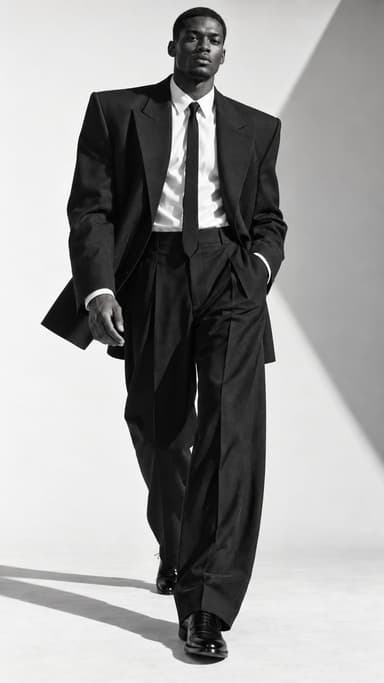 Glow-up videos with AI: before-and-after styling clips from your photos4 min read
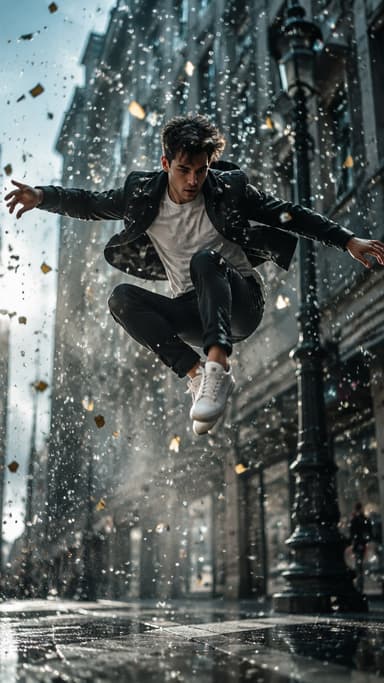 Viral AI video effects explained: bullet time, rides, snow globes and more6 min read
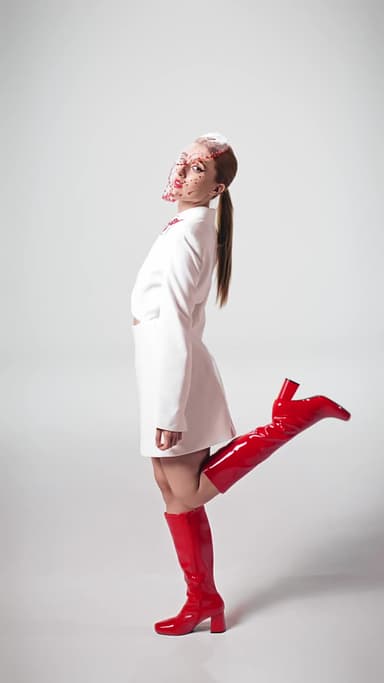 How to make a fit check video from just photos4 min read
 AI photo to video: the questions people actually ask, answered6 min read
- The 10 best AI image-to-video and photo-to-video tools in 2026, by what you want to make5 min read
Ready to make yours?
Add one photo and get the look from this guide.