Glow-up videos with AI: before-and-after styling clips from your photos
By Liam Walker, Social media and creator strategy · Updated · 4 min read
the short version
A glow-up video shows a transformation: an everyday photo that cuts to a styled, confident version, usually on a beat drop. With AI you can make the after shot from your own selfie by changing the outfit, hair, light and setting, then animate it. The best glow-ups change styling, not your body or face, and stay recognizably you.
AI Photo Restyle
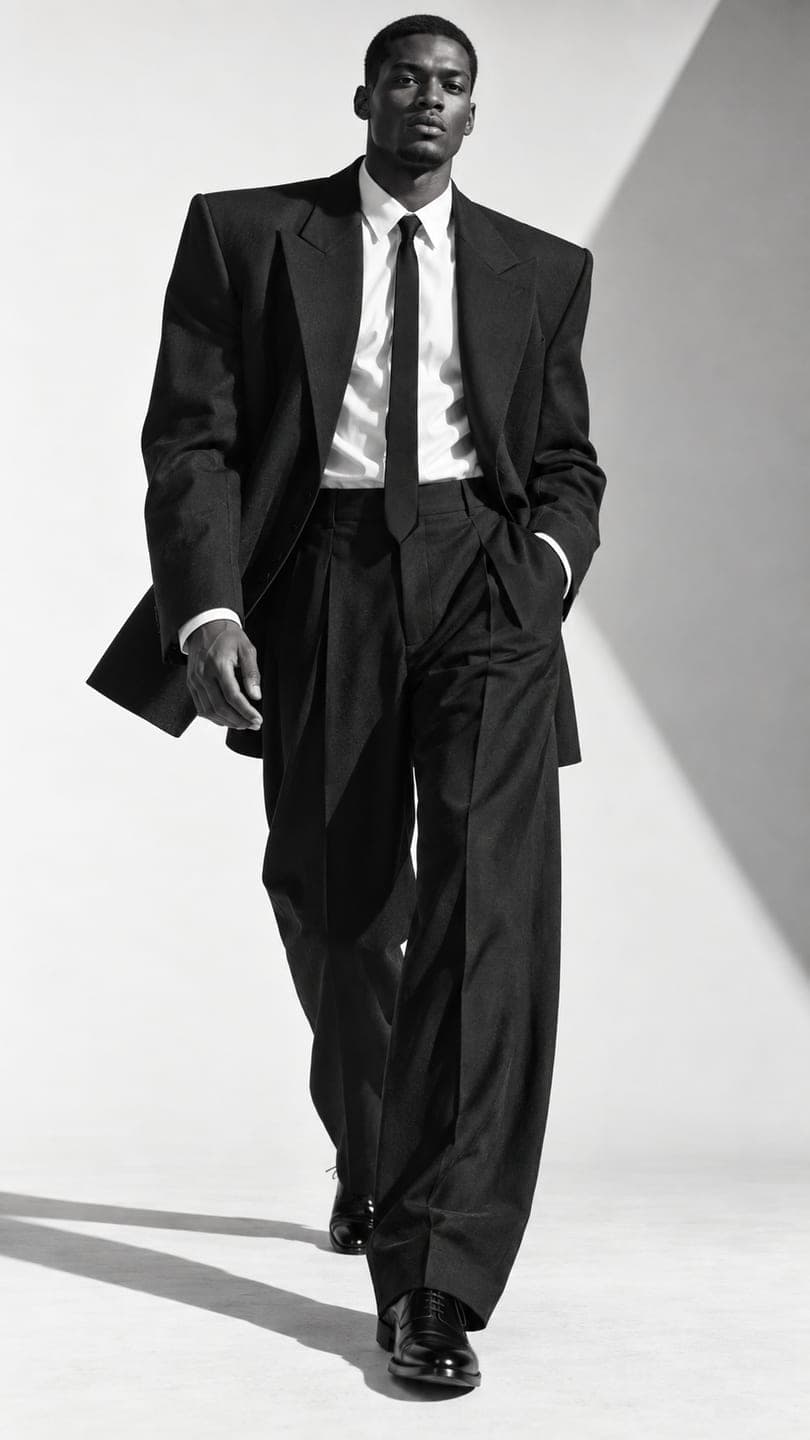 Monochrome tailoring
1 Pick a look · optional
We put you into this example and keep everything else the same.
Failed renders refund credits
What is a glow-up video?
Glow-up videos are one of the most rewatched formats on TikTok and Reels: a casual "before" clip, then a transition, often a hand over the lens, a spin or a beat drop, to a polished "after". Traditionally the after needed a full shoot: hair, makeup, outfit and a location. AI lets you create a styled after from a single photo, so the transformation is about style and confidence rather than a day of preparation.
The healthiest glow-ups change things you'd actually change for a night out or a photoshoot: clothes, hair, makeup, light and location. They don't reshape your face or body.
Which glow-up styles are popular?
- Everyday to editorial: hoodie selfie to a sleek studio portrait.
- Casual to night out: no-makeup morning to a flash-lit evening look.
- Office to weekend: work outfit to a relaxed, golden-hour scene.
- Gym to glam: post-workout to a red-carpet moment.
- Season change: summer photo to a cozy winter look.
- Throwback: an old photo of you to a confident present-day portrait.
Try this look on your own photo.
Make it with my photoHow do I make the after shot?
Step 1
Use a clear selfie
Front-facing, soft light, no filter.
Step 2
Describe the styling, not new features
In AI Image: "sleek black tailored suit, slicked-back hair, soft studio light, editorial portrait, same face".
Step 3
Generate a few versions
Each image uses 10 credits; pick the one that still looks most like you.
Step 4
Animate the after
A slow turn to the camera or a confident walk.
Which looks make good glow-up afters?
Ready-made looks are a fast way to get a striking after: the monochrome tailoring look for a sharp editorial vibe, paparazzi flash for a night-out moment, studio pose for a clean magazine shot and catwalk strut for a full fashion-show walk. Each look recreates the scene with your face and animates it; a look video uses 70 credits, the same as a plain clip.
How do I edit the transition?
- Film or pick a casual "before" clip of two to three seconds.
- Choose a transition: hand over the lens, a spin, a jump or a snap.
- Cut to the after exactly on the beat drop of the song.
- Keep the after three to five seconds, ending on eye contact.
- Total length: six to ten seconds, so it loops.
For transition ideas, see our viral AI video effects guide and the fit check video guide.
How do I keep a glow-up honest?
Be kind to your before. The best-performing glow-ups are funny or warm about the before, not ashamed of it. Don't use AI to change your body shape, skin color or facial features, and don't present an AI after as a real result of a product, a diet or a treatment, which is misleading and breaks most platforms' rules. Label AI content where the app asks; see labeling AI content.
Can I do a glow-up with friends?
Yes, group glow-ups are fun: a casual group photo that cuts to everyone in matching formal outfits or a slow-motion squad walk. Get everyone's okay first. The slow-mo squad look is a popular after for groups. More ideas are in our best AI apps for group photos and videos.
How much does it cost?
An after image uses 10 credits and a 5-second animated after on Dromana uses 70. New accounts get 70 free credits with no card, enough to make a few after images and animate the best one, plus 35 more each day they visit. Start with your selfie in AI Image or go straight to a look.
Questions people ask
What is a glow-up video?
A before-and-after clip where a casual photo transitions to a styled, confident version, usually on a beat drop.
Can AI make the after shot from my selfie?
Yes. Describe the outfit, hair, light and setting in AI Image and add "same face".
How do I make the transition?
Use a hand over the lens, a spin or a snap, and cut to the after on the beat drop.
Which looks work as an after?
Monochrome tailoring, paparazzi flash, studio pose and catwalk strut are popular.
Is it okay to change my face or body?
Keep glow-ups to styling. Changing your body or features, or claiming product results, is misleading.
How much does it cost?
Each after image is 10 credits and an animated after on Dromana is 70; you start with 70 free credits.
Effects from this guide
 AI fashion portraitSkip the photographer: get a magazine-style fashion portrait from one selfie. Quiet-luxury coats, street editorial, studio light. Same face, new shoot. Free to try.
 Make a photo moveUpload one photo, get a 5-second video in a minute or two: a smile, a head turn, wind in the trees, waves rolling in. Works on portraits and landscapes, free to try.
Keep reading
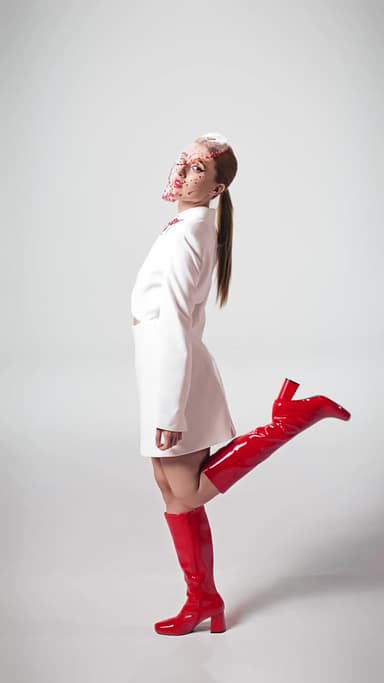 How to make a fit check video from just photos4 min read
 Viral AI video effects explained: bullet time, rides, snow globes and more6 min read
 Do you have to label AI pics and videos on TikTok, Instagram and YouTube?4 min read
 Advent calendar content ideas: 24 days of December posts4 min read
 Halloween TikTok trends 2026: what's blowing up and how to make each one9 min read
Ready to make yours?
Add one photo and get the look from this guide.