Adobe Firefly alternatives: 7 AI image and video tools compared
By Sebastian Ward, Reviews and comparisons editor · Updated · 4 min read
the short version
Adobe Firefly is built into Photoshop, Illustrator and Express, with generative fill, text-to-image and video tools that Adobe positions as designed for commercial use. Alternatives suit different needs: Canva for quick designs, Leonardo and Ideogram for image generation, Recraft for vector and brand graphics, Krea for experimenting, Midjourney for artistic images and Dromana for realistic trend scenes and videos of you.
AI Photo Restyle
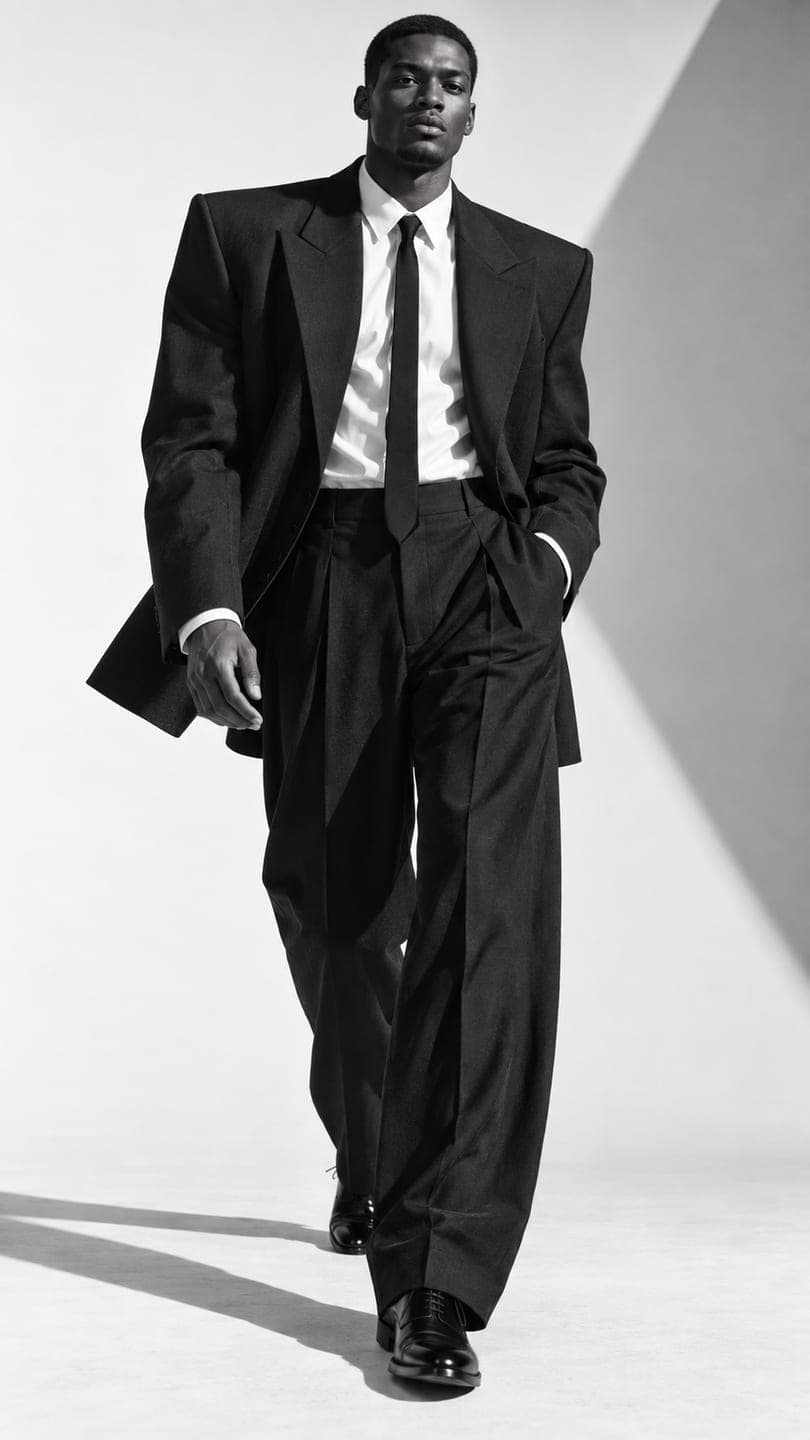 Monochrome tailoring
1 Pick a look · optional
We put you into this example and keep everything else the same.
Failed renders refund credits
Why look for a Firefly alternative?
Firefly's biggest strength is integration: generative fill inside Photoshop, text effects in Express and AI features across Adobe's apps, with Adobe emphasizing that its models are designed to be safe for commercial work. If you already pay for Creative Cloud, it's a natural choice. People look elsewhere when they don't use Adobe apps, want a different visual style, need a simple phone workflow or want AI video of themselves rather than design assets.
Disclosure: we built Dromana, and it's one of the alternatives below. We've described each tool by what it does best.
What are the best Firefly alternatives?
- Canva: quick designs and AI images inside templates.
- Leonardo: generated images across a wide range of community styles.
- Ideogram: images with readable text, like posters and logos.
- Recraft: vector illustrations, icons and brand-consistent graphics.
- Krea: experimenting with many models and real-time generation.
- Midjourney: artistic, highly stylized images.
- Dromana: realistic scenes and trend videos of you from one photo.
Try this look on your own photo.
Make it with my photoWhich alternative is best for designers?
If you design without Adobe, Canva gives you templates plus AI images and editing in one place, and Recraft is strong for vector graphics and keeping a consistent brand style. For text in images, like posters, signs and logos, Ideogram is known for readable lettering. Krea suits designers who like to iterate fast with real-time feedback.
Which alternative is best for artistic images?
Midjourney is the favorite for painterly, cinematic and highly styled images, and Leonardo offers a wide range of community styles and models. Both suit concept art, mood boards and illustrations. See our Midjourney alternatives guide for more on that side of the market.
Which alternative is best for photos of yourself?
General image generators invent people. If the subject is you, start from your photo. Dromana's AI Image keeps your face and changes the outfit, light and place, and its looks recreate finished trend shots with you in them, such as monochrome tailoring or studio pose. Each image uses 10 credits; new accounts get 140 free credits with no card.
Which alternative is best for video?
Firefly includes video generation, as do several others. For short social clips of yourself, products or travel photos, Dromana animates any photo on the make a photo move page and turns looks into vertical clips; a 5-second clip on Dromana uses 70 credits. Our best AI photo-to-video tools compares more video options.
What about commercial use?
Commercial use depends on each tool's terms and your plan. Adobe markets Firefly as designed for commercial use; other tools set their own rules, often allowing commercial use on paid plans. On Dromana, results from a paid plan or a pack you bought can be used commercially. Whatever you use, don't generate trademarks, logos or real people without permission. Our guide to who owns AI-generated videos and images explains rights in plain language.
How should I choose between them?
Start with where your work ends up. If it goes into Photoshop or Illustrator, Firefly is hard to beat for convenience. If it ends up as a social post, a template tool like Canva is faster. If it needs to be an original illustration or concept, an image generator like Midjourney or Leonardo gives more range. If it needs to look like a real photo of you or your product, start from your own photo with a tool like Dromana. Then test the same brief in two tools' free tiers and compare the results side by side.
- Work in Adobe apps: Firefly.
- Social posts and layouts: Canva.
- Original art and concepts: Midjourney or Leonardo.
- Real people and products: a photo-based tool like Dromana.
- Test one brief in two tools before deciding.
Which Firefly alternative should I choose?
- Templates and quick designs: Canva.
- Image styles and models: Leonardo or Krea.
- Text in images: Ideogram.
- Vectors and brand graphics: Recraft.
- Artistic images: Midjourney.
- Realistic photos and videos of you: Dromana.
For mixed workflows, many teams generate in one tool and finish in Canva or Photoshop.
Questions people ask
What is the best Adobe Firefly alternative?
Canva for designs, Leonardo or Krea for image styles, Ideogram for text, Recraft for vectors, Midjourney for art and Dromana for photos and videos of you.
Which alternative is best without Creative Cloud?
Canva covers design, editing and AI images in one place.
Which alternative handles text in images best?
Ideogram is known for readable lettering.
Which alternative keeps my face in AI images?
Tools that start from your photo, like Dromana's AI Image and looks.
Can I use these tools commercially?
Usually on paid plans; check each tool's terms. Dromana allows it on paid plans and bought packs.
Is there a free Firefly alternative?
Most offer a free tier or trial; Dromana's sign-up gift is 70 credits, no card needed.
Effects from this guide

Keep reading
 Midjourney alternatives for putting yourself in the picture4 min read
 Krea alternatives: 7 AI image and video tools compared4 min read
- Who owns AI-generated videos and images? Copyright and usage rights explained4 min read
 Canva vs Adobe Express: design, AI features and video for social posts4 min read
 Turn yourself into a vintage Christmas cartoon, then make it move4 min read
Ready to make yours?
Add one photo and get the look from this guide.