Krea alternatives: 7 AI image and video tools compared
By Sebastian Ward, Reviews and comparisons editor · Updated · 4 min read
the short version
Krea is a creative playground: real-time generation, upscaling and access to many image and video models in one place. That breadth suits designers and tinkerers, but casual creators often want something simpler. Alternatives include Dromana for one-photo trend looks, Leonardo for image generation, Pika for playful video effects, Luma for cinematic motion, Canva for finished posts, Runway for pro editing and Adobe Firefly for brand work.
AI Photo to Video
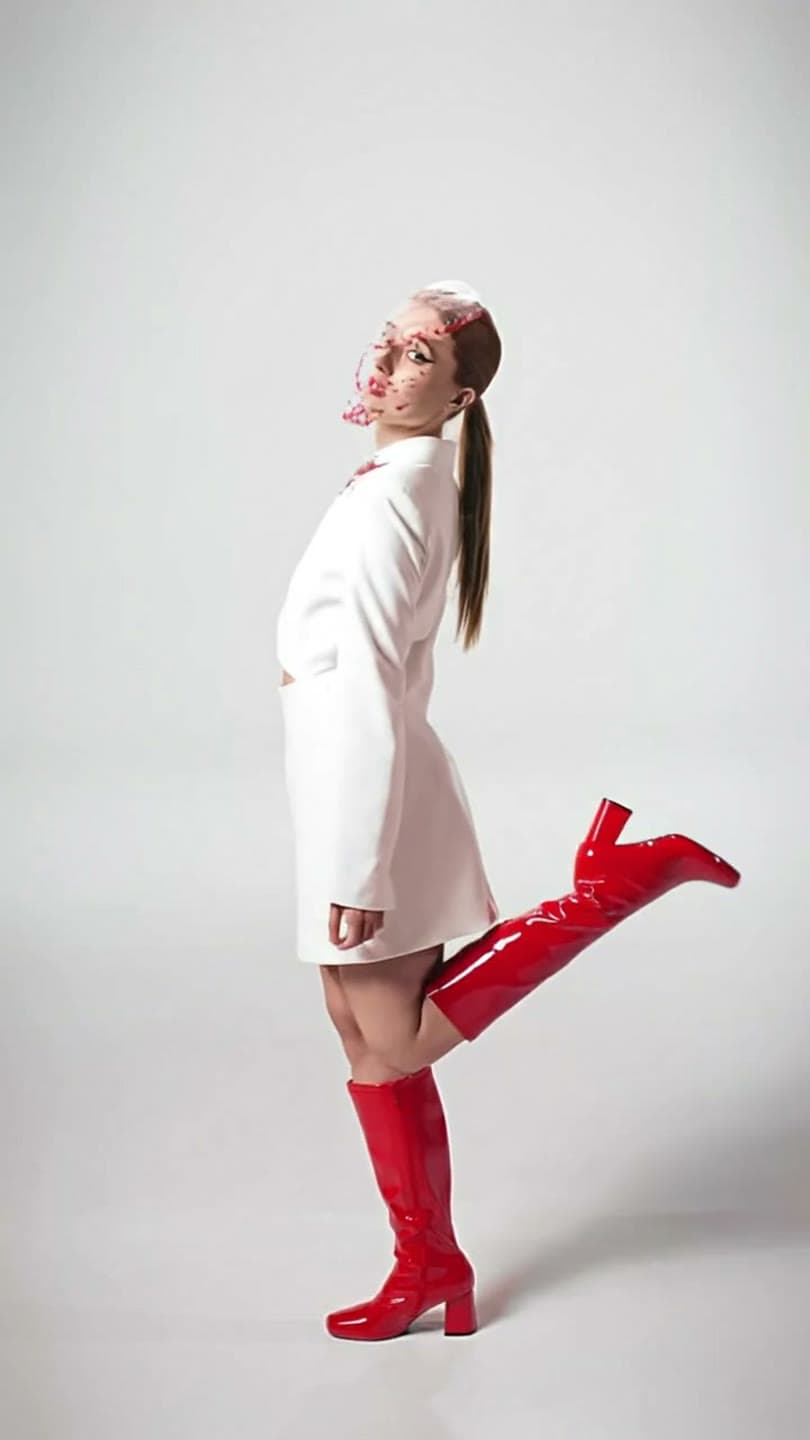 Studio pose
1 Pick a look · optional
We put you into this example — everything else stays as it is — then it moves like the example, at no extra cost.
Failed renders refund credits
Why do people look for a Krea alternative?
Krea is known for its real-time canvas, where images update as you draw or type, its image enhancer and upscaler, and its wide choice of generation models, all under one subscription with a daily free allowance. For designers who like to experiment, that's ideal. The reasons people look elsewhere are usually about focus: they want ready-made results rather than a workspace, a simpler app on their phone, or a tool built around one job, like putting themselves into a trend video.
A note on fairness: Dromana is our own product and appears in this list. We've described each tool by what it's best at, including where something else is the better choice.
What are the best Krea alternatives?
- Dromana: ready-made trend looks that recreate a scene with you in it from one photo, then animate it.
- Leonardo: image generation with many styles and fine-tuned models.
- Pika: quick, playful video effects for memes and reactions.
- Luma Dream Machine: smooth, realistic camera motion from an image.
- Runway: deep editing and generation controls for professionals.
- Adobe Firefly: generative fill and image tools inside the Adobe ecosystem.
- Canva: turning images and clips into finished, branded posts.
Try this look on your own photo.
Make it with my photoWhich alternative is simplest for social posts?
If what you want is a postable clip of yourself, not a creative workspace, a template tool is the shortest path. On Dromana you pick a look, like a night crosswalk, a catwalk strut or a snow globe, add one photo and get a vertical clip. Each look shows its example and its price before you spend anything: a look video uses 70 credits, an image 10.
- New accounts: 70 free credits with no card.
- Then 35 more each day you visit.
- Credit packs without a subscription, or plans from $10 a month without the badge.
Which alternative is best for pure image generation?
For images from text, with lots of styles to explore, Leonardo and Adobe Firefly are the closest matches to Krea's image side. Leonardo has a large community of styles and fine-tuned models; Firefly fits naturally if you already work in Photoshop or Illustrator. If your images are of yourself rather than invented characters, a tool that starts from your photo, like Dromana's AI Image, keeps your face consistent.
Which alternative is best for video?
For realistic motion from one image, Luma Dream Machine is strong on smooth camera moves, Runway gives the most control, and Pika is fastest for playful effects. For trend formats where you appear in the shot, Dromana's looks are built for that one job. Our ranking of the best AI photo-to-video tools compares them by use case, and the AI video generator pricing guide explains how to compare credits across tools.
What do you lose by leaving Krea?
Mostly breadth. Krea's appeal is having many models and tools in one tab, plus real-time feedback while you work. Simpler tools trade that for speed and focus. If you upscale images often or like trying several models on the same prompt, you might keep Krea for that and use a template tool for quick posts.
Which Krea alternative should I pick?
- A trend clip with your face, from one photo: Dromana.
- Lots of image styles from text: Leonardo.
- Fast, silly video effects: Pika.
- Cinematic camera motion: Luma Dream Machine.
- Pro-level control and editing: Runway.
- Work inside Adobe apps: Adobe Firefly.
- Finished branded posts: Canva.
Start free in AI Video, or compare more in our Midjourney alternatives guide.
Questions people ask
What is the best Krea alternative?
For trend clips from one photo, Dromana; for image styles, Leonardo; for cinematic video, Luma; for pro control, Runway.
Is there a simpler alternative to Krea?
Template tools like Dromana's looks are simpler: pick a look, add a photo, get a clip.
Which alternative is best for images?
Leonardo for styles and fine-tuned models, Adobe Firefly for work inside Adobe apps.
Which alternative is best for video?
Luma for smooth motion, Runway for control, Pika for effects, Dromana for trend looks.
Is there a free Krea alternative?
Most have free tiers. Dromana gives 70 free credits on sign-up, no card.
Should I keep Krea and add another tool?
Many creators do: Krea for experiments and upscaling, a template tool for quick posts.
Effects from this guide

Keep reading
 The 10 best AI image-to-video and photo-to-video tools in 2026, by what you want to make6 min read
 Midjourney alternatives for putting yourself in the picture4 min read
- How much does an AI video generator cost? 2026 pricing explained5 min read
 Viral AI video effects explained: bullet time, rides, snow globes and more6 min read
- AI photo to video: the questions people actually ask, answered6 min read
Ready to make yours?
Add one photo and get the look from this guide.