Turn yourself into a 3D cartoon character with AI
By Sophia Miller, Fashion and aesthetics editor · Updated · 4 min read
the short version
The 3D cartoon trend turns your photo into a character that looks like it walked out of an animated family movie: big expressive eyes, soft rounded features, glossy hair and warm, cinematic lighting. Upload a clear photo, ask for a 3D animated movie style, keep your key features like hair, glasses and outfit, and then animate the character with a playful moment.
AI Photo Restyle
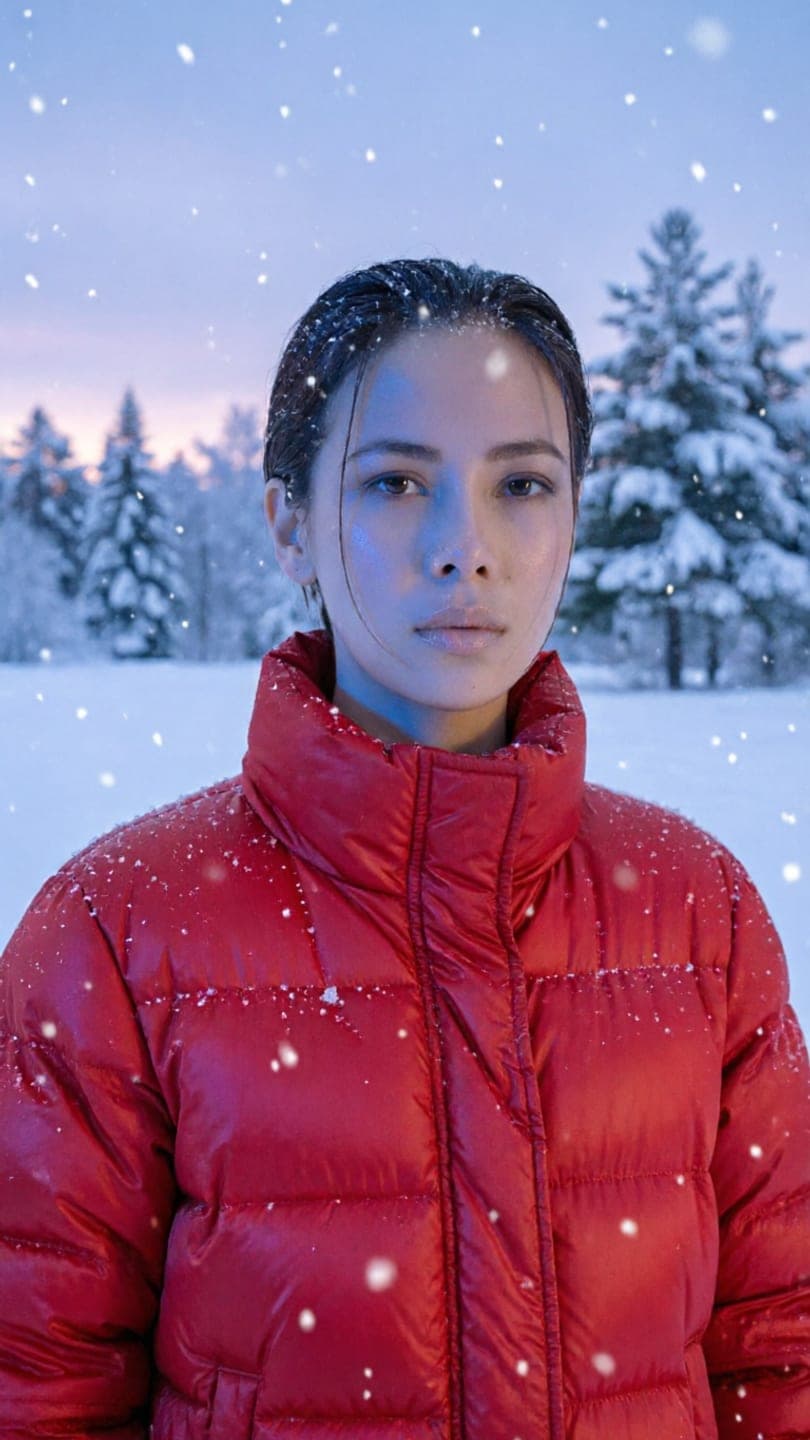 Snow day
1 Pick a look · optional
We put you into this example and keep everything else the same.
Failed renders refund credits
Why is the 3D cartoon trend so popular?
Animated family films have a look everyone recognizes: friendly characters with big eyes, soft skin, glossy hair and expressive faces, in bright, detailed worlds. Seeing yourself, your partner, your kids or your pet in that style is delightful and very shareable. It also works as a profile picture that's recognizably you without showing your real face, which many people like for privacy.
It's especially popular for family portraits, couple pictures and pet portraits around the holidays.
Which 3D cartoon styles can I try?
- Classic animated movie: soft, round, warm and cinematic.
- Toy-like: glossy, slightly plastic, like a collectible figure.
- Claymation: textured, handmade, a little lumpy and charming.
- Video game hero: more detailed and dramatic.
- Holiday special: snowy scenes, sweaters and cocoa.
- Pet sidekick: your dog or cat as the lovable animal friend.
Try this look on your own photo.
Make it with my photoHow do I turn my photo into a 3D cartoon?
Step 1
Upload a clear photo
Front-facing, good light, face and hair visible.
Step 2
Name the style and scene
In AI Image: "3D animated movie style character, big expressive eyes, same curly red hair and freckles, yellow raincoat, cozy rainy town, warm cinematic lighting".
Step 3
List your key features
Hair color and shape, glasses, freckles, beard, a signature outfit.
Step 4
Generate a few versions
Each image uses 10 credits.
How do I keep the character looking like me?
Cartoon styles exaggerate, so likeness comes from your most recognizable features. Mention your hair (color, length, curl), any glasses, eye color, freckles or dimples, facial hair and the colors you always wear. If the result looks like a generic character, add one more specific detail. Front-facing photos work best; side profiles lose features the model needs.
Can the whole family or the dog be cartoons too?
Yes. Use one photo with everyone in it, faces clear, and describe the scene: a snowy cabin, a picnic, an adventure in the jungle. For pets, mention breed and markings, like "fluffy white Samoyed" or "orange tabby with a white chest". Family cartoons make great holiday cards; see holiday card video ideas. Ask everyone before posting.
How do I animate my cartoon character?
3D cartoon characters are made for motion: a big smile, a wave, a little jump, a wink, hair bouncing. Take your favorite into AI Video and describe one cheerful action: "she waves at the camera and laughs, snow falling, the camera slowly pushes in". Animating your cartoon character for five seconds on Dromana is 70 credits, and the first 70 credits on a new account are free.
- A big wave and a smile.
- A bouncy little jump.
- Hair or ears bouncing as they turn.
- Snow, leaves or confetti falling around them.
- A pet sidekick wagging its tail.
What can I use 3D cartoon images for?
- Profile pictures and avatars.
- Holiday cards and family greetings.
- Birthday invitations.
- Couple anniversary posts.
- Personal stickers or prints for yourself.
Don't use a cartoon version of yourself to imitate a specific movie character, and don't sell images that copy trademarked characters.
Which scenes look best in 3D cartoon style?
Bright, detailed worlds suit the style: a cozy snowy village, a sunlit kitchen full of plants, a busy city street with tiny shops, a jungle adventure, a cluttered workshop or a starry rooftop. Scenes with lots of small props give the image that animated-film richness. Holiday settings are popular in December, and fantasy settings, like castles, space and underwater cities, work all year. Describe the scene and the time of day for the best lighting.
- Snowy village or cozy cabin.
- Sunlit kitchen or plant-filled room.
- Busy city street with little shops.
- Jungle, space or underwater adventure.
- Starry rooftop at night.
What other transformations can I try?
If you like this, try turning yourself into anime, an 80s retro portrait or the realistic snow day look for a winter scene. New Dromana accounts get 140 free credits with no card.
Questions people ask
Can AI turn me into a 3D cartoon?
Yes. Upload a clear photo, ask for a 3D animated movie style and list your key features.
Which 3D styles can I try?
Classic animated movie, toy-like, claymation, video game hero and holiday special.
How do I keep the cartoon looking like me?
Mention distinctive features: hair, glasses, freckles, facial hair and your usual colors.
Can I make a family or pet cartoon?
Yes, from one photo; describe pets by breed and markings.
Can I animate my cartoon character?
Yes. Describe a cheerful action like a wave or a little jump in AI Video.
Can I copy a specific movie character?
No. Use a general style, not a studio's characters.
Effects from this guide
 AI fashion portraitSkip the photographer: get a magazine-style fashion portrait from one selfie. Quiet-luxury coats, street editorial, studio light. Same face, new shoot. Free to try.
 Make a photo moveUpload one photo, get a 5-second video in a minute or two: a smile, a head turn, wind in the trees, waves rolling in. Works on portraits and landscapes, free to try.
Keep reading
 Turn yourself into anime with AI: styles, prompts and moving clips4 min read
 Holiday card video ideas: moving Christmas cards from your photos4 min read
 Best AI avatar generators in 2026: profile pictures, styles and moving avatars4 min read
 Turn yourself into a vintage Christmas cartoon, then make it move4 min read
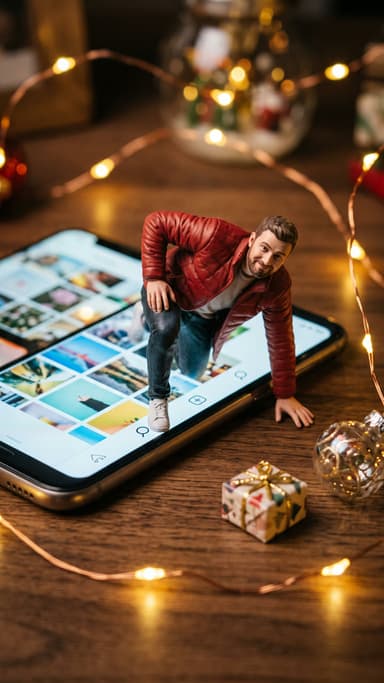 The AI figurine trend: make a mini you climb out of your phone5 min read
Ready to make yours?
Add one photo and get the look from this guide.