What is text-to-video AI? How it works and how to write a good prompt
By Peter Huang, AI video technology · Updated · 4 min read
the short version
Text-to-video AI generates a short video from a written description alone: you type who or what is in it, where it happens, what happens and how the camera moves, and the model invents every frame. It's great for scenes you have no photo of, like a puppy in a snowy forest or a city at night. For people who must look like you, starting from a photo works better.
AI Photo to Video
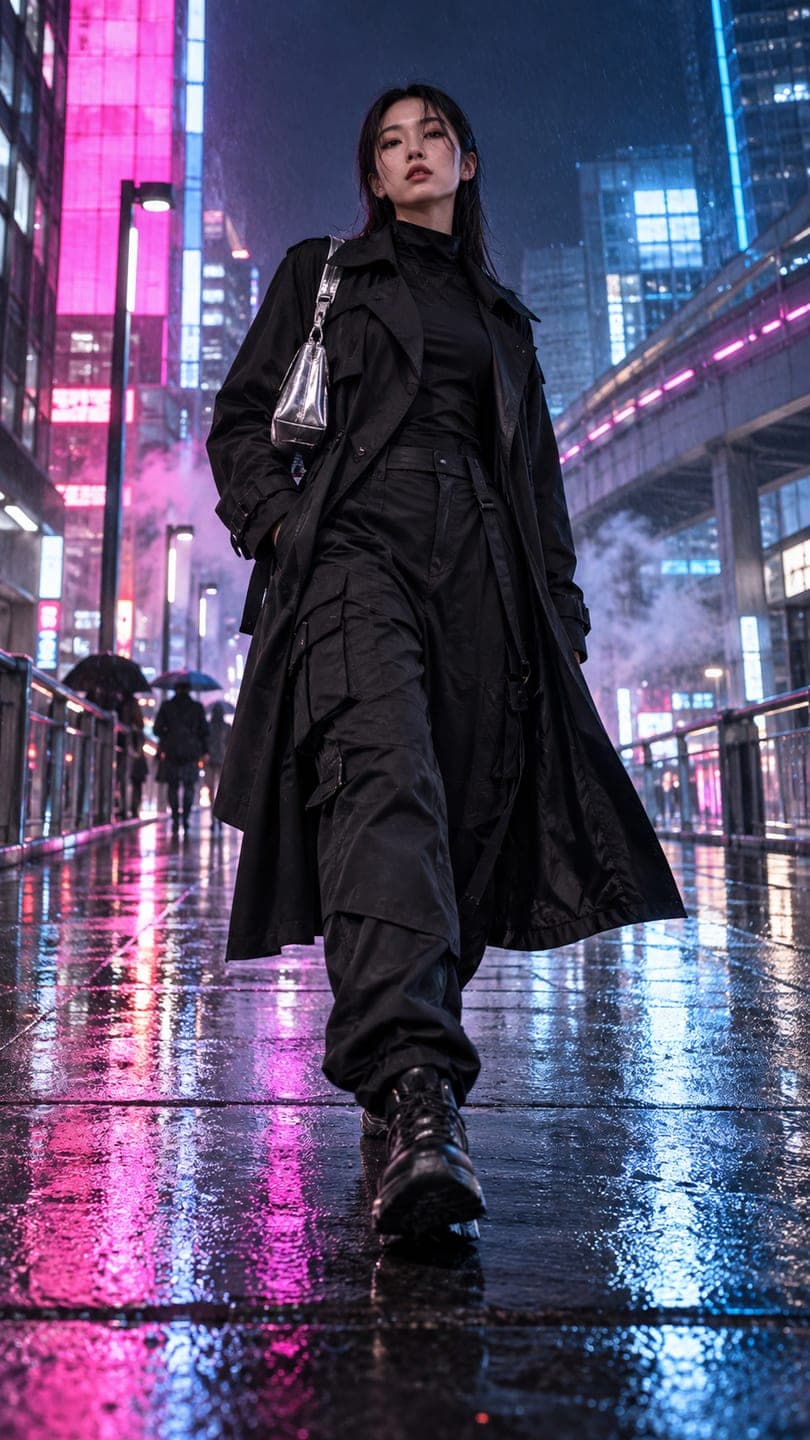 Neo-Tokyo techwear
1 Pick a look · optional
We put you into this example — everything else stays as it is — then it moves like the example, at no extra cost.
Failed renders refund credits
What does text-to-video do?
Text-to-video turns words into motion. You write a description, such as "a golden retriever puppy chases bubbles across a sunny garden, low camera following it", and the model generates a short clip, usually five to ten seconds, matching it. Nothing is uploaded; every person, object and background is invented from the description and the model's training.
It's the video version of AI image generation, and it's become good enough for social clips, mood videos, concept tests and B-roll.
How is it different from image-to-video?
- Text-to-video: starts from words only; everything is invented.
- Image-to-video: starts from your photo; what's in it stays, and motion is added.
- Text-to-video is best for scenes you can't photograph.
- Image-to-video is best when a real person, pet or product must stay accurate.
If you want yourself in the video, start from your photo. Our guide to what is image-to-video AI explains that side.
Try this look on your own photo.
Make it with my photoWhat is text-to-video good at?
- Atmospheric scenes: city streets at night, forests, oceans, weather.
- Animals and nature doing natural things.
- Stylized clips: anime, claymation, vintage film looks.
- Concept videos for an idea, an ad or a story.
- B-roll to cut between other clips.
How do I write a good text-to-video prompt?
Cover four things in one or two sentences: the subject, the place, the action and the camera. "A young woman in a red coat walks through a snowy market at night, string lights overhead, she stops to look at a stall, handheld camera follows from behind." Add a style or light if you want one: "35mm film look", "golden hour", "neon reflections". Keep it to one main action.
- Subject: who or what, with one or two visual details.
- Place: where, and the time of day or weather.
- Action: one clear thing that happens.
- Camera: static, slow push in, tracking, handheld.
- Optional: a style or light.
Which prompts work well?
- "a cozy cabin in a snowstorm at night, warm light in the windows, smoke from the chimney, slow push in"
- "neon-lit Tokyo street in the rain, people with umbrellas, reflections on the pavement, tracking shot"
- "a fluffy cat sleeps on a windowsill as snow falls outside, static camera"
- "waves crash against black rocks at sunset, slow motion, wide shot"
- "a paper boat sails down a rain-filled gutter, low camera following it"
For a city look like the last prompts, the neo Tokyo look is a photo-based alternative that puts you in the scene.
What are its limits?
Text-to-video still struggles with readable text on signs, detailed hand movements, accurate brand logos and keeping a character identical across several clips. Crowds can look repetitive and fast action can blur or warp. Short, single-action clips avoid most of these problems. When something must be exact, like your face, your product or your logo, start from a photo instead.
How do I try text-to-video on Dromana?
Open AI Video and switch to describing the clip in words, no photo needed. Choose vertical or wide, pick a length and generate. A 5-second clip on Dromana uses 70 credits; longer or higher-resolution models cost more and show the price first. New accounts get 140 free credits with no card. Failed jobs refund automatically.
When should I use text-to-video instead of a photo?
Use text when you have no photo of the scene or the subject doesn't need to be a specific real one: a mood clip, a background, a story idea, an animal scene. Use a photo when the result has to look like you, your pet, your product or a real place you visited. Many creators combine both: text-to-video B-roll cut between image-to-video clips of themselves. Our image-to-video prompts and best AI cinematic video generators guides cover the photo side.
Questions people ask
What is text-to-video AI?
AI that generates a short video from a written description, with no photo.
How is text-to-video different from image-to-video?
Text-to-video invents everything from words; image-to-video starts from your photo and keeps what's in it.
What is text-to-video good at?
Atmospheric scenes, nature, animals, stylized clips and B-roll.
How do I write a good prompt?
Describe the subject, place, one action and the camera in one or two sentences.
What does text-to-video struggle with?
Readable text, detailed hands, exact logos and keeping one character identical across clips.
Can I try text-to-video for free?
Dromana gives 140 free credits on sign-up; a 5-second Dromana clip uses 70.
Effects from this guide

Keep reading
 What is image-to-video AI? How it works, what it's good at and how to start4 min read
 40 image-to-video prompts that actually work4 min read
 Best AI tools for cinematic video from a photo4 min read
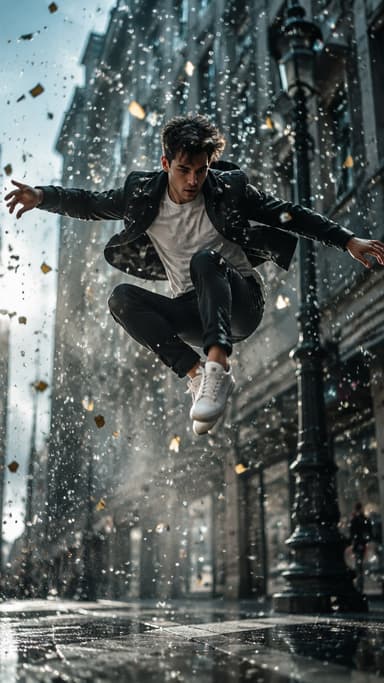 Viral AI video effects explained: bullet time, rides, snow globes and more6 min read
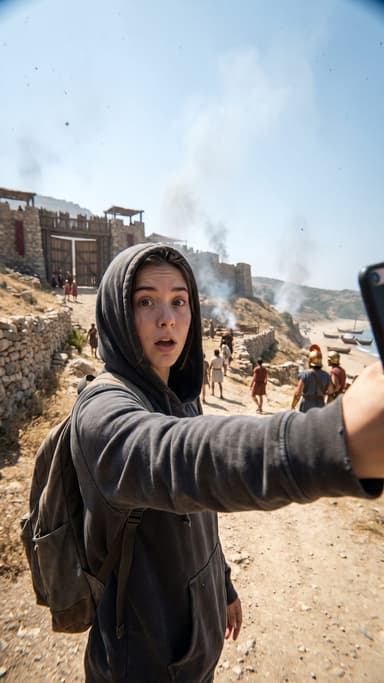 AI photo to video: the questions people actually ask, answered6 min read
Ready to make yours?
Add one photo and get the look from this guide.