What is AI upscaling, and when does it actually help your photos?
By Daniel Hughes, Safety, rights and family memories · Updated · 4 min read
the short version
AI upscaling enlarges an image and fills in detail that a normal resize can't, by predicting what fine texture should look like based on millions of examples. It works well on soft, small or slightly blurry photos. On badly damaged pictures it can invent details, so faces in old family photos are better served by gentle restoration than heavy upscaling.
AI Photo Restyle
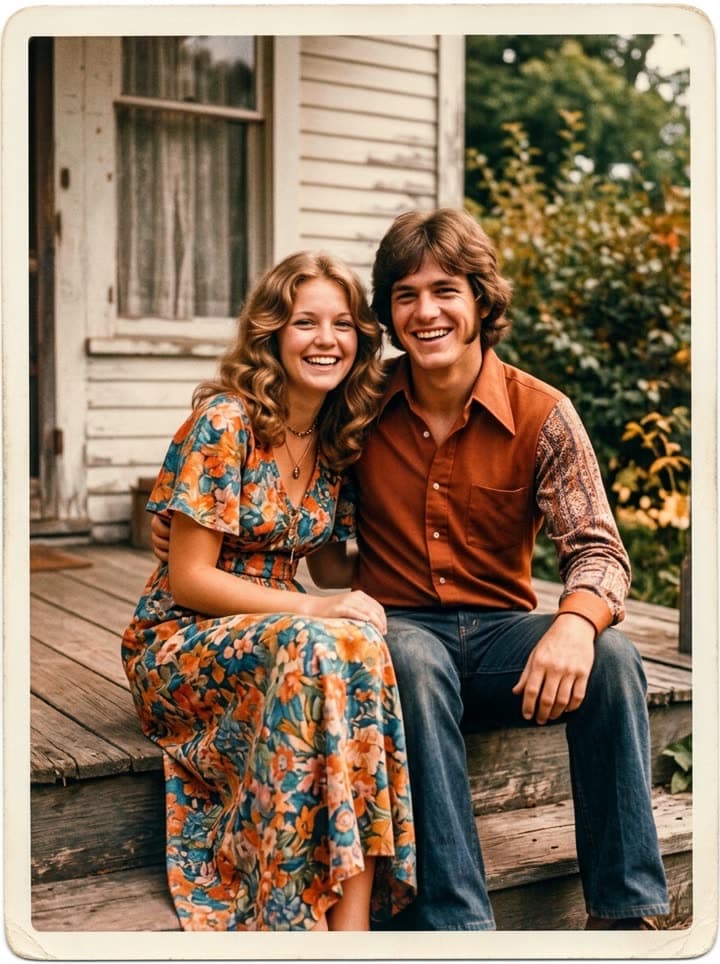 Restore an old photo
1 Pick a look · optional
Failed renders refund credits
What's the difference between resizing and AI upscaling?
A normal resize spreads the existing pixels over a bigger area. The picture gets larger, but no new detail appears, so it looks soft or blocky. AI upscaling also makes the image bigger, but it predicts the missing detail: the texture of skin, individual strands of hair, the weave of a fabric, the edges of letters.
The model has learned from huge numbers of pairs of low- and high-resolution images, so it knows what a sharp version of a blurry eyelash or brick wall usually looks like. That's why a good upscale looks convincingly sharp. It's also why the new detail is a prediction rather than a recovery of what was really there.
When does AI upscaling help?
- Small images you want to print or use as a wallpaper.
- Slightly soft phone photos, especially ones taken in low light.
- Screenshots and old web images saved at low resolution.
- Scans of prints that are in good condition but small.
- Product photos that need to look crisp on a large screen.
In these cases the original already contains most of the information, and the model only needs to fill in fine texture. Results tend to be faithful.
Try this look on your own photo.
Make it with my photoWhen does it go wrong?
When there isn't enough real information to work from. A tiny, heavily compressed or badly damaged image forces the model to guess, and guesses on faces are where people notice. Common problems include eyes that look slightly different, teeth that become too regular, skin that turns waxy and smooth, and text that turns into convincing nonsense.
This matters most for family photos. If an upscaler changes your grandmother's smile, the photo is sharper but less her. For old pictures, the goal should be to repair damage and fix fading while leaving faces as they were.
Is upscaling the same as photo restoration?
They overlap but aren't the same. Upscaling is about size and sharpness. Restoration is about damage: removing scratches, dust, creases and stains, fixing faded colour and contrast, and sometimes adding colour to black-and-white pictures. A good restoration sharpens gently as part of the job, without pushing size so far that the model starts inventing a new face.
Dromana's restore old photos look works that way: it cleans up the print, corrects fading and sharpens gently, while keeping every face, age and expression as it was. Our step-by-step guide to restoring old photos with AI covers the whole process, and colorizing black-and-white photos explains the colour step.
What about upscaling video?
Video upscaling uses the same idea frame by frame, with an extra challenge: the added detail must stay the same from one frame to the next, or the picture shimmers. That makes it slower and more expensive than upscaling a photo.
For AI-generated clips, it's usually better to choose the resolution you need when you generate than to upscale afterwards. Higher resolution costs more credits per second, and our explainer on AI video credits shows how to work out what that means per clip.
How do you get the best result from an old photo?
- Scan at a high resolution, or photograph the print flat in daylight without glare.
- Crop out the album page and frame before uploading.
- Restore first, then colorize if you want colour.
- Animate only after the photo looks right, with gentle motion and a still camera.
- Keep the original scan in case you want to try again later.
Our guide to scanning old photos covers the first step in detail. Then open the old photos page to restore, colorize and bring a picture to life; old photos are priced per photo and paid once, and new accounts get two videos free.
Questions people ask
What is AI upscaling?
Enlarging an image while predicting the fine detail a normal resize can't add, based on patterns learned from many examples.
Does AI upscaling recover lost detail?
Not exactly. It predicts plausible detail. On good originals that's close to reality; on badly damaged ones it can invent things.
Can upscaling change a face?
Yes, on small or damaged photos it can alter eyes, teeth and skin. Compare with the original and use gentler settings if it does.
Should I upscale or restore an old photo?
Restore. Restoration repairs damage and fading and sharpens gently while keeping faces as they were.
Can AI upscale video too?
Yes, frame by frame, but it's slower and harder to keep consistent. For AI clips, choose the resolution you need when generating.
How do I start with an old family photo?
Scan it well, then restore it on Dromana's old photos page. New accounts get two videos free to bring a restored photo to life.
Effects from this guide
 Old photo restorationRestore old family photos with AI: remove scratches, creases, stains and fading, repair torn corners and add natural color, while every face stays exactly as it was.
 Colorize black-and-white photosColorize black-and-white and sepia photos with AI: realistic skin tones, period-true clothes and rooms, and the faces of the people you love left exactly as they were.
Keep reading
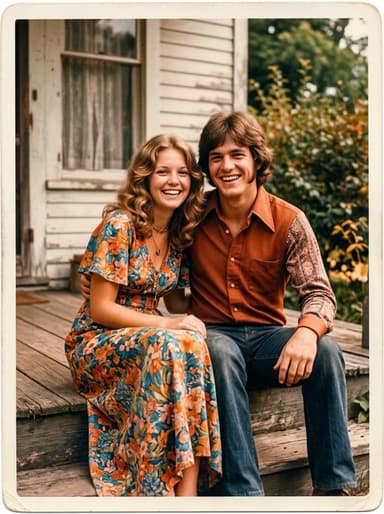 How to restore old photos with AI: bring back the faces in the family album5 min read
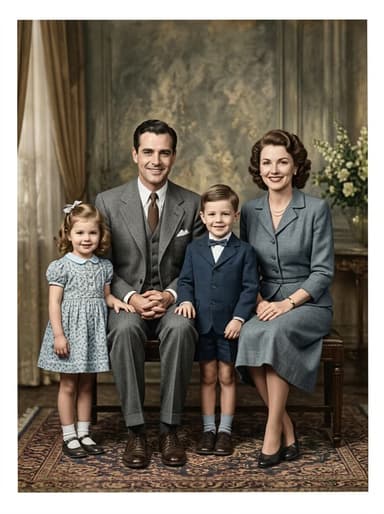 How to colorize black-and-white photos with AI so they look real4 min read
- How to scan old photos at home with a phone or scanner, before you restore them4 min read
- How much does photo restoration cost? A retoucher, an app or AI, compared4 min read
- Animate old photos of loved ones: see them blink and smile again, gently5 min read
Ready to make yours?
Add one photo and get the look from this guide.