New Year's resolution video ideas: goals, vision boards and year-ahead clips
By Peter Huang, AI video technology · Updated · 4 min read
the short version
Resolution videos are some of the most saved posts of early January: a vision board that comes to life, a "this year I will" list, a recap of the past year that turns into goals, or a short scene of your future self living the plan. Keep them hopeful and specific, film or make them in the last week of December, and post on January 1 or 2.
AI Photo to Video
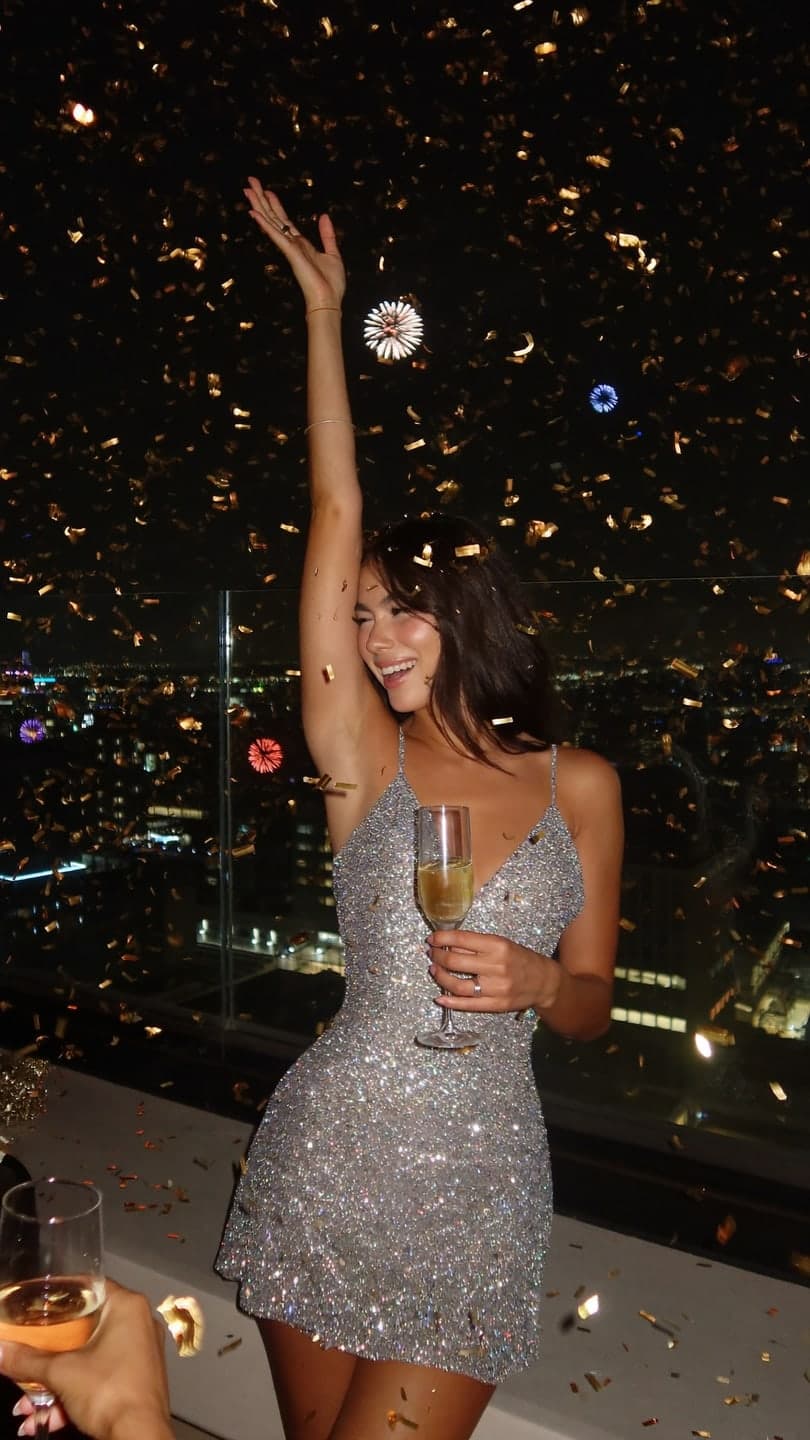 New Year's Eve
1 Pick a look · optional
We put you into this example — everything else stays as it is — then it moves like the example, at no extra cost.
Failed renders refund credits
Why post resolution videos?
The first days of January are when people are most open to new goals, and they search and save content about them. Resolution videos also hold you accountable: saying a goal publicly makes it more likely you'll follow through. For creators, they're an easy, personal post that followers love to comment on with their own goals.
The best ones feel hopeful and real, not like a lecture. Specific beats vague: "read twelve books" lands better than "read more".
Which resolution formats work best?
- "This year I will": a quick list of goals, one per clip or on-screen line.
- Vision board: images of your goals, coming to life one by one.
- Recap to goals: last year's highlights that transition into this year's plans.
- Future self: a short scene of you already living a goal, like running, traveling or working in a new studio.
- Habit tracker: a simple daily habit you'll film all year.
- Letter to yourself: text on screen over calm footage.
Try this look on your own photo.
Make it with my photoWhat are the steps for a vision board clip?
Step 1
Choose four to six goals
Travel, fitness, a skill, a project, a home, a habit.
Step 2
Find or make an image for each
Your own photos, or AI images of you in each scene.
Step 3
Animate a few
On the make a photo move page: "waves roll in as she walks along the beach, slow push in".
Step 4
Cut to a hopeful song
One goal per beat, with a word on screen for each.
Can I make a "future self" clip with AI?
Yes, and it's a popular, positive way to visualize a goal. Upload a clear photo and describe the scene: you in a home studio, finishing a race, at a café in a city you want to visit or on stage. In AI Image: "she sits at a sunny desk in her own design studio, sketches on the wall, same face", then animate it. Keep these grounded in things you're actually working toward; they're motivation, not a promise. Each image uses 10 credits.
Ready-made scenes help too: rooftop sunset, café morning and desert road trip suit travel and lifestyle goals.
How do I keep goals healthy and kind?
- Focus on habits you'll do, not how you'll look.
- Avoid before-and-after body content and weight targets.
- Be honest that goals can change during the year.
- Celebrate small, specific steps.
- Don't use AI to fake progress you haven't made.
Platforms limit some weight-loss and body-transformation content, and it can hurt followers. Keep it about skills, experiences and wellbeing.
How do I do a recap-to-goals transition?
Start with three to five quick clips or photos from the past year, a second each, then a transition, like a hand over the lens, a calendar flip or a countdown, into your goals for the new year. The contrast between "what happened" and "what's next" makes it satisfying to watch. For the year-end recap side, see our New Year's Eve photo ideas and the best AI New Year's video apps.
When should I post resolution videos?
Make them in the quiet days between Christmas and New Year's Eve, and post on January 1 or 2, when people are planning and scrolling. A follow-up at the end of January, "one month in", often does well too, and it keeps you accountable. Ask followers to share their own goals in the comments.
How much does it cost to make?
Animating each goal for five seconds on Dromana uses 70 credits, and future-self images use 10 each. New accounts get 140 free credits with no card, enough for the first two clips, and a pack of 15 videos is $9.99, so a whole vision board fits in one pack. Start in AI Video.
Questions people ask
What are good New Year's resolution video ideas?
A "this year I will" list, a vision board that comes to life, a recap-to-goals transition and a future-self scene.
How do I make a vision board video?
Choose a few goals, make or pick an image for each, animate some and cut them to a hopeful song.
Can AI show my future self?
Yes. Describe a scene of you living a goal in AI Image and animate it.
How do I keep resolution content healthy?
Focus on habits and experiences, avoid body before-and-afters and don't fake progress.
When should I post resolution videos?
On January 1 or 2, with a one-month follow-up at the end of January.
How much does it cost?
Each 5-second clip uses 70 credits; new accounts get 140 free credits.
Effects from this guide

Keep reading
 New Year's Eve photo ideas: 25 shots for the party, the countdown and after4 min read
- Best AI New Year's video apps: countdown clips, recaps and resolutions4 min read
 Photo dump videos: how to turn a carousel into a cinematic clip4 min read
 A photo with Santa without the mall line: a Santa selfie and video from one photo5 min read
 The holiday defrost trend: thaw out of the ice when the season starts4 min read
Ready to make yours?
Add one photo and get the look from this guide.