Amazon listing videos: make product videos from one photo
By Noah Reynolds, Media and brand content · Updated · 4 min read
the short version
A short product video helps an Amazon listing stand out in a sea of similar photos, and many sellers, especially those with Brand Registry, can add video to their product detail pages. You can make one from a single clean product photo: a slow spin, a lifestyle scene, an unboxing or a close-up of the materials. Keep it accurate, short and clear without sound.
AI Photo to Video
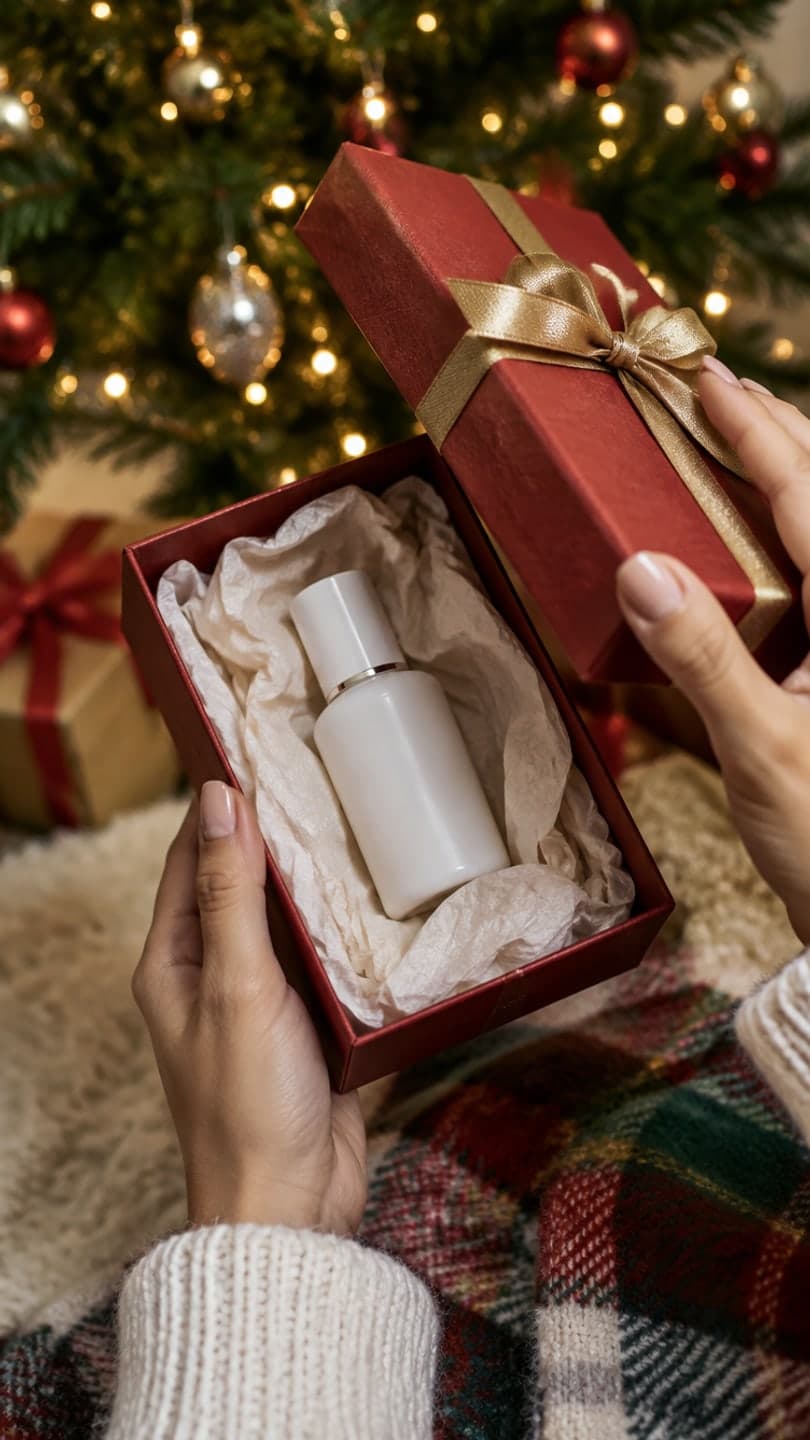 Gift unboxing
1 Pick a look · optional
We put your product into this example — everything else stays as it is — then it moves like the example, at no extra cost.
Failed renders refund credits
Why add video to an Amazon listing?
Shoppers compare dozens of listings that look almost the same. A video that shows the product moving, in use or being unboxed answers questions photos can't: how big is it, how does the material look, what's in the box. It also keeps people on your listing longer. Amazon lets many sellers add videos to the image block on the product page, and brand owners can usually do more with video across their listings; check Seller Central for what's available on your account.
The barrier for small sellers is usually production. AI makes it possible to create several clips from one good product photo.
Which video formats work for Amazon?
- Product spin: a slow 360 on a plain background.
- In use: the product being used in a realistic setting.
- Unboxing: what arrives in the box, in order.
- Detail: close-ups of texture, stitching, finish or ingredients.
- Scale: the product in a hand or next to a familiar object.
- Comparison: the product next to its sizes or colors.
Try this look on your own photo.
Make it with my photoHow do I make one from a product photo?
Step 1
Take one clean photo
Product front-facing, label sharp, even light, white or plain background.
Step 2
Choose a format
The product photo to video page handles spins and reveals; product looks create lifestyle scenes.
Step 3
Check every frame
Shape, color, label and size must match the real product exactly.
Step 4
Upload in Seller Central
Add it to the listing's video slot and give it a clear title.
Product looks such as gift unboxing, light trails, sneaker float and headphone review keep your product's shape and label.
How do I keep the video accurate and compliant?
Accuracy is non-negotiable. A video that shows a different color, size or feature misleads buyers, drives returns and can break marketplace rules. Check the product in every clip against the real thing in daylight. Don't show accessories that aren't included, and don't add claims, badges or comparisons you can't support. If a clip changes anything, generate again or use the still.
- Compare colors to the real product.
- Read the label in the first and last frame.
- Only show what's in the box.
- No unsupported claims on screen.
How long and what size?
Fifteen to thirty seconds is a good target for a listing video, and a five-second clip works as one shot inside it. Horizontal 16:9 or square formats usually display well on product pages; vertical clips suit Amazon's shoppable short-video placements and your social channels. Check the current upload specs in Seller Central before exporting a whole batch.
Can I use AI product videos commercially?
Yes, with the right plan. On Dromana, results made on a paid plan or with a pack you bought can be used commercially, including on marketplace listings and in ads; results made only with free credits are for personal use. Any pack, from $4.99 for 6 videos, also removes the small badge, which you'll want on a listing. You need the rights to the product photo you upload.
How do I reuse listing videos?
The same clips work in sponsored ads, on your own store, on TikTok Shop and in Instagram Reels. Cut a five-second version for social and keep the longer version for the listing. For other channels, see the Shopify product video, Etsy listing video and TikTok Shop holiday videos guides.
What does it cost?
A product look video uses 70 credits on Dromana, the same as a plain clip. A pack of 15 videos is $9.99, and any pack removes the badge; packs start at $4.99 for 6 videos. Compare other options in the best AI product video tools ranking.
Questions people ask
Can I add a video to my Amazon listing?
Many sellers can, especially brand-registered ones; check Seller Central for your account.
How do I make an Amazon product video from one photo?
Take a clean product photo and use a product-to-video tool for a spin, reveal or lifestyle scene.
How long should an Amazon listing video be?
Fifteen to thirty seconds, with the product clear in the first second.
Will AI keep my product accurate?
Product looks are built to keep shape, label and color, but always check every frame.
Can I use AI videos on Amazon commercially?
Yes, as long as the clip came from a paid plan or a pack you bought and the product photo is yours.
What does it cost?
About 70 credits per product clip on Dromana; 15 videos are $9.99, with no subscription.
Effects from this guide

Keep reading
 Shopify product videos: how to make them from one product photo4 min read
 How to make an Etsy listing video from your product photos4 min read
- Best AI product video tools for small sellers in 20264 min read
- TikTok Shop holiday videos: product video ideas from Black Friday to Christmas5 min read
 Best AI Christmas video apps in 2026: elf videos, snow globes and cards4 min read
Ready to make yours?
Add one photo and get the look from this guide.