How does AI turn a photo into a video? A plain-English explanation
By Claire Ye, Editor-in-chief, AI imaging · Updated · 4 min read
the short version
An image-to-video model has learned from huge amounts of video how things usually move. Given your photo as the first frame and a short description, it predicts the frames that would plausibly follow, refining noise into images step by step. It invents the motion, so a clear photo and a simple, specific prompt give the most believable result.
AI Photo to Video
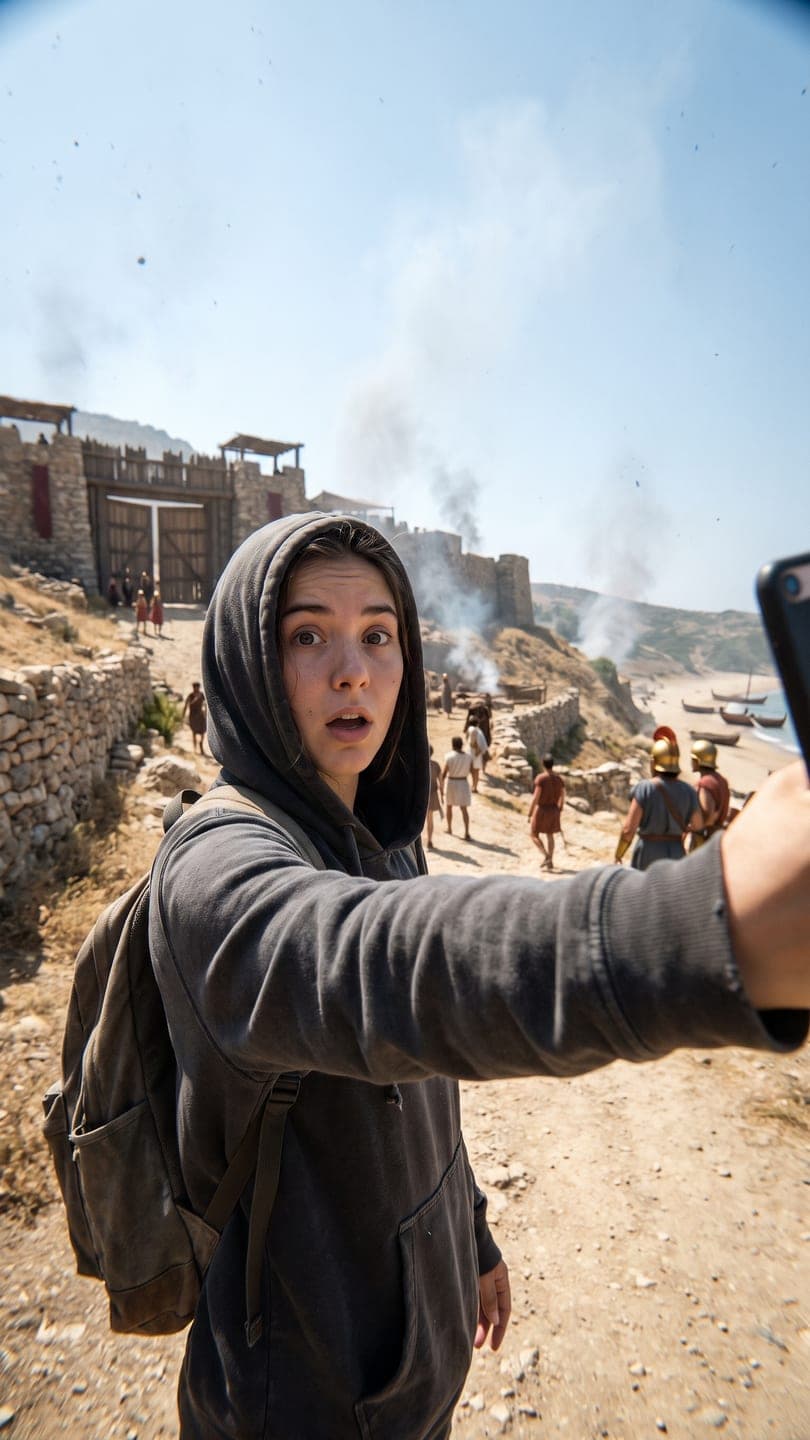 Time-travel vlog
1 Pick a look · optional
We put you into this example — everything else stays as it is — then it moves like the example, at no extra cost.
Failed renders refund credits
What does the model actually learn?
A photo-to-video model is trained on very large collections of video clips paired with descriptions. From them it learns patterns: how hair moves in wind, how a head turns, how light shifts when a camera pushes in, how fabric folds when someone walks. It doesn't store the clips. It stores statistical patterns about what tends to come next in a moving scene.
That's why it can animate a photo it has never seen. Your photo is new, but a person smiling, a wave rolling in or a curtain moving are patterns it has seen countless times.
How does one still become moving frames?
Step 1
Your photo becomes the anchor
The model treats your image as the first frame, or as a strong reference, so the clip starts from what you uploaded.
Step 2
Your words set the direction
A short prompt, such as 'she laughs and turns toward the window', tells it which of many possible motions to pick.
Step 3
Noise is refined into frames
Most current models start from random visual noise for the frames that follow and clean it up over many small steps, each step nudged to fit your photo and your words.
Step 4
Frames are checked against each other
The model generates the frames together, so motion stays smooth from one frame to the next instead of jumping.
The result is a prediction, not a recording. The model is guessing what would plausibly happen next, which is why two runs from the same photo can come out differently.
Try this look on your own photo.
Make it with my photoWhy do faces sometimes change?
Because the model is inventing every new frame, small details of a face can drift: a slightly different smile, different teeth, an earring that changes shape. The more a face turns away from the camera, the more the model has to make up.
- Big head turns and fast motion give the model the most to invent.
- Low-resolution or heavily filtered photos give it the least to hold on to.
- Several faces in one photo split its attention.
- Long clips give small errors more time to build up.
Templates help here. A ready-made look has been tested for the kind of motion that keeps faces steady, which is why picking a look usually beats a free-form prompt for a first try. Our list of AI video generators that keep your face compares approaches.
What's the difference between animating a photo and putting you in a scene?
Plain image-to-video keeps your photo's scene and adds motion: the same room, the same clothes, now moving. A restyle or look first creates a new still, with you in a new outfit, place or era, and then animates that still. The second route is how trend formats work: the holiday defrost builds a frozen-in-ice scene around your face, then brings it to life.
If you'd like the background to stay completely still while one part moves, like steam from a cup or water in a pool, that's selective motion, which we explain on animate part of a photo.
How do you get a better result from your photo?
- Use a sharp photo with the face clearly visible and even light.
- Keep one person, or one product, as the clear subject.
- Describe one motion, not five: 'turns and smiles' beats a whole story.
- Say what the camera does: 'slow push-in' or 'camera stays still'.
- Start with 5 seconds; extend only once a short version works.
Where can you try it?
Open AI Video, add a photo and either pick a look or describe the motion. New accounts get two 5-second videos free. For background on the two main modes, read what image-to-video is, and for step-by-step photo tips, how to animate a photo.
Curious what people are making this week? The trending now page shows the formats behind the latest TikTok and Reels posts, each one made from a single photo.
Questions people ask
How does AI make a photo move?
It has learned from large amounts of video how things usually move, then predicts the frames that would plausibly follow your photo, guided by your description.
Does the AI use my photo to train?
On Dromana, your uploads are used to make your result and aren't used to train models. Our privacy page explains what we keep and for how long.
Why does my face look slightly different in the video?
The model invents each new frame, so small details can drift, especially with big head turns, low-resolution photos or long clips.
What photo works best?
A sharp, well-lit photo with one clearly visible face or product and no heavy filters.
How long does it take?
Usually one to three minutes for a 5-second clip. Premium models, longer clips and busy times take longer, and you can leave the page while it runs.
Can it animate old photos?
Yes. Old photos are usually restored first, then animated gently with a still camera so faces stay as they were.
Effects from this guide
 Make a photo moveUpload one photo, get a 5-second video in a minute or two: a smile, a head turn, wind in the trees, waves rolling in. Works on portraits and landscapes, free to try.
 Animate part of a photoMake just one part of a photo move: a flickering fire, flowing water, drifting mist or clouds, with the camera and everything else held still. No masking by hand.
Keep reading
 What is image-to-video AI? How it works, what it's good at and how to start4 min read
 How to make a photo move: 4 ways, ranked4 min read
 AI video generators that keep your face: which tools look most like you4 min read
 Best apps to animate old photos with AI in 20264 min read
 Why are AI videos so short? The real reasons clips stop at 5 to 10 seconds4 min read
Ready to make yours?
Add one photo and get the look from this guide.