Canva AI video alternatives: 7 tools for making and editing social videos
By Sebastian Ward, Reviews and comparisons editor · Updated · 4 min read
the short version
Canva is great for finishing a post with text and branding, but its AI video generation is limited on the free plan and it isn't built around trends. Alternatives: Dromana to generate trend clips of you or your product from one photo, Adobe Express for a similar design-first editor, InVideo for script-to-video, and Kapwing, VEED or Descript for editing, captions and subtitles.
AI Photo to Video
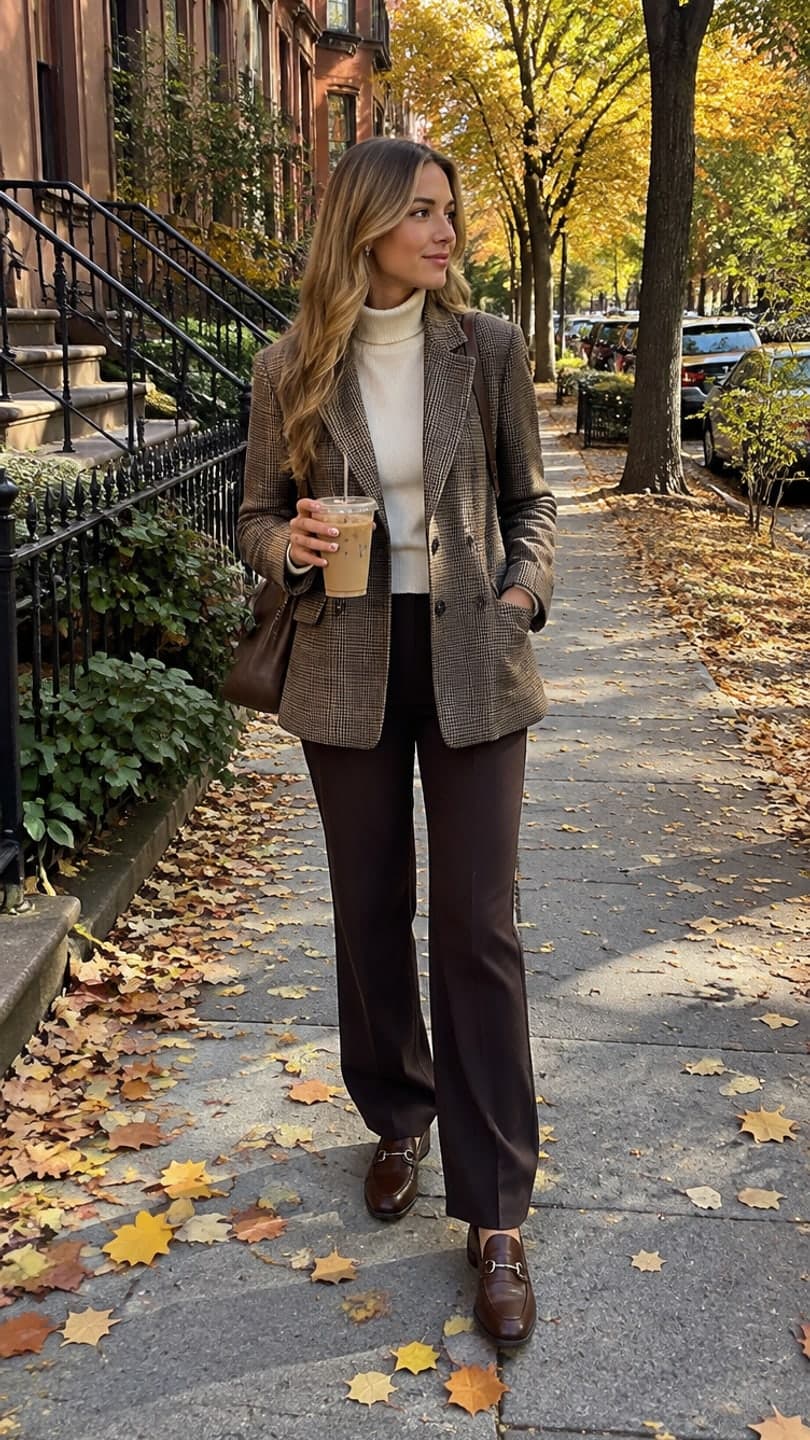 October fit check
1 Pick a look · optional
We put you into this example — everything else stays as it is — then it moves like the example, at no extra cost.
Failed renders refund credits
What is Canva good at for video?
Canva's strength is the finish: templates for Reels and TikToks, brand kits, fonts, stickers, captions and easy resizing, all in an editor millions of people already know. It added AI video generation and photo-to-motion tools, but the more capable AI features sit on paid plans and the focus is design, not generating a realistic clip of you in a trending scene. Many people end up using Canva together with a dedicated generator.
We'll be upfront: Dromana is our product and it's in this list. It generates clips; it isn't a design editor, so for many people it complements Canva rather than replacing it.
What are the best Canva AI video alternatives?
- Dromana: generate a trend clip of you or your product from one photo, ready for TikTok and Reels.
- Adobe Express: Adobe's design-first editor with templates, brand kits and generative features.
- InVideo: script-to-video that assembles stock clips, an AI voiceover and captions for explainers.
- Kapwing: a browser video editor with auto-subtitles, resizing and team collaboration.
- VEED: online editing with subtitles, translations, screen and webcam recording.
- Descript: edit video by editing the transcript, ideal for podcasts and talking-head content.
- Adobe Firefly: generative image and video for creators already working in Adobe apps.
Try this look on your own photo.
Make it with my photoWhich alternative is best for generating clips?
If the goal is a new clip rather than editing existing footage, use a generator. Dromana is built around ready-made trend looks: pick one, like the October fit check, snow globe or costume reveal walk, add one photo, and you get a vertical clip with you in it. Product sellers can use looks like gift guide flat lay that keep the product's shape, label and color.
- A look video uses 70 credits; images use 10.
- New accounts get 70 free credits with no card, then 35 more each day they visit.
- Credit packs with no subscription, or plans from $10 a month that remove the badge and allow commercial use.
Which alternative is the closest replacement for Canva?
For a like-for-like design editor, Adobe Express is the nearest match: templates, brand kits, social resizing and generative tools in the browser and on mobile. If your team already pays for Adobe, it may be included. For video-heavy work with subtitles and collaboration, Kapwing and VEED feel more like video editors than design tools.
Which alternative is best for captions and subtitles?
Auto-captions matter because most people watch with the sound off. Kapwing, VEED and Descript all generate subtitles automatically and let you style them; Descript goes further by letting you cut the video by deleting words from the transcript. For short trend clips without speech, captions are usually a single line of text you add inside TikTok or Instagram.
Which alternative is best for explainer and faceless videos?
For explainers, listicles and "faceless" channels, script-to-video tools like InVideo assemble stock footage, captions and an AI voiceover from a prompt. They're fast for informational content, but the footage is generic. If you want the video to feature you or your product, a generator like Dromana plus a quick edit gives a more personal result. Our guide to photos to TikTok video covers combining clips.
Which Canva alternative should I choose?
- You want trend clips of yourself or your product: Dromana, then finish in your editor.
- You want a Canva-like design editor: Adobe Express.
- You need a full video from a script: InVideo.
- You need subtitles and team editing: Kapwing or VEED.
- You edit talking-head or podcast video: Descript.
- You already use Photoshop and Premiere: Adobe Firefly.
For more tools by use case, see the best AI product video tools and the best AI video generators for beginners, or start a clip in AI Video.
Questions people ask
What is the best alternative to Canva for AI video?
Dromana for generating trend clips from one photo, Adobe Express for a similar design editor, InVideo for script-to-video, and Kapwing or VEED for editing.
Is Dromana a replacement for Canva?
Not entirely. Dromana generates clips; Canva designs and edits posts. Many people use Dromana to make the clip and Canva to add text.
Is there a free Canva AI video alternative?
Most alternatives have free tiers. Dromana gives 70 credits on sign-up with no card, enough for a first look video.
Which Canva alternative is best for subtitles?
Kapwing, VEED and Descript all add automatic subtitles; Descript also lets you edit video by editing the transcript.
Which alternative is best for product videos?
A generator with product looks, such as Dromana's gift guide flat lay or snow globe, then add the price in your editor.
Can I use videos from Canva alternatives commercially?
It depends on the plan. With Dromana, anything made on a paid plan or with purchased credits is cleared for ads and shop listings.
Effects from this guide
 Outfit video from a photoTurn one outfit photo into a 5-second fit check video: a turn, a walk, fabric moving. No tripod, no filming. 70 free credits to start.
 Product photo to videoTurn one product photo into a short ad clip: splashes, slow-motion bursts, ice and creator-style reviews, with your label kept as it is. 70 free credits to start.
Keep reading
 Best AI product video tools for small sellers in 20264 min read
 Best AI video generators for beginners in 2026: easy tools that just work4 min read
 How to turn photos into a TikTok or Reel people actually watch4 min read
 Best AI video apps for Instagram Reels and Stories in 20264 min read
 Best AI video tools for small business marketing in 20264 min read
Ready to make yours?
Add one photo and get the look from this guide.