Pink Christmas: AI video template
- You add
- One photo
- You get
- 9:16 clip
- Credits
- 70
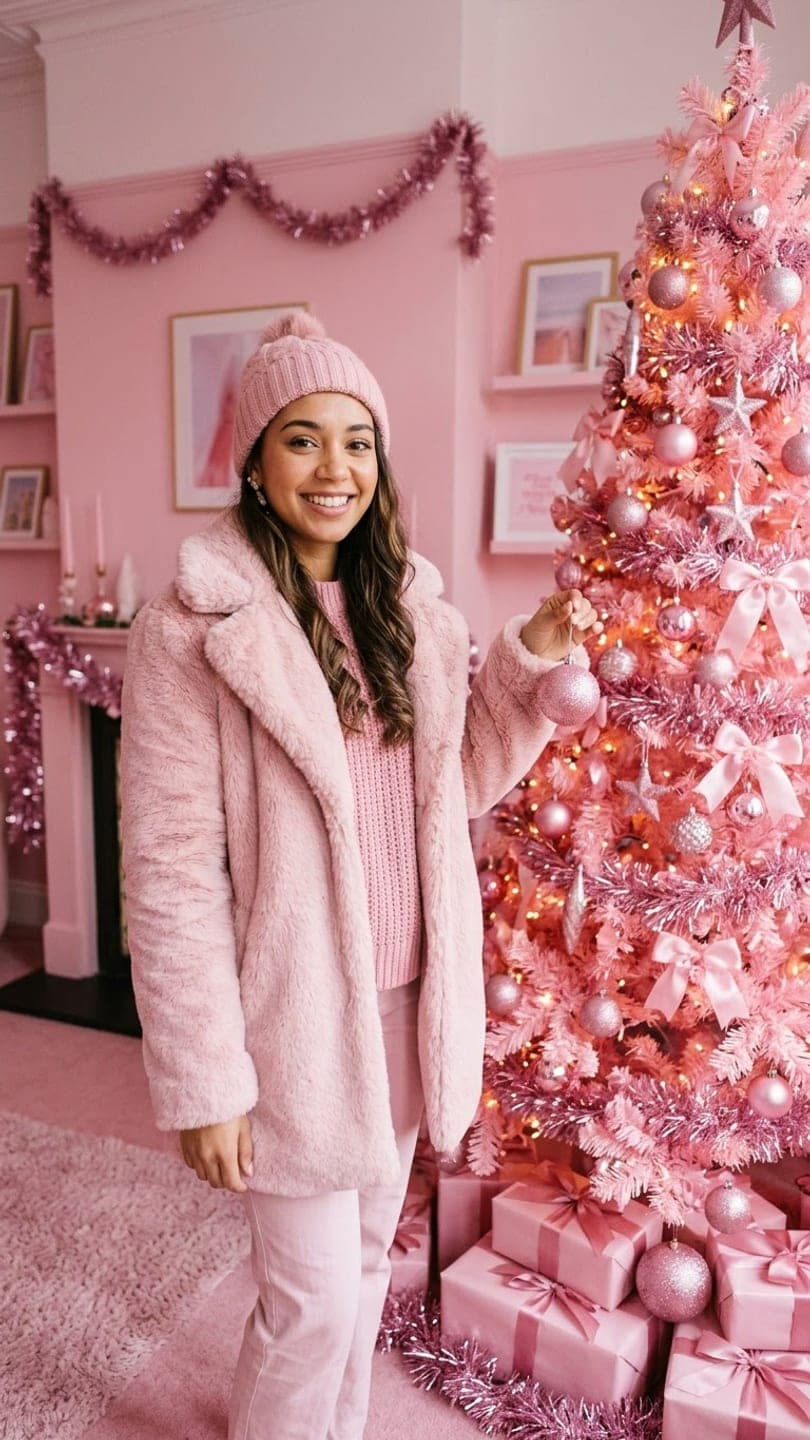
The Pink Christmas template recreates this exact shot — standing beside a tall all-pink Christmas tree hung with pink baubles, pink satin bows and soft pink lights, in a pastel pink room with pink wrapped gifts and pink tinsel garlands, wearing a fluffy pastel pink faux-fur coat over a pink knit sweater and a pink knit beanie, holding a pink glass ornament, soft dreamy light, monochrome pink palette, no logos — with you in it instead. Everything else stays as it is, then it moves like the example: they hang the pink ornament on the tree, turn to the camera and smile as the tree lights glow brighter and pink tinsel snow drifts down around them. Slow push-in.
AI Photo to Video
Pink Christmas1 Pick a look · optional
We put you into this example — everything else stays as it is — then it moves like the example, at no extra cost.
Failed renders refund credits
What’s in the shot
Standing beside a tall all-pink Christmas tree hung with pink baubles, pink satin bows and soft pink lights, in a pastel pink room with pink wrapped gifts and pink tinsel garlands, wearing a fluffy pastel pink faux-fur coat over a pink knit sweater and a pink knit beanie, holding a pink glass ornament, soft dreamy light, monochrome pink palette, no logos.
How it moves
They hang the pink ornament on the tree, turn to the camera and smile as the tree lights glow brighter and pink tinsel snow drifts down around them. Slow push-in.
Tips for this look
- When to post it
- December outfit posts, a pink-themed holiday party or the week your feed fills up with pastel pink trees.
- Best photo to upload
- A waist-up photo facing the camera with your hair done; the pink coat, beanie and tree are built around you.
- Try a variation
- Ask for "a white tree with pink lights and a pink satin party dress" for a softer, night-out version.
- Posting it
- Make it the cover of a pink holiday carousel, then follow it with photos of your own decorations or outfit.
How to make it
Step 1
Add your photo
Upload a clear photo of yourself. Good light and a sharp face matter more than the background.
Step 2
We put you in the shot
The example is rebuilt with you in it. Nothing else is changed unless you ask for it.
Step 3
It moves like the example
The finished still becomes a clip with the same motion. Download it or share it in one tap.
FAQ
How do I put myself in the Pink Christmas look?
Open this template, add a clear photo of yourself and press Generate. Dromana recreates the example with you in it and then animates it the same way. No prompt needed.
How much does the Pink Christmas template cost?
70 credits with the default settings for a 5-second clip, the step into the scene included. New accounts get free credits on signing up, no card needed.
Can I change something in the Pink Christmas look?
Yes. Type the change in the prompt box and it is made on top of the example. Ask for "a white tree with pink lights and a pink satin party dress" for a softer, night-out version. Leave it empty to get the example exactly.
Will it still look like me?
Yes — the face, skin tone and hair colour come from your photo, and everything else from the example. A clear, front-facing photo works best.
Only use photos you have the right to use. See our safety guidelines.
More looks like this
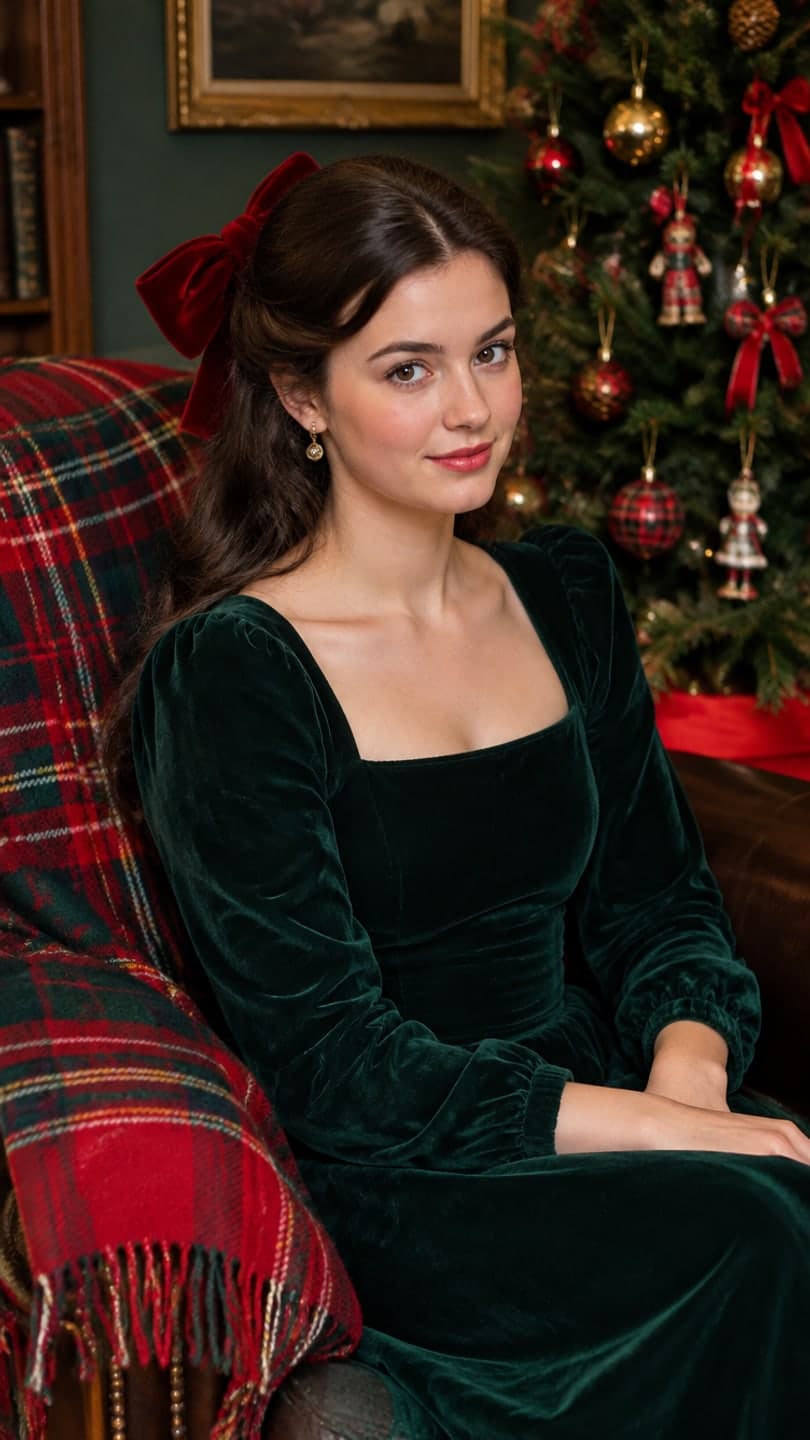 Velvet bow portrait
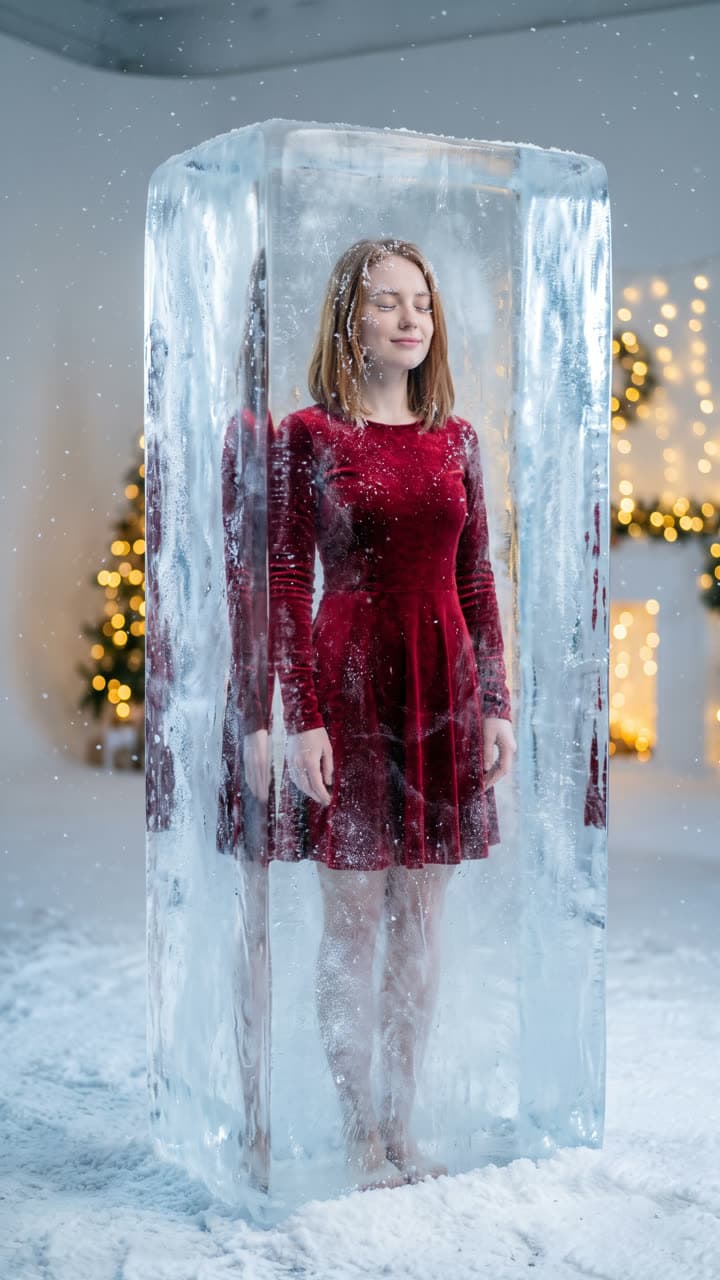 Holiday defrost
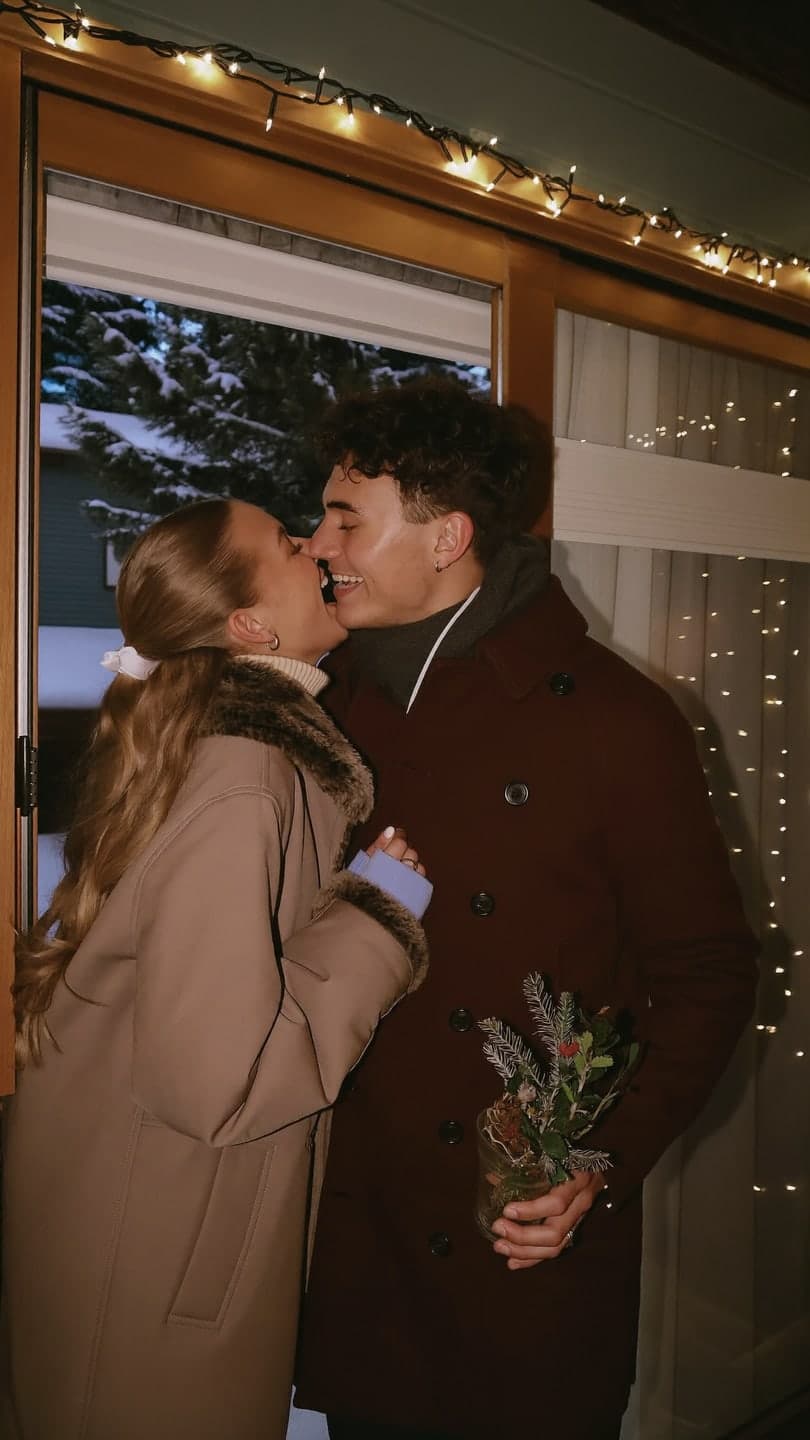 Under the mistletoe
 Mini me steps out
 Nutcracker stage
 Christmas lights