Remini alternatives: 7 apps for enhancing, restyling and animating photos
By Sebastian Ward, Reviews and comparisons editor · Updated · 4 min read
the short version
Remini is best known for sharpening blurry and old photos and for AI portrait styles made from your selfies. Depending on what you use it for, alternatives include MyHeritage for restoring and animating family photos, Picsart and Fotor for editing with AI tools, Lensa for avatars, Adobe Express for quick fixes and Dromana for realistic trend scenes and videos from one photo.
AI Photo to Video
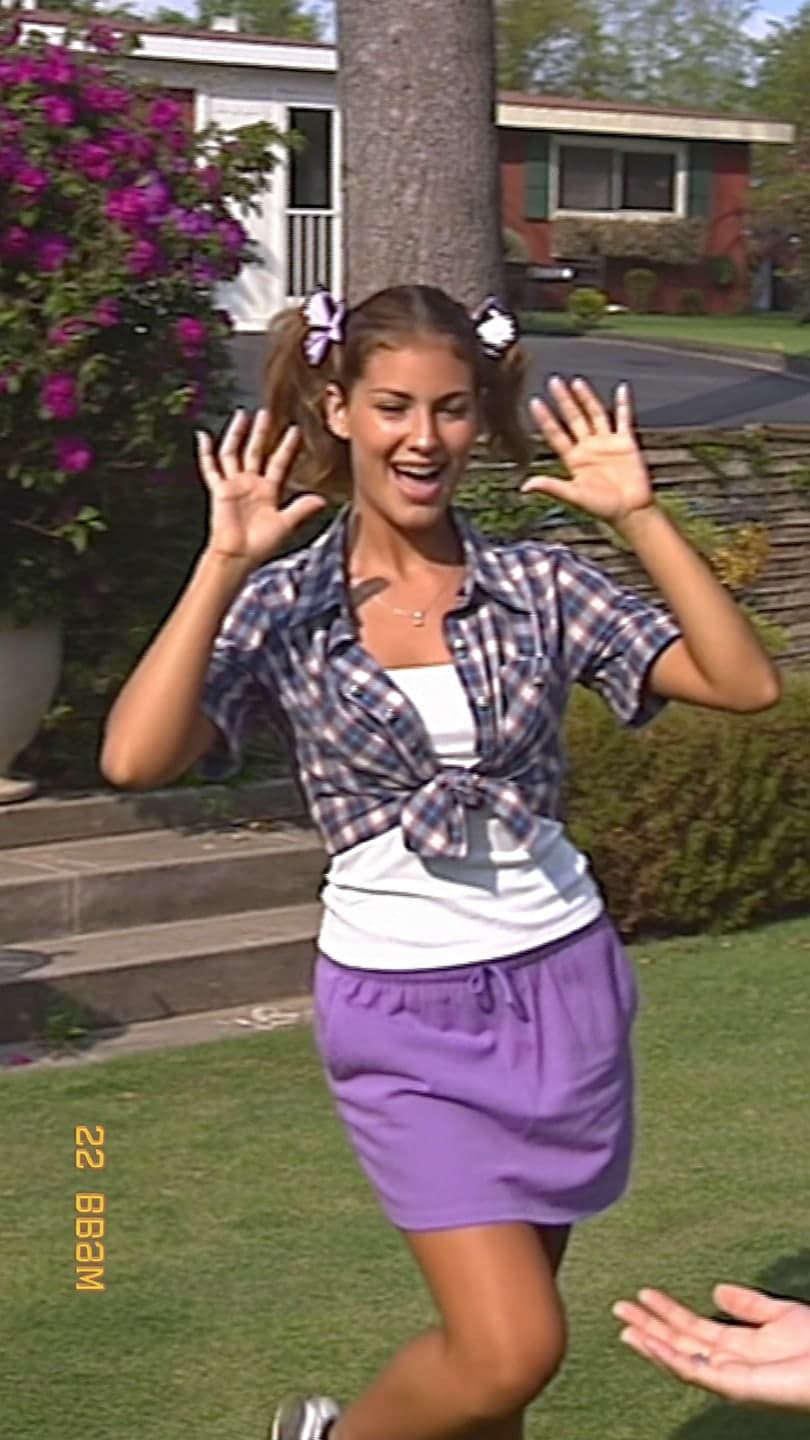 90s camcorder
1 Pick a look · optional
We put you into this example — everything else stays as it is — then it moves like the example, at no extra cost.
Failed renders refund credits
What do people use Remini for?
Remini made its name with photo enhancement: it sharpens blurry faces, upscales low-resolution pictures and restores old, faded prints. Later it added AI photo styles, where you upload selfies and get yourself in different looks and settings. People look for alternatives when they want a different balance: better restoration for family archives, more editing control, moving videos rather than stills or a tool that works from a single photo.
Disclosure: Dromana is our own product and is included below. We've tried to be fair about what each tool does best, including where Dromana isn't the right fit.
What are the best Remini alternatives?
- MyHeritage: restoring, colorizing and animating old family photos.
- Picsart: AI enhance and effects inside a full photo editor.
- Fotor: quick enhancement, retouching and AI effects.
- Lensa: AI avatars and retouching from your selfies.
- Adobe Express: fast fixes and designed posts.
- Dromana: realistic trend scenes and short videos from one photo.
- Canva: putting restored or styled photos into cards and posts.
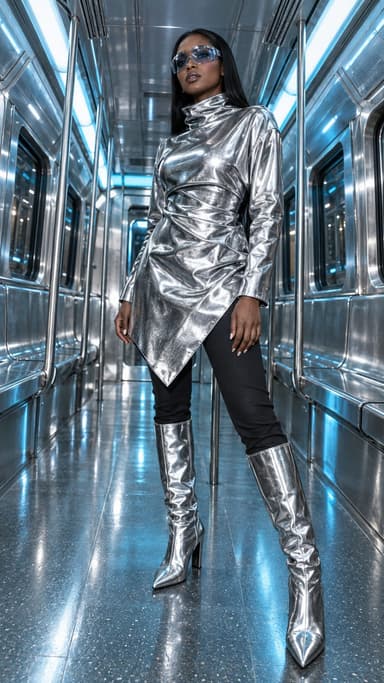
Try this look on your own photo.
Make it with my photoWhich alternative is best for old and blurry photos?
For family archives, MyHeritage is the closest match, with restoration, colorization and its well-known photo animation. Picsart and Fotor have enhance tools for quick fixes on everyday photos. If the photo is only slightly soft, try those first; heavily damaged prints benefit from a dedicated restoration tool. Once a photo is restored, you can bring it to life with gentle motion; our guide to animating old photos explains how.
Which alternative is best for AI portrait styles?
If you liked Remini's AI styles, Lensa offers similar stylized portrait packs. For realistic scenes that still look like a real photo of you, Dromana's looks recreate a finished example shot with your face from one photo, such as a studio pose, old money or quiet luxury portrait. An image uses 10 credits; new accounts get 140 free credits with no card.
Which alternative turns photos into video?
Remini focuses on stills. MyHeritage animates faces in old photos with subtle motion. Dromana animates any photo, from a selfie to a landscape, with motion you describe, and its looks turn a photo into a trend video like a camcorder clip or a time-travel vlog. A 5-second clip on Dromana uses 70 credits. Try it on the make a photo move page.
Which alternative is best for editing?
For hands-on editing, like crop, filters, text, stickers, background removal and retouching, Picsart and Fotor are the strongest all-rounders, and Adobe Express is quick for social posts. Canva wins for designed layouts. Dromana isn't an editor; it generates new scenes and clips.
What about privacy with photo apps?
Enhancement and portrait apps work with your face and your family's photos, so read how each one stores them. Look for clear retention periods, a way to delete uploads and a statement on model training. Dromana deletes uploads and results after 30 days, lets you delete sooner and doesn't use your photos to train a public model. See our AI photo app privacy checklist.
How do I choose between enhancing and recreating?
They solve different problems. Enhancing keeps the original photo and tries to make it sharper, cleaner or less faded; it's right when the moment itself matters, like a family photo or a wedding picture. Recreating builds a new image from your photo, in a new outfit, place or style; it's right when you want something new to post. Many people use both: enhance an old or blurry favorite, then use it as the starting photo for a short moving clip or a new look.
- Enhance when the original moment matters.
- Recreate when you want a new scene or style.
- Enhance first, then animate, for old photos.
- Always keep the original file.
Which Remini alternative should I pick?
- Restoring and animating family photos: MyHeritage.
- Everyday enhance plus editing: Picsart or Fotor.
- Stylized avatars: Lensa.
- Quick fixes and social posts: Adobe Express or Canva.
- Realistic trend scenes and videos from one photo: Dromana.
More options are in our best AI photo editor apps and Lensa alternatives guides.
Questions people ask
What is the best Remini alternative?
For family photo restoration, MyHeritage; for editing, Picsart or Fotor; for avatars, Lensa; for realistic scenes and videos, Dromana.
Which app is best for fixing blurry photos?
Picsart and Fotor for everyday photos; MyHeritage for old, damaged family prints.
Is there a Remini alternative that makes videos?
Yes. Dromana animates any photo, and MyHeritage animates faces in old photos.
Which alternative gives the most realistic portraits?
Tools that keep your real face and change the scene, like Dromana's looks.
Are these apps safe for family photos?
Check retention and training policies; Dromana deletes uploads after 30 days and doesn't train a public model on them.
Is there a free alternative?
Several offer free tiers or trials; on Dromana, new accounts start with 140 free credits and no card.
Effects from this guide
 Make a photo moveUpload one photo, get a 5-second video in a minute or two: a smile, a head turn, wind in the trees, waves rolling in. Works on portraits and landscapes, free to try.
 Old photo restorationRestore old family photos with AI: remove scratches, creases, stains and fading, repair torn corners and add natural color, while every face stays exactly as it was.
 AI fashion portraitSkip the photographer: get a magazine-style fashion portrait from one selfie. Quiet-luxury coats, street editorial, studio light. Same face, new shoot. Free to try.
Keep reading
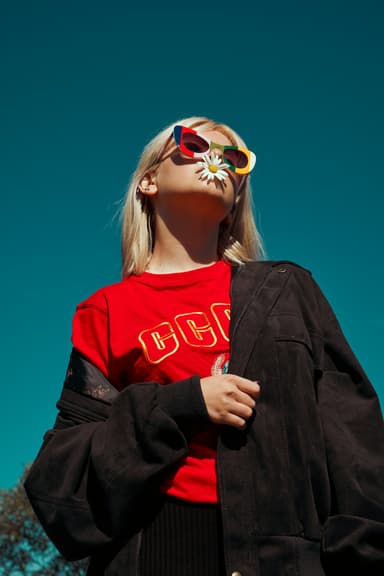 How to animate old photos the respectful way: scan, prep and gentle motion4 min read
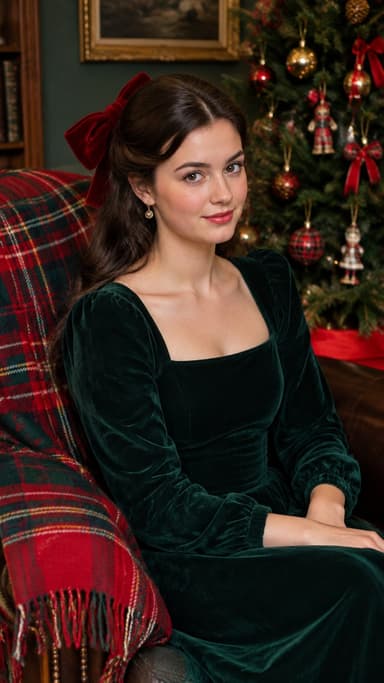 Best AI photo apps to restyle a selfie in 2026: aesthetics, portraits and edits4 min read
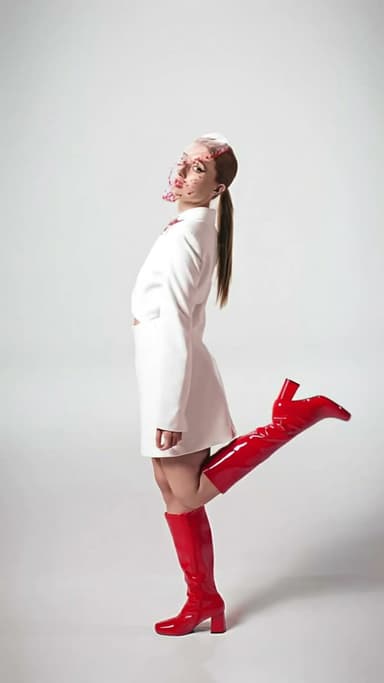 Lensa alternatives: 7 AI avatar and photo apps compared4 min read
 Picsart alternatives: 7 photo editing and AI apps compared4 min read
 Turn yourself into a vintage Christmas cartoon, then make it move4 min read
Ready to make yours?
Add one photo and get the look from this guide.