Best AI back-to-school video apps: first-day posts, outfit checks and study vlogs
By Sebastian Ward, Reviews and comparisons editor · Updated · 4 min read
the short version
For back to school, Dromana turns a selfie into trend clips like a hallway dance, an outfit check or a rainy café study vlog. Canva designs schedules and dorm-tour title cards, Captions adds subtitles to talking videos, Kapwing cuts a first-week recap, and Remini sharpens old first-day photos for a then-and-now post.
AI Photo to Video
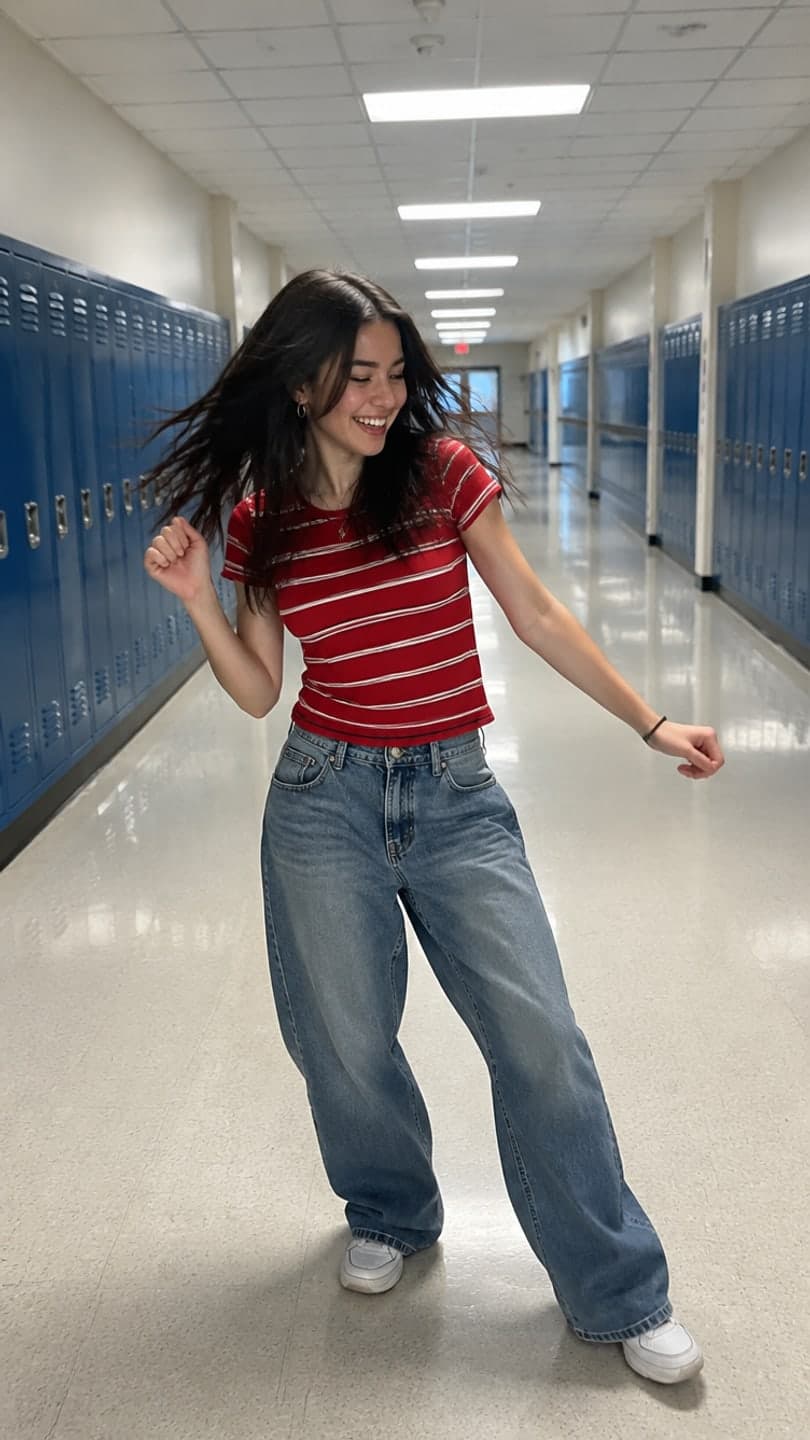 Hallway dance
1 Pick a look · optional
We put you into this example — everything else stays as it is — then it moves like the example, at no extra cost.
Failed renders refund credits
What back-to-school videos do students post?
August and September bring a predictable wave: first-day outfit checks, hallway and campus dance trends, "what's in my bag" and study-setup videos, dorm tours, schedule posts and then-and-now comparisons with first-day photos from years ago. They're quick, social and often made the night before.
Note for readers: Dromana is our own product and appears below.
Which AI back-to-school video apps are best?
- Dromana: hallway dance, outfit check and study-vlog clips from a selfie.
- Canva: schedules, class lists and dorm-tour title cards.
- Captions: subtitles and edits for talking videos.
- Kapwing: a first-week recap from your clips.
- Remini: sharpening old first-day photos.
- Edits: Instagram's editor for quick Reels.
Try this look on your own photo.
Make it with my photoWhich app is best for first-day trend clips?
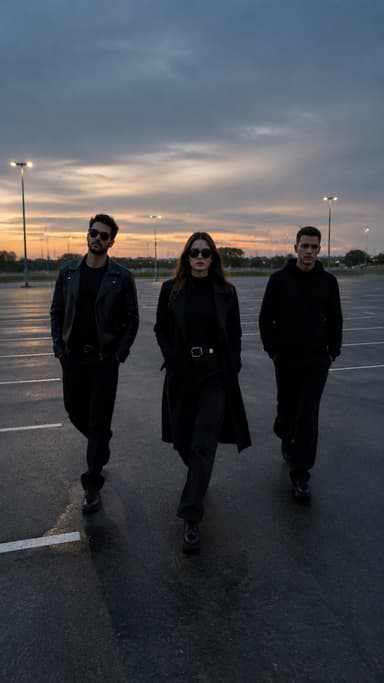
Dromana's looks recreate the trend shots with you in them from one photo: the hallway dance by the lockers, the October fit check for a fall outfit, the rainy café study for a study vlog and the slow-mo squad walk for the first day with friends. A look video uses 70 credits, and a new account starts with 70 free credits, no card.
How do I compare this year with my first day?
Step 1
Find the old photo
A first-day photo from years ago; ask a parent.
Step 2
Sharpen it
Restore and enhance it in a photo app.
Step 3
Take today's photo
Same pose and framing if you can.
Step 4
Put them side by side
As a carousel or a quick before-and-after clip.
Which tools help with study and organization content?
Study content is popular all semester. Design tools like Canva make schedule and to-do graphics; a slow, cozy clip like the rainy café study works as the opening shot of a study vlog. Our dark academia aesthetic guide covers the look many study creators go for.
How can I make school videos without spending much?
Students are on tight budgets, so it's worth knowing how far free credits go. On Dromana, a new account gets 70 free credits, enough for one look video or several still images, plus 35 more credits each day you visit. That's enough for a steady trickle of posts if you mostly use stills and save clips for the moments that matter. You can also animate a single photo in AI Video, which uses 70 credits for 5 seconds on Dromana.
- Use stills for everyday posts and clips for the first day and big moments.
- Come back daily to collect the free credits.
- Use one great photo for several looks instead of shooting new ones.
- Check whether a student discount exists in other apps you use.
Free results carry a small dromana.app badge; that's usually fine for personal posts.
What should I avoid in school videos?
School content has a few extra rules. Don't film or post classmates or teachers without asking, and never post other students who are minors. Check your school's policy on filming on campus and in class. Avoid showing your schedule, room number or address in a public post. And keep AI clips clearly fun rather than misleading, especially anything that could look like it happened at school when it didn't.
Used sensibly, AI clips are a fun way to join the first-week trends without the stress of filming in a crowded hallway.
Which back-to-school app should I choose?
- Trend clips from a selfie: Dromana.
- Schedules and title cards: Canva.
- Subtitles for talking videos: Captions.
- A first-week recap: Kapwing.
- Restoring old photos: Remini.
For more student-friendly tools, see the best AI video apps for TikTok and the best free AI video generators.
Questions people ask
What is the best AI app for back-to-school videos?
Dromana for trend clips like a hallway dance or outfit check; Canva for schedules; Captions for subtitles.
Can AI make a hallway dance video from a photo?
Yes. Dromana's hallway dance look recreates the trend shot with you in it from one full-body photo.
Is there a free app for students?
Yes. Dromana's sign-up credits cover one look video, and you get 35 more each day you visit.
How do I make a then-and-now first-day post?
Sharpen an old first-day photo, take a new one in the same pose and post them side by side.
What photo works best for outfit videos?
A full-body photo with your feet in frame, in even light.
When should I post back-to-school content?
The week before and the first week of school, when everyone is searching for it.
Effects from this guide
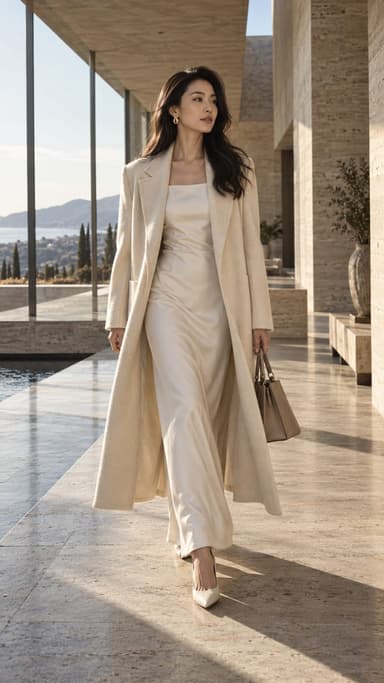
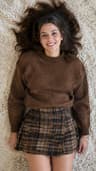 Outfit video from a photoTurn one outfit photo into a 5-second fit check video: a turn, a walk, fabric moving. No tripod, no filming. 70 free credits to start.
 Make a photo moveUpload one photo, get a 5-second video in a minute or two: a smile, a head turn, wind in the trees, waves rolling in. Works on portraits and landscapes, free to try.
Keep reading
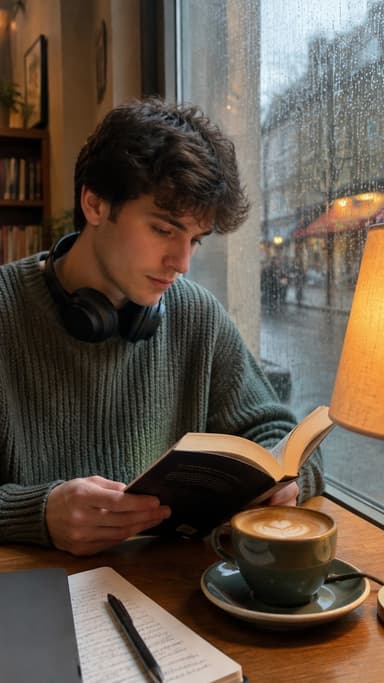 Dark academia aesthetic photos: outfits, places, poses and edits5 min read
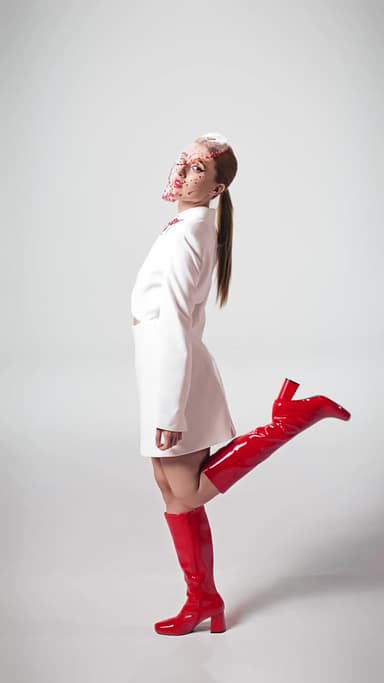 How to make a fit check video from just photos4 min read
 Best AI video apps for TikTok and Reels creators in 20264 min read
 Halloween TikTok trends 2026: what's blowing up and how to make each one9 min read
 Best AI influencer generators in 2026: virtual influencers, AI creators and you in every trend5 min read
Ready to make yours?
Add one photo and get the look from this guide.