Wrapping paper reveal: AI video template
- You add
- One photo
- You get
- 9:16 clip
- Credits
- 70
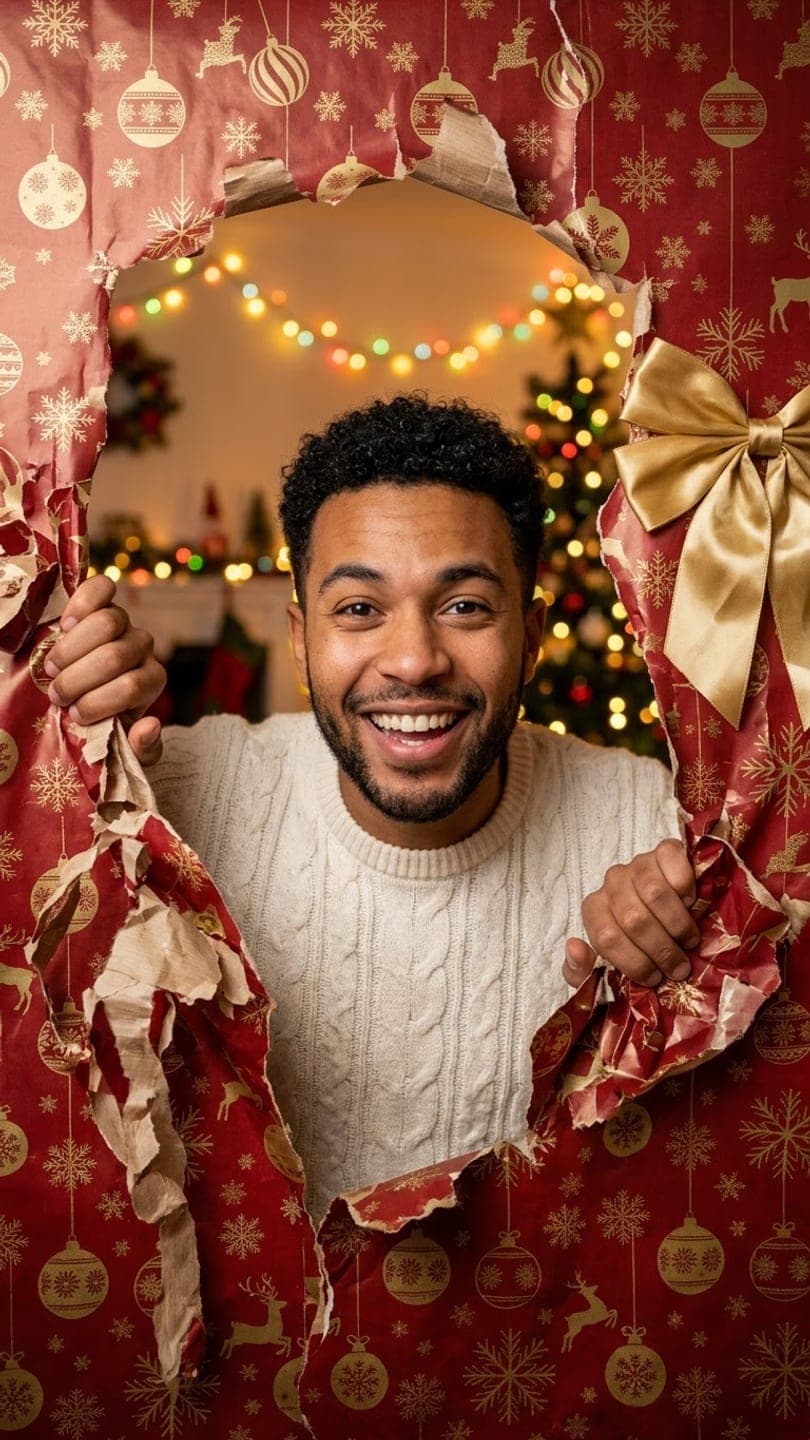
The Wrapping paper reveal template recreates this exact shot — bursting through a wall of red-and-gold Christmas wrapping paper that fills the whole frame, your face and shoulders showing through a big torn hole, both hands gripping the ripped edges, a big gold satin bow stuck to the paper beside you, wearing a cream cable-knit sweater, warm Christmas lights glowing behind you, delighted surprised grin, no logos — with you in it instead. Everything else stays as it is, then it moves like the example: they rip the wrapping paper the rest of the way open and step through it toward the camera, torn paper and gold confetti flying, the bow falling away as the warm Christmas lights glow behind them. Quick push-in.
AI Photo to Video
Wrapping paper reveal1 Pick a look · optional
We put you into this example — everything else stays as it is — then it moves like the example, at no extra cost.
Failed renders refund credits
What’s in the shot
Bursting through a wall of red-and-gold Christmas wrapping paper that fills the whole frame, your face and shoulders showing through a big torn hole, both hands gripping the ripped edges, a big gold satin bow stuck to the paper beside you, wearing a cream cable-knit sweater, warm Christmas lights glowing behind you, delighted surprised grin, no logos.
How it moves
They rip the wrapping paper the rest of the way open and step through it toward the camera, torn paper and gold confetti flying, the bow falling away as the warm Christmas lights glow behind them. Quick push-in.
Tips for this look
- When to post it
- A December birthday, a holiday comeback post or the run-up to Christmas, when gift-wrap reveals fill Reels.
- Best photo to upload
- A front-facing photo from the chest up with a big smile; the look puts your face in the torn opening of the paper.
- Try a variation
- Ask for "silver paper, a red bow and a sequin party dress" to turn the same reveal into a New Year's Eve post.
- Posting it
- Time the rip to the beat drop of your sound, and caption it with who this year's 'gift' is for.
How to make it
Step 1
Add your photo
Upload a clear photo of yourself. Good light and a sharp face matter more than the background.
Step 2
We put you in the shot
The example is rebuilt with you in it. Nothing else is changed unless you ask for it.
Step 3
It moves like the example
The finished still becomes a clip with the same motion. Download it or share it in one tap.
FAQ
How do I put myself in the Wrapping paper reveal look?
Open this template, add a clear photo of yourself and press Generate. Dromana recreates the example with you in it and then animates it the same way. No prompt needed.
How much does the Wrapping paper reveal template cost?
70 credits with the default settings for a 5-second clip, the step into the scene included. New accounts get free credits on signing up, no card needed.
Can I change something in the Wrapping paper reveal look?
Yes. Type the change in the prompt box and it is made on top of the example. Ask for "silver paper, a red bow and a sequin party dress" to turn the same reveal into a New Year's Eve post. Leave it empty to get the example exactly.
Will it still look like me?
Yes — the face, skin tone and hair colour come from your photo, and everything else from the example. A clear, front-facing photo works best.
Only use photos you have the right to use. See our safety guidelines.
More looks like this
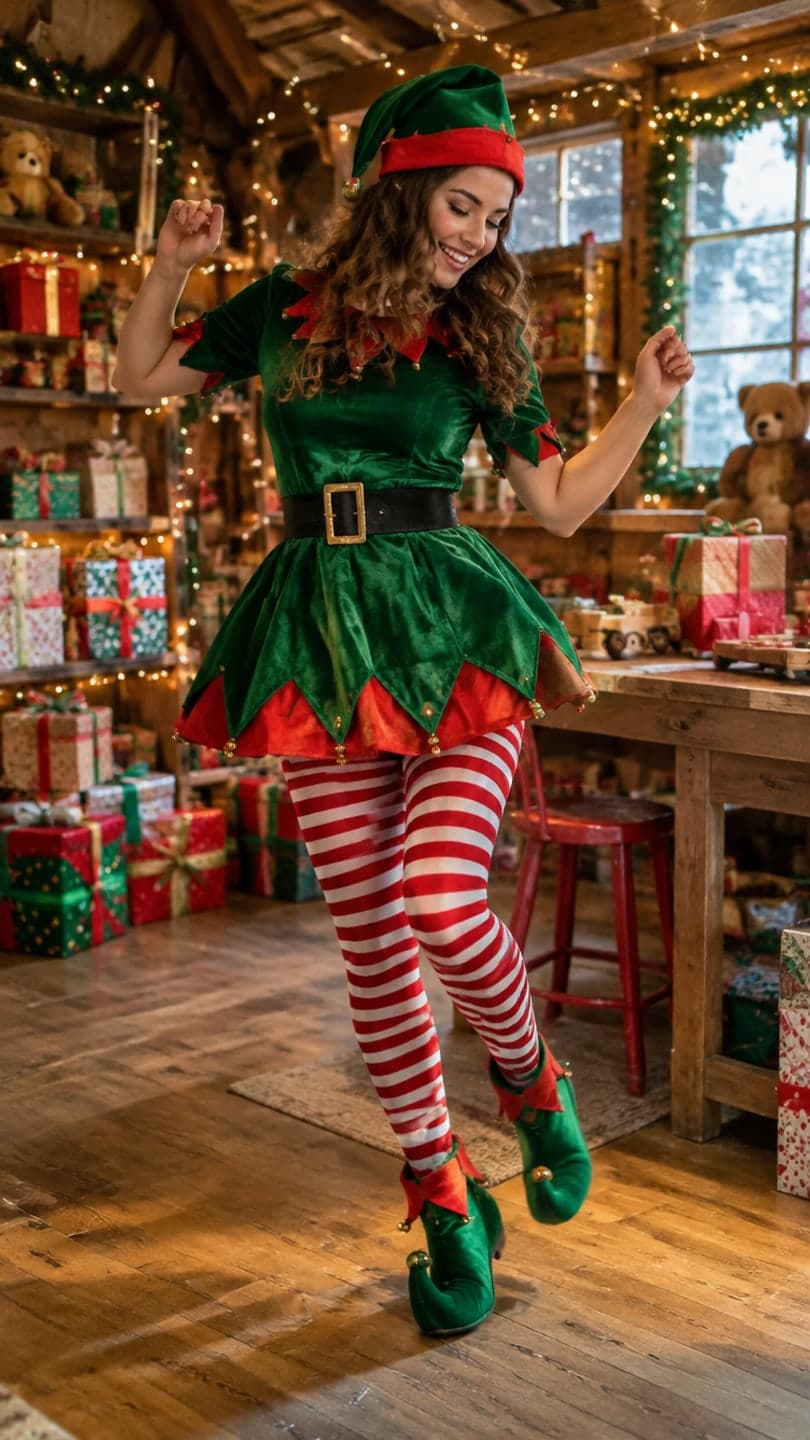 Elf workshop dance
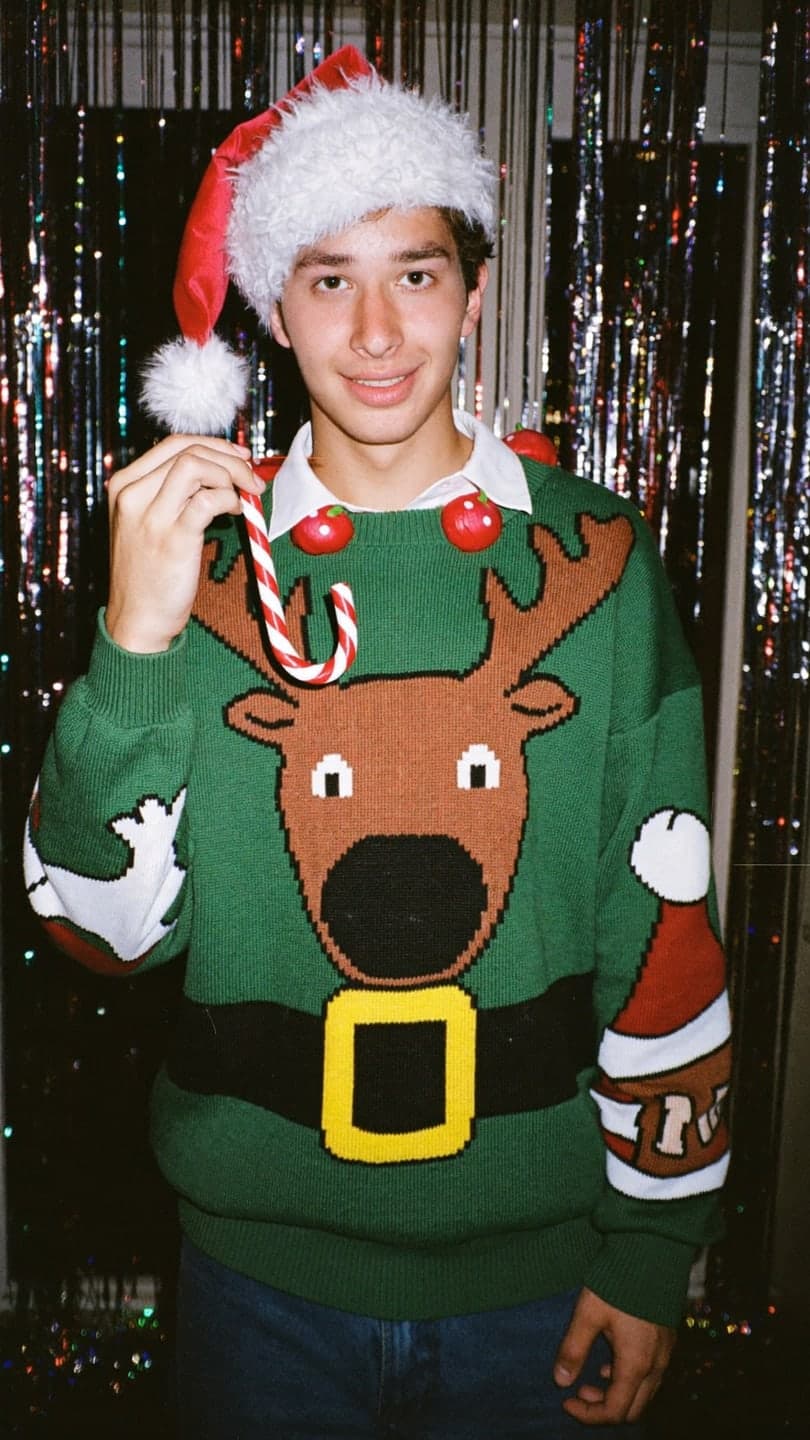 Ugly sweater party
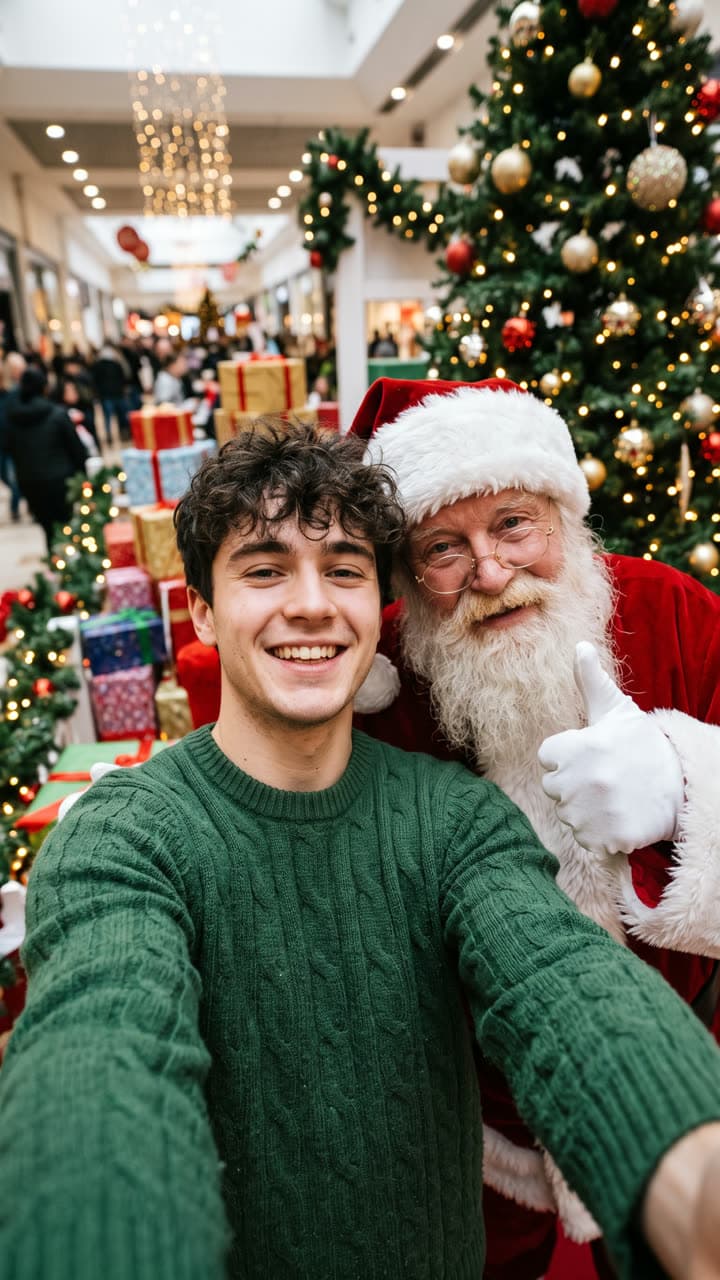 Selfie with Santa
 Christmas market
 Gingerbread baking
 Tacky lights house