Best apps to make a photo move in 2026: from subtle motion to full scenes
By Sebastian Ward, Reviews and comparisons editor · Updated · 4 min read
the short version
To make a photo move, pick by how much motion you want. Phone features like Live Photos capture real motion if you shot it that way. Cinemagraph and parallax apps add subtle loops. AI image-to-video tools like Dromana, Runway and Luma Dream Machine invent new motion from any still: a smile, waves rolling in, a camera push. MyHeritage specializes in old family faces.
AI Photo to Video
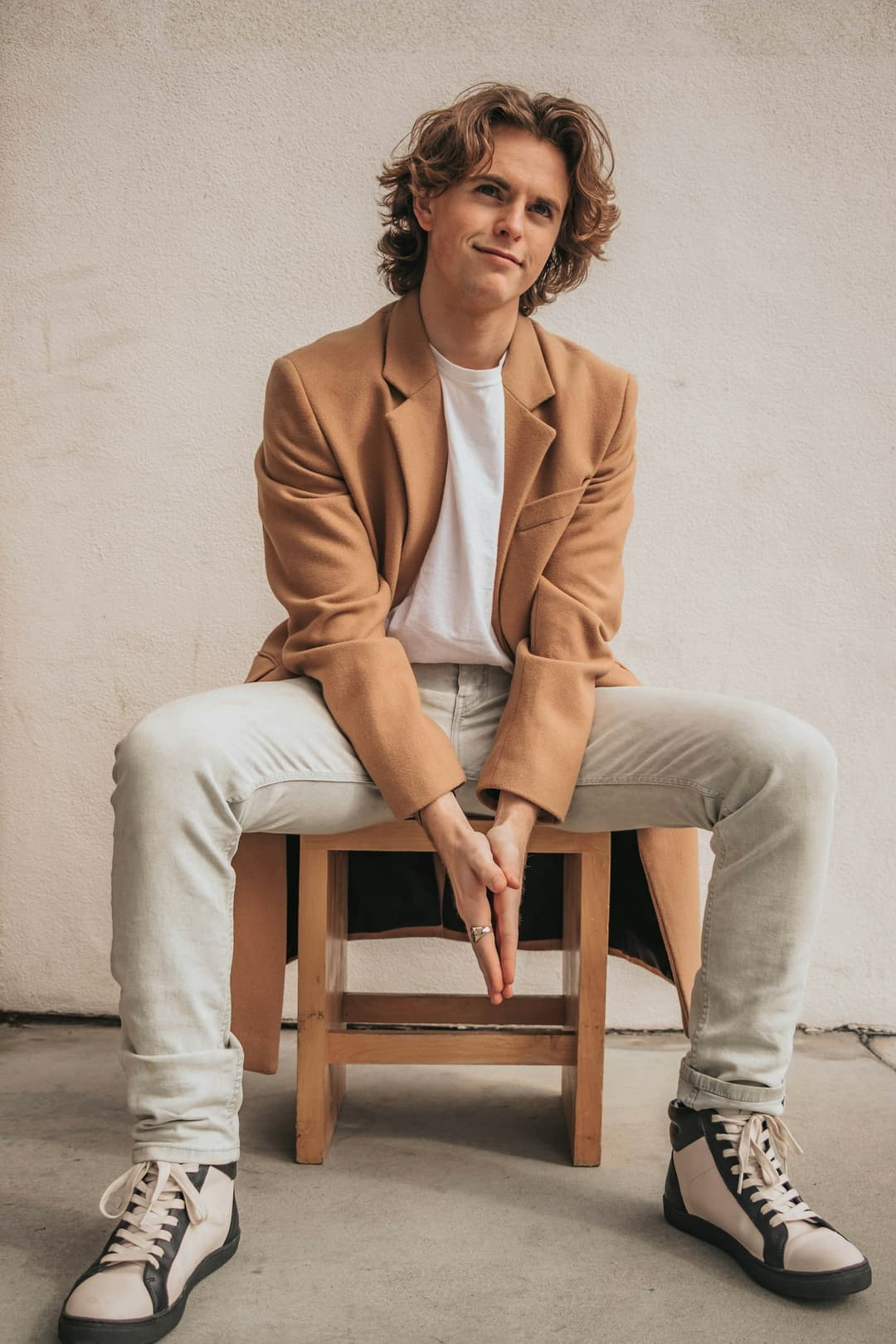 Main character
1 Pick a look · optional
Describe what happens, in your own words. To change outfit or place, pick a look or switch on New outfit or scene.
Failed renders refund credits
What does "make a photo move" mean?
It covers a surprisingly wide range. At one end is a portrait where the person just blinks and smiles, or a landscape where only the water moves. In the middle are parallax effects that fake a camera moving through a still. At the other end are full AI scenes, where a photo of you becomes a clip of you walking down a street at night. The right app depends on which of these you're after.
One thing to know first: Dromana is our own product and is one of the apps below.
Which apps make a photo move best?
- Dromana: AI image-to-video from any still, from a gentle smile to a full scene, plus ready-made moving looks.
- Runway: detailed control over motion and camera, with editing tools.
- Luma Dream Machine: smooth, natural motion and camera moves.
- MyHeritage: subtle animation of faces in old family photos.
- Pixaloop-style cinemagraph apps: loop one area, like water or hair, while the rest stays still.
- Your phone's Live Photos or motion photos: real motion, if you captured it at the time.
Try this look on your own photo.
Make it with my photoWhich app is easiest for a first moving photo?
The easiest route is to describe the motion in plain words. On Dromana's make a photo move page, upload a photo and write one sentence: who or what moves, how, and what the camera does. "She smiles and looks toward the camera, hair moving in a light breeze, slow push-in." A 5-second clip uses 70 credits on Dromana, and new accounts get 70 free credits, no card. Results are usually ready in one to three minutes.
Which app is best for landscapes and cities?
Scenery animates beautifully, because water, clouds, trees and lights have obvious motion. Dromana's animate landscape photos and animate a city photo pages are tuned for it; Luma Dream Machine is strong when you want a sweeping drone-style camera move. Photos with a clear foreground and background work best.
Which app is best for old family photos?
For faces in old photos, MyHeritage is a well-known option, and Dromana works well for a gentle smile or a slow camera move once the photo is restored. Restore scratches and fading first; our comparison of apps to animate old photos covers the whole process.
What's the difference between a cinemagraph and AI motion?
A cinemagraph keeps most of the photo frozen and loops one small area, like steam from a cup or water in a fountain. It's subtle and hypnotic, and it never changes the person. AI image-to-video generates new frames for the whole picture, so people can move, turn and change expression. Use a cinemagraph for an elegant loop; use AI motion when you want something to actually happen. Our guide on how to animate a photo compares all four methods.
What should I write to describe the motion?
One clear sentence beats a paragraph. Say who or what moves, how it moves and what the camera does, in that order: "the waves roll in and the palm leaves sway, slow push forward" or "he laughs and turns toward the camera, slight handheld shake". Leave out things you don't want to change, or say "nothing else changes" at the end. If the result moves too much, remove a verb; if it barely moves, add one specific action.
Which photo-motion app should I choose?
- A clip where something happens, from any photo: Dromana.
- Fine control over motion and camera: Runway.
- Cinematic camera sweeps: Luma Dream Machine.
- Faces in old family photos: MyHeritage.
- Subtle loops: a cinemagraph app.
- Real motion: your phone's Live Photos, next time you shoot.
Questions people ask
What is the best app to make a photo move?
Dromana for AI motion from any still, Runway for fine control, Luma for cinematic camera moves, MyHeritage for old family faces.
Can I make a picture move for free?
Dromana's 70 sign-up credits cover one 5-second clip from any photo.
How do I make a photo move like a Harry Potter picture?
Use gentle motion: a blink, a smile and a slight head turn, with the camera nearly still.
Can I make old photos move?
Yes. Clean up scratches and fading, then ask for a small movement such as a blink or a slow camera push.
What photos move best?
Sharp photos with a clear subject, and landscapes with water, clouds or lights.
Do moving photos have sound?
AI clips from Dromana are silent; add music or a voice when you post.
Effects from this guide
 Make a photo moveUpload one photo, get a 5-second video in a minute or two: a smile, a head turn, wind in the trees, waves rolling in. Works on portraits and landscapes, free to try.
 Animate landscape photosBring a landscape photo to life: drifting clouds, rolling waves, mist, wind in the trees or a flickering fire, with the camera still or gliding. Vertical or horizontal.
Keep reading
 How to make a photo move: 4 ways, ranked4 min read
 Best apps to animate old photos with AI in 20264 min read
 40 image-to-video prompts that actually work4 min read
 Viral AI video effects explained: bullet time, rides, snow globes and more6 min read
 AI photo to video: the questions people actually ask, answered6 min read
Ready to make yours?
Add one photo and get the look from this guide.