Best AI wedding video apps: save-the-dates, invites, recaps and anniversaries
By Sebastian Ward, Reviews and comparisons editor · Updated · 4 min read
the short version
AI won't replace your wedding videographer, but it's great for the small videos around a wedding: save-the-date clips, video invitations, engagement announcements, a cinematic clip from your favorite photo and anniversary surprises. Dromana turns one couple photo into a romantic scene; Canva and Adobe Express make designed invitations; Animoto builds slideshows; MyHeritage animates old family photos.
AI Photo to Video
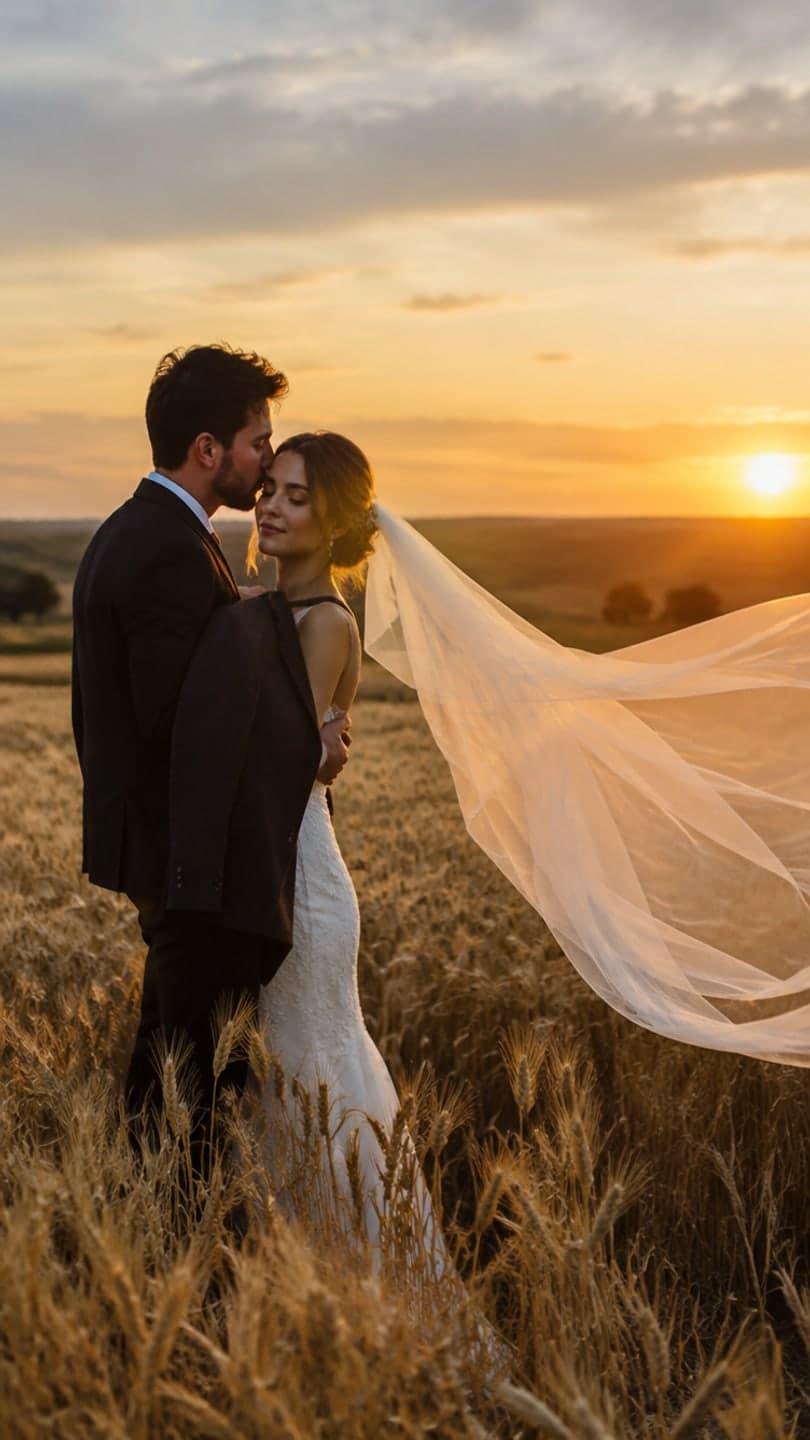 Sunset wedding
1 Pick a look · optional
We put you into this example — everything else stays as it is — then it moves like the example, at no extra cost.
Failed renders refund credits
What can AI do for wedding videos?
The wedding day itself is best filmed by a real videographer; there's no substitute for actual footage of your vows. Where AI shines is everything around it. Couples now send video save-the-dates, post engagement announcements as Reels, share a cinematic clip from their favorite portrait, and surprise each other with anniversary videos. These are short, personal and usually made in an evening, which is exactly what AI tools are good at.
- Save-the-date and engagement announcement clips.
- Video invitations with names, date and venue.
- A cinematic moving version of your favorite couple photo.
- Slideshows for the reception or rehearsal dinner.
- Bringing old family wedding photos to life for a montage.
- Anniversary surprises from photos you already have.
Disclosure: Dromana is our product. It makes the cinematic and romantic clips; for designed invitations and slideshows we recommend other tools below.
Which AI wedding video apps are best?
- Dromana: one couple photo becomes a romantic scene, like a sunset wedding in a wheat field, a kitchen slow dance or a photo booth strip.
- Canva: designed save-the-dates and invitations with text, music and templates.
- Adobe Express: polished invitation and announcement templates with brand-style fonts.
- Animoto: photo and video slideshows with music, built for montages.
- MyHeritage: animates faces in old family photos for a generations montage.
- Runway and Luma Dream Machine: cinematic motion for couples who want more control.
Try this look on your own photo.
Make it with my photoHow do I make a save-the-date video with AI?
Step 1
Pick your best couple photo
Both faces clearly visible, in good light; an engagement shoot photo is ideal.
Step 2
Make the romantic clip
Use a look like sunset wedding or describe a scene in AI Video: "the couple laughs and sways together at golden hour, slow camera orbit".
Step 3
Add the details
Put the names, date and city on the clip in Canva or Adobe Express.
Step 4
Send it
Share by text or email, post it, or add it to your wedding website.
A look video uses 70 credits; new accounts start with 70 free credits, no card. Free results carry a small dromana.app badge, which any paid plan removes for a cleaner invitation.
Which looks work for couples?
- Sunset wedding: a veil blowing in a golden wheat field at sunset.
- Kitchen slow dance: late-night and cozy, great for an anniversary.
- Photo booth couple: four flashes, kisses and silly faces.
- Under the mistletoe: for a winter engagement announcement.
- Ferris wheel date: a neon fairground date night.
- Desert road trip: for a honeymoon or "we eloped" post.
How do I make an anniversary video from photos?
Pick five to ten photos from your years together: the first date, the proposal, the wedding, trips, the dog. Turn two or three of them into short clips, add the rest as stills, and put them together in a slideshow tool or Instagram's editor with your song. A short moving version of your wedding portrait as the final shot is the moment that usually gets the tears. Our photos to TikTok video guide shows how to build the edit, and the couple photoshoot ideas guide helps if you need new photos first.
Can I use AI for old family wedding photos?
Yes, gently. Animating your grandparents' wedding portrait for a "generations" montage at the reception is a lovely touch. Restore the photo first, keep the motion small (a smile, a glance, a slow push-in) and check with family before showing it. Our apps to animate old photos comparison covers the best tools for this, including MyHeritage and Remini.
Which AI wedding video app should I choose?
- A romantic clip from one couple photo: Dromana.
- A designed save-the-date or invitation: Canva or Adobe Express.
- A reception slideshow with music: Animoto.
- Animated old family wedding photos: MyHeritage.
- A more cinematic, controlled piece: Runway or Luma Dream Machine.
Only use photos of people who are happy to be in an AI video, and say it's AI when you share it more widely.
Questions people ask
Can AI make a wedding video?
AI is best for the short videos around a wedding: save-the-dates, invitations, announcements and anniversary clips. Hire a videographer for the day itself.
How do I make a save-the-date video?
Turn your best couple photo into a romantic clip, then add names, date and city in Canva or Adobe Express and send it.
What is the best AI wedding video app?
Dromana for romantic clips from one couple photo, Canva or Adobe Express for invitations, Animoto for slideshows.
Can I make an anniversary video from photos?
Yes. Turn two or three favorite photos into short clips, add the rest as stills, and edit them together with your song.
Can AI animate my grandparents' wedding photo?
Yes. Restore it first, keep the motion gentle and check with family before sharing.
Is there a free AI wedding video app?
Most have free tiers. Dromana gives 70 credits on sign-up with no card, enough for one romantic look video.
Effects from this guide
 Make a photo moveUpload one photo, get a 5-second video in a minute or two: a smile, a head turn, wind in the trees, waves rolling in. Works on portraits and landscapes, free to try.
 Cinematic photo filterGive travel and city photos a film-still grade: wet neon streets, blue-hour skylines, golden sunrise flare. Same place, same framing, far more mood.
Keep reading
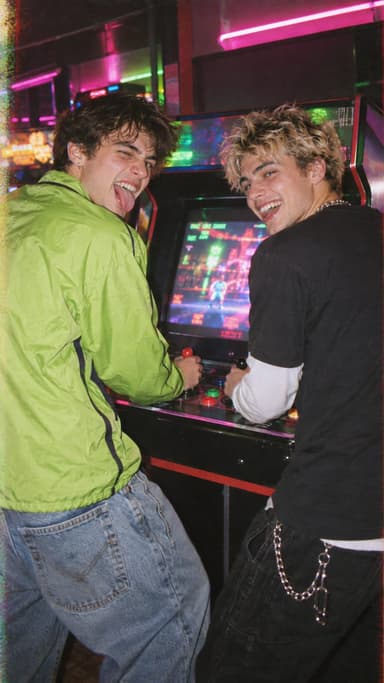 Couple photoshoot ideas: 30 natural poses and date-night setups4 min read
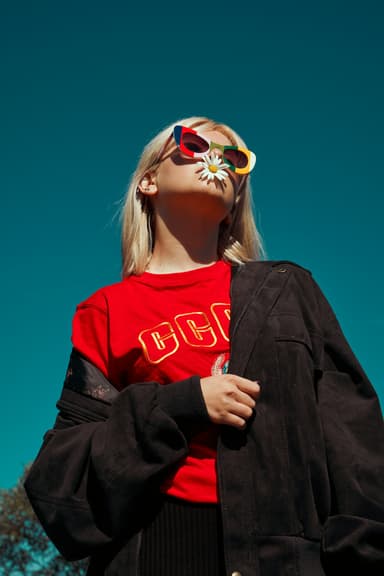 Best apps to animate old photos with AI in 20264 min read
 How to turn photos into a TikTok or Reel people actually watch4 min read
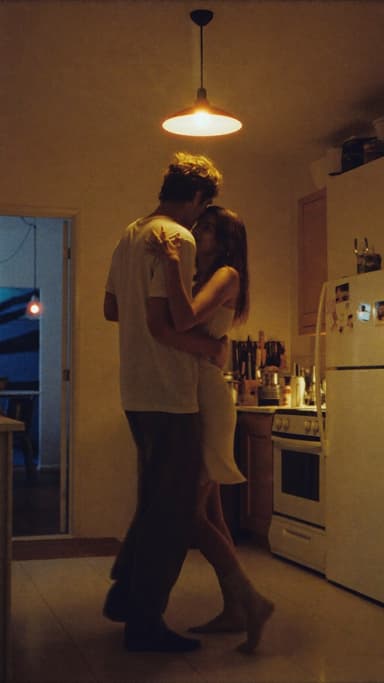 Best AI couple video apps: cute clips of the two of you from one photo4 min read
- Best AI Valentine's Day video apps: love notes, couple clips and cards4 min read
Ready to make yours?
Add one photo and get the look from this guide.