Best AI Thanksgiving video apps: Friendsgiving clips, gratitude posts and family recaps
By Sebastian Ward, Reviews and comparisons editor · Updated · 4 min read
the short version
For Thanksgiving, Dromana turns one group photo into a candlelit Friendsgiving toast and puts you in fall scenes like a pumpkin patch or a leafy walk. Canva makes Friendsgiving invites and gratitude posts, Animoto builds a family recap, Kapwing collects messages from relatives who can't be there, and restaurants can use food and lifestyle looks for promotions.
AI Photo to Video
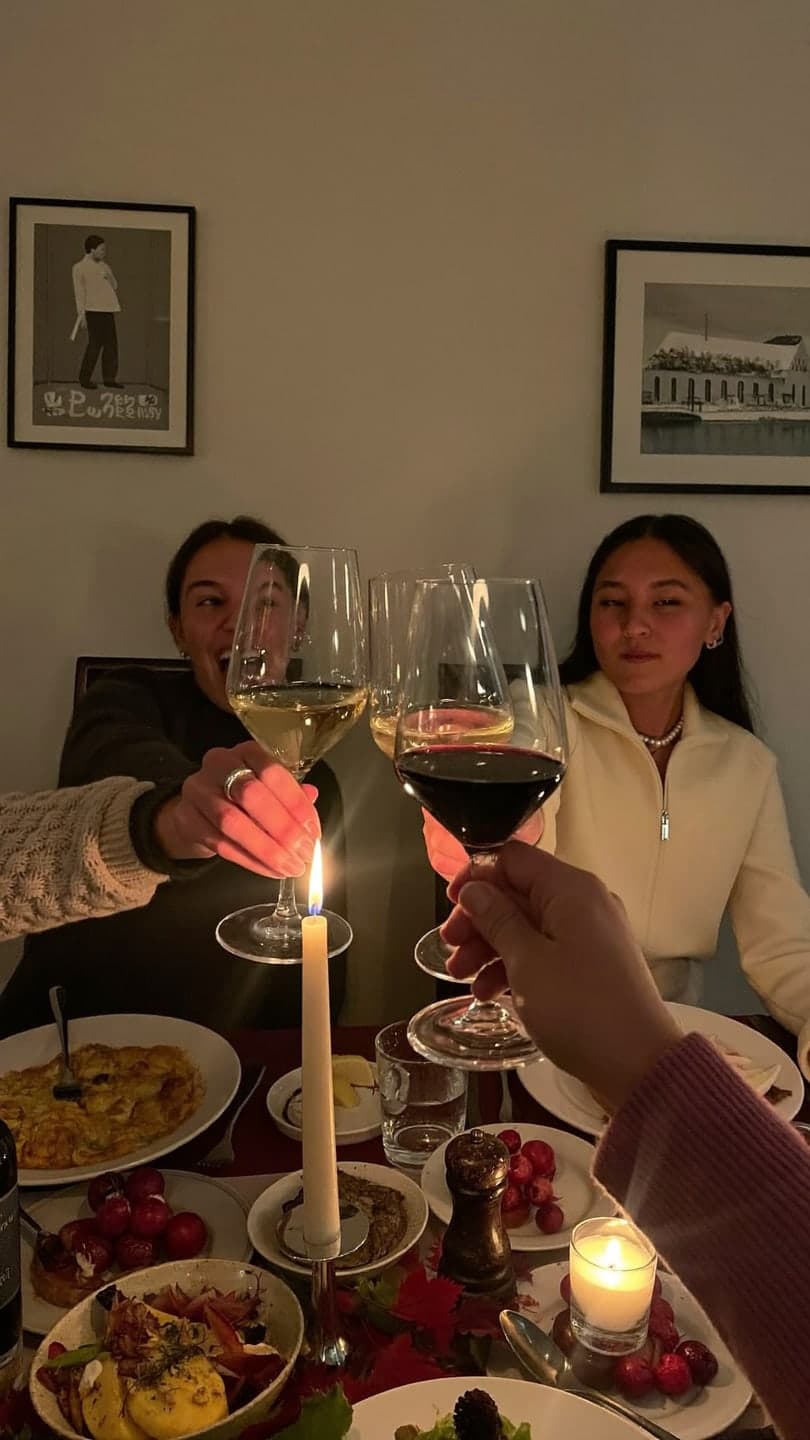 Friendsgiving toast
1 Pick a look · optional
We put you into this example — everything else stays as it is — then it moves like the example, at no extra cost.
Failed renders refund credits
What Thanksgiving videos do people make?
Thanksgiving content is warm and social: a Friendsgiving toast, a "what I'm grateful for" post, a family recap from the day, invitations for the dinner and messages for relatives who can't make it. Restaurants and bakeries add pre-order promotions in the two weeks before the holiday.
We should mention that Dromana is our own product.
Which AI Thanksgiving video apps are best?
- Dromana: a Friendsgiving toast from one group photo, plus fall scenes like a pumpkin patch or autumn walk.
- Canva: Friendsgiving invitations and gratitude post templates.
- Animoto: a family recap slideshow with music.
- Kapwing: combining video messages from relatives.
- Adobe Express: polished menus and invitation cards.
- Remini: sharpening old family photos for a throwback post.
Try this look on your own photo.
Make it with my photoWhich app makes the best Friendsgiving clip?
Dromana's Friendsgiving toast look turns one group photo into a candlelit table where everyone clinks glasses and laughs. Use a photo where every face is visible and nobody is cut off. For solo fall posts, try the pumpkin patch, autumn leaves walk or Hello October café, or describe your own fall scene in AI Video. A look video uses 70 credits; new accounts start with 70 free credits, no card.
Our Thanksgiving photo ideas guide covers table setups and poses for the real dinner.
How do I write a gratitude post people actually read?
Step 1
Pick three to five photos
People and moments from the year you're thankful for.
Step 2
Animate one
A gentle motion on the photo that matters most.
Step 3
Write one line each
A short sentence per photo, not a paragraph.
Step 4
Post on Thanksgiving morning
Gratitude posts get the most engagement early in the day.
Which tools work for restaurant promotions?
Restaurants, bakeries and caterers sell pre-orders before Thanksgiving. Product looks like the bakery box, morning pour and cozy candle keep your product's shape and color in warm fall scenes; add the order deadline in Canva. See the best AI video tools for small business.
How do I include relatives who can't be there?
Thanksgiving is when distance shows. A short video from the people who couldn't travel, played before dinner or sent to the family chat, means a lot. Ask relatives for a 10 to 20-second vertical message with one thing they're grateful for, collect them a few days before, and cut them together with Kapwing or Instagram's editor.
- Set a simple prompt: "one thing you're thankful for this year".
- Ask for good light and a quiet room so the audio is clear.
- Add a title card with the family name and the year.
- Close with an older family photo brought to life, for a warm ending.
For grandparents who aren't comfortable recording, a photo and a written sentence work just as well as a video message.
What makes a Thanksgiving post feel warm instead of staged?
The posts people love in late November look lived-in. A slightly messy table, someone mid-laugh, steam rising from a dish and real family in the frame beat a perfect styled spread. If you use an AI clip, pair it with real photos from the day, keep captions short and specific, and resist the urge to add every effect. Warm light, a few candles and genuine expressions do most of the work, whether the scene is real or recreated.
If you're posting for a business, show the people behind it: the baker, the kitchen team, the owner carving the turkey. It lands better than another product shot in a busy week.
Which Thanksgiving video app should I choose?
- Friendsgiving and fall clips: Dromana.
- Invites and gratitude posts: Canva.
- A family recap: Animoto.
- Messages from relatives: Kapwing.
- Menus and cards: Adobe Express.
Questions people ask
What is the best AI app for Thanksgiving videos?
Dromana for a Friendsgiving toast or fall scene from a photo; Canva for invites and gratitude posts; Animoto for a family recap.
Can AI make a Friendsgiving video from a group photo?
Yes. Dromana's Friendsgiving toast look turns one group photo into a candlelit cheers clip.
How do I make a gratitude post?
Pick a few photos, animate one, write a short specific line for each and post on Thanksgiving morning.
Is there a free Thanksgiving video app?
Most offer a trial allowance. With Dromana, the free sign-up credits cover one Friendsgiving clip.
How can restaurants use AI for Thanksgiving?
Make short product clips in warm fall scenes and add the pre-order deadline as text.
When is Thanksgiving?
In the US, the fourth Thursday of November; in Canada, the second Monday of October.
Effects from this guide
 Make a photo moveUpload one photo, get a 5-second video in a minute or two: a smile, a head turn, wind in the trees, waves rolling in. Works on portraits and landscapes, free to try.
 Product photo to videoTurn one product photo into a short ad clip: splashes, slow-motion bursts, ice and creator-style reviews, with your label kept as it is. 70 free credits to start.
Keep reading
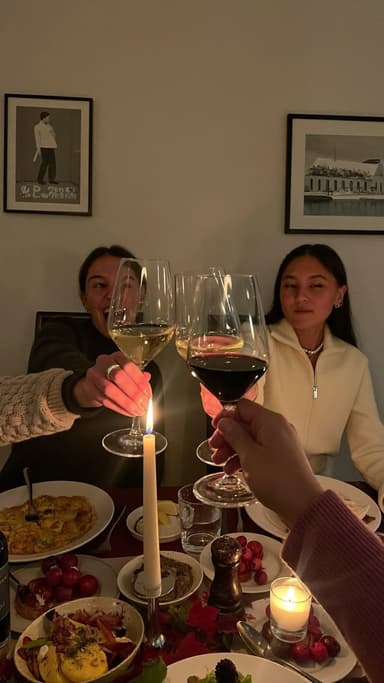 Thanksgiving photo ideas: 25 shots for the table, the family and Friendsgiving4 min read
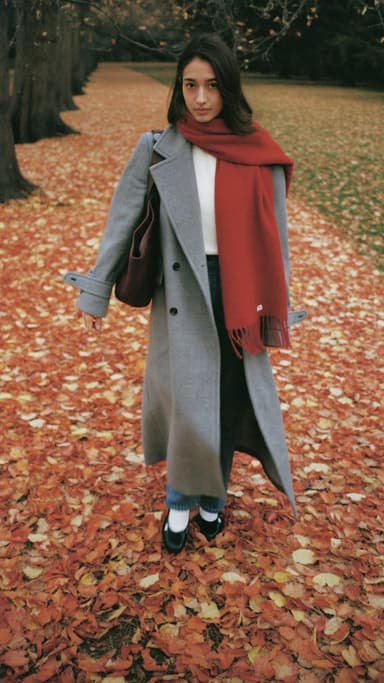 Fall photoshoot ideas: 25 autumn looks for leaves, layers and golden hour5 min read
 Best AI Christmas video apps in 2026: elf videos, snow globes and cards4 min read
- Friendsgiving photo ideas: table shots, group poses and cozy clips4 min read
 Halloween TikTok trends 2026: what's blowing up and how to make each one9 min read
Ready to make yours?
Add one photo and get the look from this guide.