AI Photo to Video
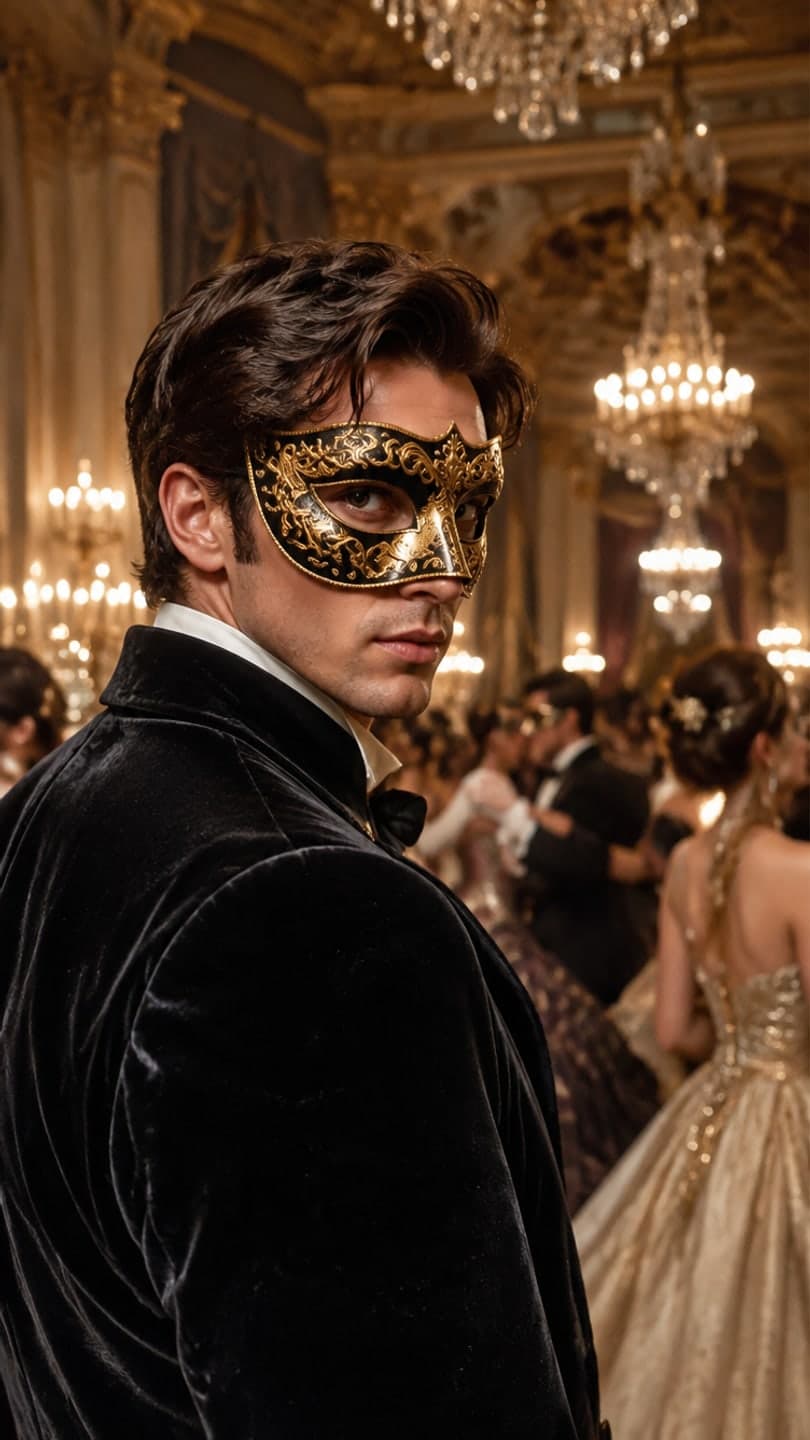 Masquerade ball
1 Pick a look · optional
We put you into this example — everything else stays as it is — then it moves like the example, at no extra cost.
Failed renders refund credits
Turn a photo into a video with AI
Dromana turns one photo into a short video. Upload a selfie, an outfit shot, a product or a landscape, say what should happen — or pick a look from the library and step into it — and generate. No editing and no timeline.
Step 1
Add a photo
A JPG, PNG or WebP up to 8 MB. Portraits, full-body shots, products and landscapes all work.
Step 2
Pick a look or describe the motion
Choose a finished look to be recreated in it, or write what happens: a dance, a walk, a turn to the camera. Big full-body moves hold together on Dromana.
Step 3
Generate and share
Sign in when you press Generate. A clip on the Dromana model is usually ready in under a minute; the premium models take a few. Download the MP4 or share it straight to TikTok, Instagram, WhatsApp and more.
Tips for better results
- Choose a sharp, well-lit photo with the face clearly visible.
- For dances and full-body moves, use a photo that shows the whole body.
- Say what moves and how the camera moves: “spins, hair flying, the camera circling”.
- Vertical 9:16 suits TikTok, Reels and Shorts; 16:9 suits YouTube.
- Want a new outfit or place too? Pick a look, or switch on New outfit or scene.
FAQ
Is this AI video generator free?
Yes, to start. New accounts get 140 free credits once — enough for a 5-second video or a few images — with no card needed. After that it's pay per video, from 6 for $4.99. Free results carry a small Dromana watermark; anything bought removes it.
How long are the videos?
Dromana makes 5-, 8- or 10-second clips (a 5-second clip is 70 credits). Other models go up to 30 seconds and up to 1080p, and show their price before you generate.
Can I make a video without a photo?
Yes. Switch to Just words, or open the text to video page, and describe the clip. The photo is optional; a look needs one.
Will it keep my face?
Yes — your photo is the first frame, and on models that take a character reference it guides every frame, so faces stay theirs through big moves and across cuts. A clear, front-facing photo works best.
What do I get when it’s done?
An MP4 you can download or share. You can also make a share link; anyone with it can play the clip until you delete it.
Also try AI Image for Y2K and 80s portraits, or see pricing.