AI Photo to Video
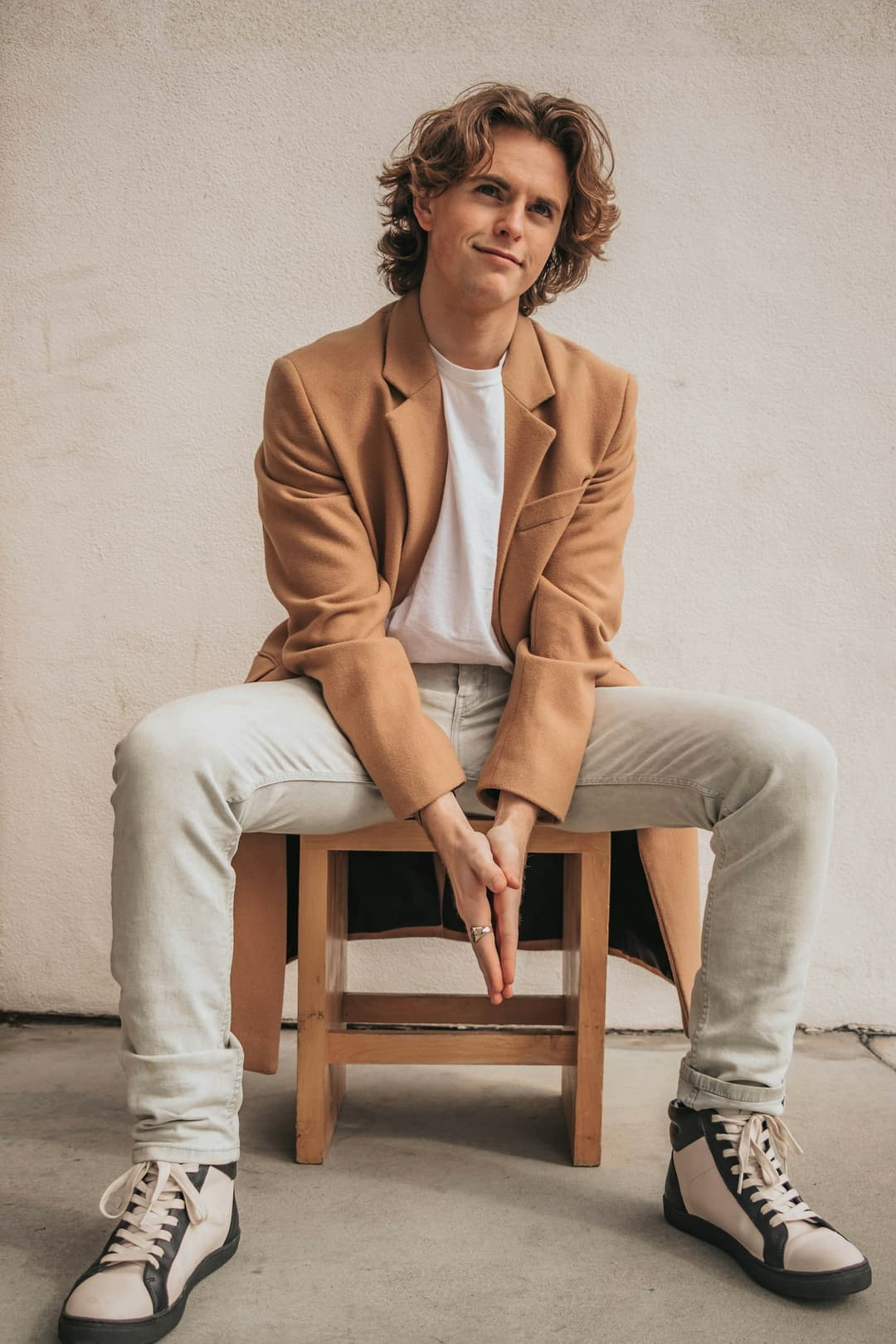 Main character
1 Pick a look · optional
Describe what happens, in your own words. To change outfit or place, pick a look or switch on New outfit or scene.
Failed renders refund credits
Turn a photo into a video with AI
Dromana turns one photo into a short video. Upload a selfie, an outfit shot, a product or a landscape, say what should happen — or pick a look from the library and step into it — and generate. No editing and no timeline.
Step 1
Add a photo
A JPG, PNG or WebP up to 8 MB. Portraits, full-body shots, products and landscapes all work.
Step 2
Pick a look or describe the motion
Choose a finished look to be recreated in it, or write what happens: a dance, a walk, a turn to the camera. Big full-body moves hold together on Dromana.
Step 3
Generate and share
Sign in when you press Generate. Most clips are ready in one to three minutes. Download the MP4 or share it straight to TikTok, Instagram, WhatsApp and more.
Tips for better results
- Choose a sharp, well-lit photo with the face clearly visible.
- For dances and full-body moves, use a photo that shows the whole body.
- Say what moves and how the camera moves: “spins, hair flying, the camera circling”.
- Vertical 9:16 suits TikTok, Reels and Shorts; 16:9 suits YouTube.
- Want a new outfit or place too? Pick a look, or switch on New outfit or scene.
FAQ
Is this AI video generator free?
Yes, to start. New accounts get 70 free credits once — enough for a 5-second video and a few images — plus 35 more each day you visit, no card needed. Free results carry a small Dromana watermark; paid plans don’t.
How long are the videos?
Dromana makes 5-, 8- or 10-second clips (a 5-second clip is 70 credits). Other models go up to 30 seconds and up to 1080p, and show their price before you generate.
Can I make a video without a photo?
Yes. Switch to Just words, or open the text to video page, and describe the clip. The photo is optional; a look needs one.
Will it keep my face?
Yes — your photo is the first frame, and on models that take a character reference it guides every frame, so faces stay theirs through big moves and across cuts. A clear, front-facing photo works best.
What do I get when it’s done?
An MP4 you can download or share. You can also make a share link; anyone with it can play the clip until you delete it.
Also try AI Image for Y2K and 80s portraits, or see pricing.